
At Designers Choice, we know that turning your ideas into a real flyer design can sometimes feel hard.
You might have a great idea for a new product launch or a big party, but you do not know how to make it look good on paper or a screen.
In the past, you had to hire a person to do the graphic design or spend days learning hard software. But now, things have changed. With the power of artificial intelligence, making professional flyers is easy for everyone.
An ai flyer maker is a smart tool that does the hard work for you. It uses the power of ai to look at what you want and builds a perfect flyer in seconds. You do not need to be an expert. You do not need expensive classes. You just need your idea and an ai tool.
We want to help you bring your vision to life. Whether you need marketing materials for your shop or social media posts for your personal brand, an ai flyer generator is the answer. It helps you make unique visuals that grab attention. At Designers Choice, we believe that everyone deserves to have top-quality designs. That is why we are talking about how an ai flyer creator can change the way you work. It takes the heavy lifting out of the creation process. You get to focus on your message while the AI generator handles the colors, layout, and design elements.
This article will show you how to use these tools.
We will talk about free AI flyer maker options and how to go from a simple text prompt to a finished design.
Let’s look at how you can make customizable templates work for you.
Why Choose Our AI Flyer Maker For Your Marketing?
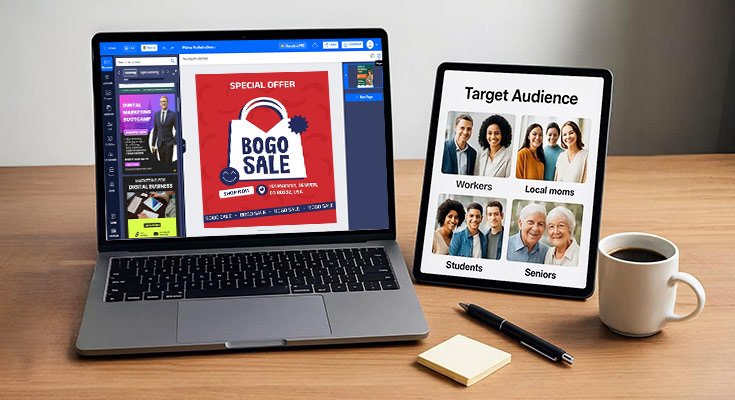
Marketing is very important for any business. If you want people to know about your business details, you need to show them. An AI flyer maker is the best choice for this. It is fast, easy, and looks great. Here is why you should use one for your marketing campaigns.
Save Hours with Automated Design Layouts
Time is money. When you run a business, you have a lot of things to do. You cannot spend five hours moving pictures around on a screen.
A traditional flyer creator might make you do everything by hand. You have to pick the font, draw the boxes, and line everything up.
This takes a long time. With an AI flyer maker, the creation process is automated. You give the tool some info, and it gives you a balanced layout right away. It knows where to put the headline, the image, and the contact details. It creates a flyer vision that looks organized.
You can save hours of work. Instead of struggling with a blank page, you start with a design that is almost done. This lets you make advertising campaigns much faster. You can make a flyer in the morning and post it on social media platforms by lunch.
No Design Skills Required
Many people think they cannot make a flyer because they are not artists. They worry that they do not have design skills. With an ai flyer generator, this does not matter. The tool has the skills for you.
The artificial intelligence knows what looks good. It understands how to match colors and which fonts are easy to read. You do not need to know about “white space” or “color theory.” The ai design engine does it all. It acts like a professional designer sitting right next to you.
You can make professional flyers that look like they cost a lot of money to make. Even if you have never done graphic design before, your output will look amazing. This is great for small businesses that cannot hire a full-time designer.
Cost-Effective Solutions For Small Businesses
Hiring a graphic designer is expensive. Buying big software packages like Photoshop can also cost a lot. For a small shop or a startup, this is a lot of money. An ai flyer maker is a very cost-effective choice.
Many tools offer a free plan or a free ai flyer generator option. This means you can start without paying anything. Even the paid versions are much cheaper than hiring a person. You get access to flyer templates, stock photos, and powerful tools for a low price.
This helps you keep your budget for other things, like buying stock or paying rent. It creates a level playing field.
Now, a small bakery can have marketing materials that look just as good as a big chain store. You get high value for a low cost.
Top Features of the Best AI Flyer Maker

Not all tools are the same. The best AI flyer maker will have special features that make your life easier.
At Designers Choice, we look for tools that offer these top benefits.
Text-to-Design Generation
This is a magical feature. It is often called ai flyer generator from text. You simply type what you want into a box. For example, you might type: “Make a flyer for a summer sale at a shoe store, use bright colors.” The ai writer and design engine work together.
The ai generator reads your words and builds the design. It picks images of shoes.
It chooses bright colors like yellow and red. It writes a catchy headline. This is the power of the text prompt. You describe it, and the AI builds it. This feature is perfect for when you have an idea but do not know how to start. It turns your words into digital flyers instantly.
Smart Brand Kit Integration (Logos, Fonts, Colors)
Your brand is your identity. When people see your flyer, they should know it is from you. The best tools have a brand kit. This lets you save your brand assets. You can upload your logo using an AI logo maker or your own file. You can save your brand colors and custom fonts.
When the AI flyer creator makes a new design, it uses these things automatically. It puts your logo in the corner. It uses your special shade of blue. This ensures brand consistency. Every promotional flyer you make will look like it belongs to your company.
You do not have to pick the colors every time. The tool remembers your brand identity for you.
One-Click Resize For Social Media
Today, you need to share your message everywhere. You need a printed flyer, but you also need a post for Instagram and Facebook. These social media platforms use different sizes. A printed flyer is tall. An Instagram post is a square.
A top AI flyer maker has a one-click resize feature. You make your perfect flyer once. Then, you click a button to change it to a square for Instagram or a tall rectangle for a story. The AI design moves the text and images to fit the new shape. It keeps the balanced layout.
This saves you from making the same design three times. It makes sharing on social media very fast.
Access to Millions of Stock Photos
A good flyer needs good pictures. But taking professional photos is hard. The best flyer creator tools give you access to millions of stock photos. You can search for anything. Need a picture of a happy family? A picture of a pizza? A beach at sunset? You will find it.
Some tools even have an ai image generator. If you cannot find the right photo, the AI can make one for you. This image generation creates unique pictures that no one else has. You can also upload your own product photos if you have them.
Having great images makes your flyer design look high-quality and trustworthy.
How to Use an AI Flyer Maker in 3 Easy Steps
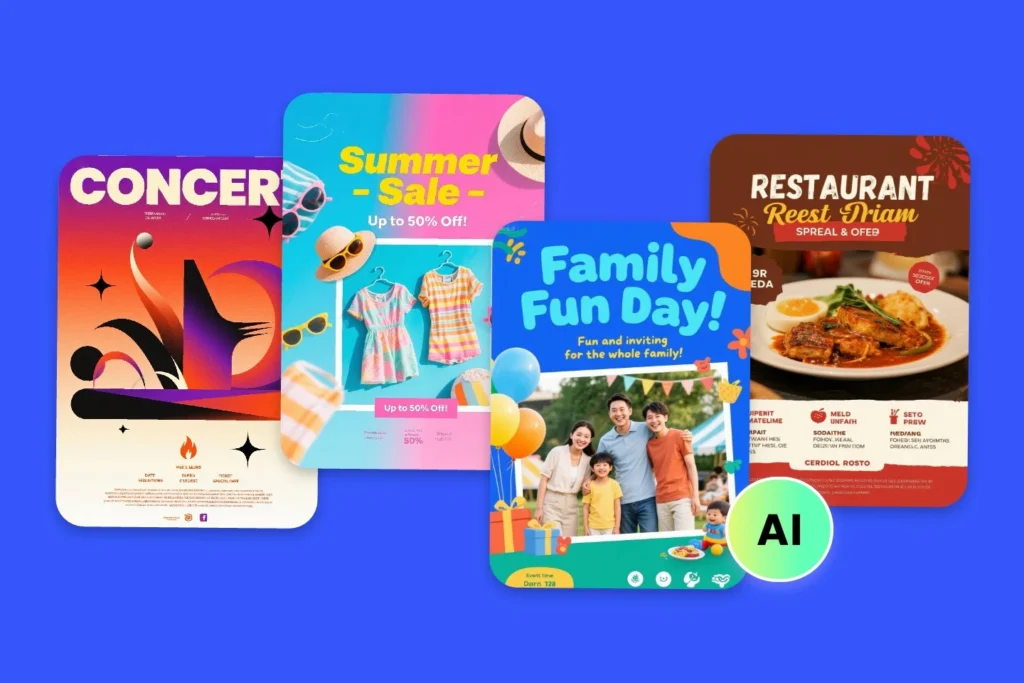
Using these tools is very simple. We want to show you exactly how to do it. Here is the process to create custom flyer designs.
Step 1: Enter Your Text Prompt
First, you need to tell the AI what you want. Open the AI flyer maker. You will see a box to type in. This is where you put your text prompt.
Be specific. Tell the AI the business name. Tell it what the event is. For example: “Grand Opening for Designers Choice Coffee Shop. Saturday at 9 AM. Free coffee for the first 100 people.” The more detail you give, the better the result.
You can also say what style you like, such as “modern,” “vintage,” or “fun.” This helps the AI tool understand your mood.
Step 2: Customize the AI-Generated Template
After you hit enter, the tool will show you several options. These are flyer templates made just for you. Pick the one you like best.
Now, you can change it. Even though the AI did the heavy work, you can still add your touch. You can change the text content if there is a typo. You can swap the image for one of your product photos. You can change the colors to match your brand kit.
You can add a QR code so people can scan it to go to your website.
This step is easy. It is usually drag-and-drop. You can add design elements like shapes or icons. This ensures the flyer meets your exact needs.
Step 3: Download For Print Or Digital Sharing
Once you are happy with the look, it is time to save it. You can download for print if you want to hand them out. The tool will let you save it as a PDF or high-quality image. If you want to use it online, you can save it as a JPG or PNG. These are perfect for digital flyers.
You can email them or post them on social media. The quality will be sharp and clear. Now you have a finished piece of marketing ready to go.
Who Can Benefit From an AI Flyer Maker?
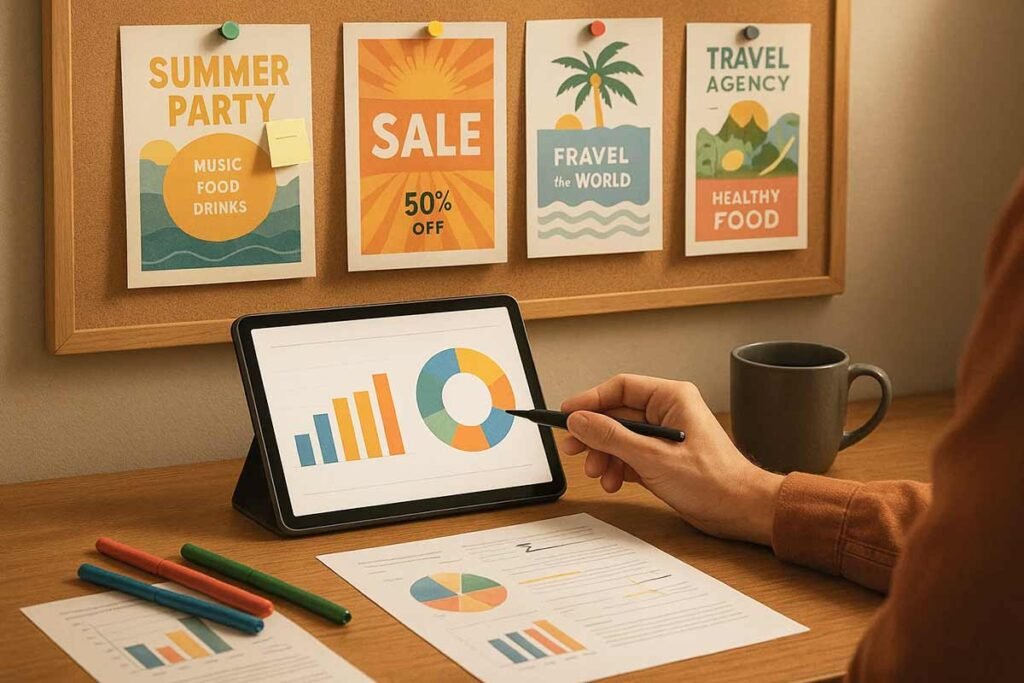
Almost anyone can use these tools. At Designers Choice, we see many different types of people using ai flyer generator tools.
Here are a few groups that benefit the most.
Event Planners and Promoters
If you plan parties, concerts, or meetings, you need flyers fast. Event planners have to share event details quickly.
An AI flyer maker helps you create event flyers in minutes. You can make a flyer for the main event and different versions for social media. It helps you sell tickets and get people excited. The unique visuals help your event stand out from others.
Real Estate Agents
Selling houses requires great photos and clear information. Real estate agents use flyers to show off new homes.
You can put the house photo, the price, and your contact info on the flyer. An AI flyer maker can make the layout look very elegant.
It helps you look professional to buyers and sellers. You can create “Just Listed” or “Open House” flyers very fast.
Restaurant and Retail Owners
Shops and restaurants always have news. maybe you have a new product or a new menu item.
Maybe you are having a holiday sale. Restaurant and retail owners can use an ai flyer generator to tell customers about these things.
You can take a picture of your food or clothes and put it on a flyer. It helps drive foot traffic to your store. It is a key part of business promotions.
Educators and Non-Profits
Schools and charities need to spread the word, but they often have small budgets.
Educators and non-profits can use a free ai flyer maker to save money. You can make flyers for fundraisers, school plays, or community meetings.
It helps you share important information without spending money on a designer. The ease of use means volunteers can make the designs too.
How AI Flyer Makers Help Small Businesses in the USA?
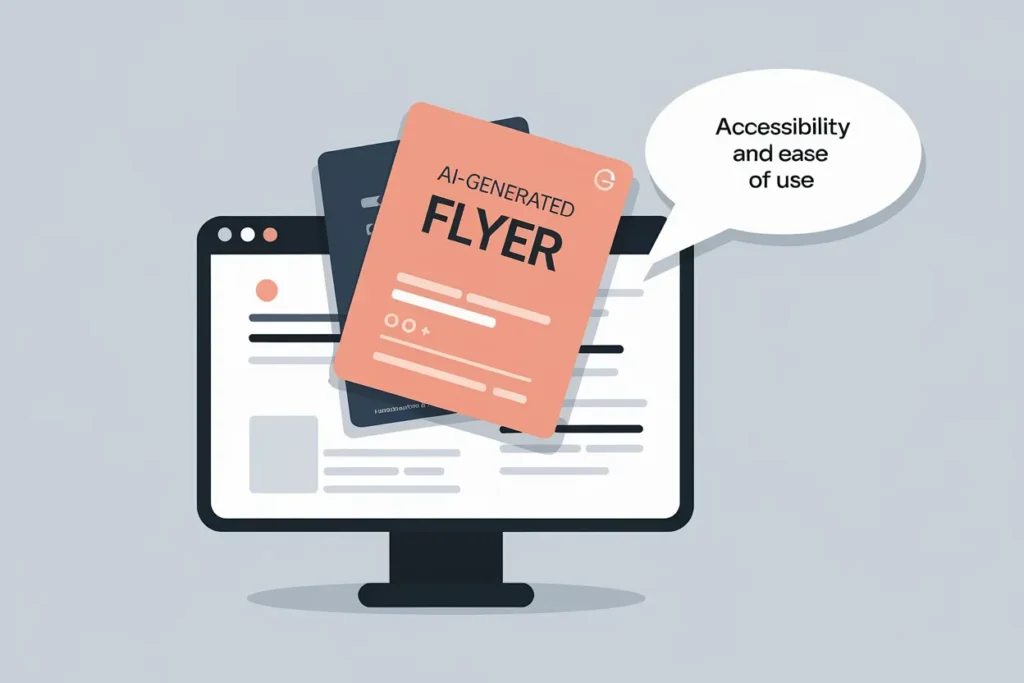
In the USA, small businesses are very important. They need every advantage they can get. AI flyer makers are a powerful helper for these companies.
Quick Professional Design Without Graphic Skills
We talked about this before, but it is very true for US businesses. The market is competitive. Your marketing materials need to look good.
But you are busy running the business. You do not have time to learn adobe express or complex tools. The ai flyer maker gives you quick professional design. You look like a big company, even if it is just you. This builds trust with your customers. They see a nice flyer and think, “This is a good business.” It removes the barrier of needing design experience. You can compete with the big brands.
Mobile App Accessibility For On-the-Go Editing
Many business owners are not sitting at a desk. They are in the kitchen, on the construction site, or in the store.
Many ai flyer generator tools have mobile apps. This means you can make a flyer on your phone. You can take a photo of a new item, open the app, use the ai image generator, add some text, and post it. This mobile app accessibility is great for on-the-go editing.
You can do your marketing while you wait in line or take a break. It fits into your busy life perfectly.
AI Flyer Maker Vs. Traditional Graphic Design Tools
You might wonder, “Should I use AI or the old tools?” Let’s compare an ai flyer maker with traditional design tools.
Traditional tools give you a blank screen. You have to draw every box.
You have to pick every font. This gives you total control, but it takes a lot of skill and time. You need to know how to balance the layout.
If you are a pro designer, this is fine. But for most people, it is hard.
An ai flyer maker or ai flyer generator Canva gives you a head start. It does the setup for you. It suggests the best design elements.
It is much faster. You might have a little less control over every single pixel, but the speed and ease of use are much better.
Also, traditional tools do not have ai writer features. You have to write all the text yourself. The ai tool can help you write catchy headlines.
Traditional tools do not generate images from nothing. The ai image generator can create art for you.
For most business needs, the ai flyer maker is the smarter choice because it combines writing, designing, and image creation in one place.
FAQ’s:
Is the AI Flyer Maker Free to Use?
Yes, many tools offer a free plan. You can use a free ai flyer maker to create designs without paying. Some advanced features, like premium stock photos or resizing, might cost money, but the basics are often free.
Do I Own the Rights to the Designs Created With the AI Flyer Maker?
Usually, yes. When you make a design, you can use it for your business. However, you should always check the rules of the specific AI tool you use. If you use stock photos, make sure they are cleared for commercial use.
Can I Upload My Own Images and Logos?
Yes. To keep your brand consistency, you should upload your own brand assets. You can add your logo from an AI logo maker and your own product photos. This makes the flyer truly yours.
What File Formats Can I Download?
Most tools let you download standard formats. For digital flyers, you can get JPG or PNG files. For printing, you can usually get a PDF file. This ensures your flyer design looks sharp on paper.
Can I Generate Flyers From Text Using A Free AI Flyer Maker?
Yes, the text prompt feature is often available in free versions. You can type “Sale flyer for flower shop,” and the AI flyer generator from text will work. It creates the layout based on your words.
How Accurate is the Text Generation on the Flyers?
The AI writer is very smart, but it is not perfect. It puts placeholder text that makes sense. You should always read it and fix any mistakes. Make sure your contact details and prices are correct before you print.
Is It Possible to Create Both Flyers and Posters With the Same AI Tool?
Yes. Most tools are also a poster maker. You can pick different sizes. You can create a small flyer and a big poster with the same design style.
How Do AI Flyer Makers Compare to Traditional Flyer Design Software?
AI flyer makers are faster and easier. They are for people who want good results quickly. Traditional software is for professional designers who need total control. For most marketing needs, the AI tool is better because it saves time and does the heavy lifting.
Conclusion
At Designers Choice, we want you to succeed. We know that good design helps your business grow. The new wave of AI flyer maker tools is a game-changer. They allow anyone to create professional flyers without years of training.
By using an ai flyer generator, you save time and money. You can turn a simple text prompt into a beautiful design. You can maintain your brand identity with a brand kit. You can share your message on social media and in print with ease.
Whether you need a promotional flyer, event flyers, or just a way to share business details, these tools are here to help.
Don’t let the fear of design stop you. Use the power of ai to build your marketing campaigns. Try a free ai flyer generator today and see how easy it is. You have the vision; let the AI help you show it to the world. Your perfect flyer is just a few clicks away.
