
Welcome to Designers Choice. We are very happy you are here. We know that design is not just about making things look good.
It is about solving problems and making your ideas come to life. We have spent years working with designs, materials, and creative projects.
We built this website to be the helper we always wanted. We want to share our tips and tools with you.
Today, we are talking about streaming. If you stream on Twitch, you know that the chat is very important.
It is where your viewers talk to you and to each other. One of the best ways to make your chat fun is by using free animated emotes for twitch.
When you watch big streamers, you see cool moving pictures in the chat. These are animated emotes.
You might think you need a lot of money to get them. But that is not true. You can get free animated emotes for Twitch or even make them yourself.
In this guide, we will show you exactly how to make animated emotes for twitch free. We will look at the best place to download them and the best online tools to make them. We want to help you build a great twitch channel without spending a single penny.
Let’s get started on making your stream look amazing.
Why You Should Use Free Animated Emotes For Twitch on Your Channel?
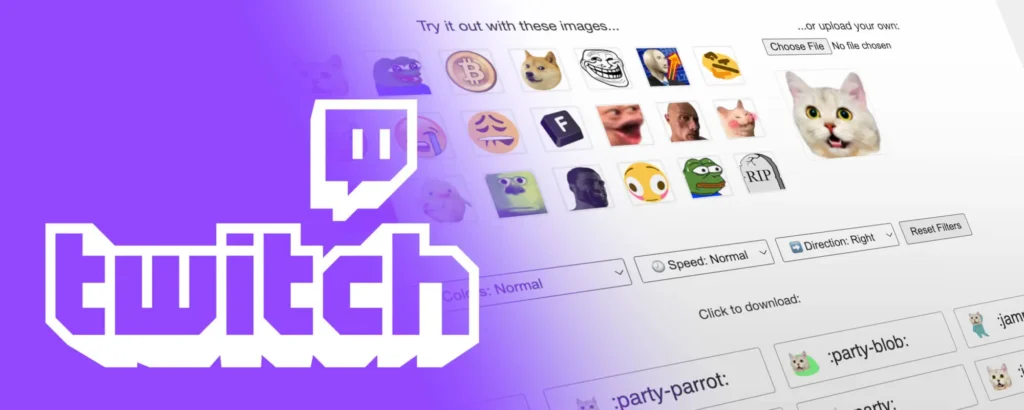
You might ask, “Why do I need moving emotes?” A static image (a picture that does not move) is good. But an animated one is much better.
Here is why you should add them to your stream.
Increasing Chat Engagement and Viewer Retention
When you are streaming, you want people to stay. You want them to type in the twitch chat. When a viewer types in the chat, they feel like part of the show. Animated emotes give them a fun way to react.
If something funny happens in your game, a simple smiley face is okay. But a laughing cat that shakes and cries tears of joy? That is a good idea.
It shows more emotion. When viewers see sweet animated emotes popping up, they want to use them too. This creates a chain reaction.
More people start typing. The chat moves faster. This is called engagement. When engagement is high, new people who find your stream are more likely to stay. They see a busy, happy community.
Twitch animated emotes are like little toys for your audience. They make the experience interactive.
It keeps the energy high, even if you are just sitting and talking.
Adding Personality to Your Stream Without Spending Money
Every streamer is different. You have your own style. Your Twitch channel should show that style.
Using Twitch’s default options is fine for beginners. But if you want to stand out, you need custom emotes. Maybe you are a cozy streamer who likes tea. You could have a steaming cup of tea emote. Maybe you play scary games. You could have a ghost that fades in and out.
These unique emotes tell a story about who you are. The best part is that you do not need to hire a professional artist right away.
By finding free Twitch emotes, you can test what your viewers like. It is a good way to add personality. You can have special animations that become inside jokes for your community. It makes your brand look professional. It shows you care about the details.
And you can do all of this for free.
Top Websites to Download Free Animated Emotes For Twitch
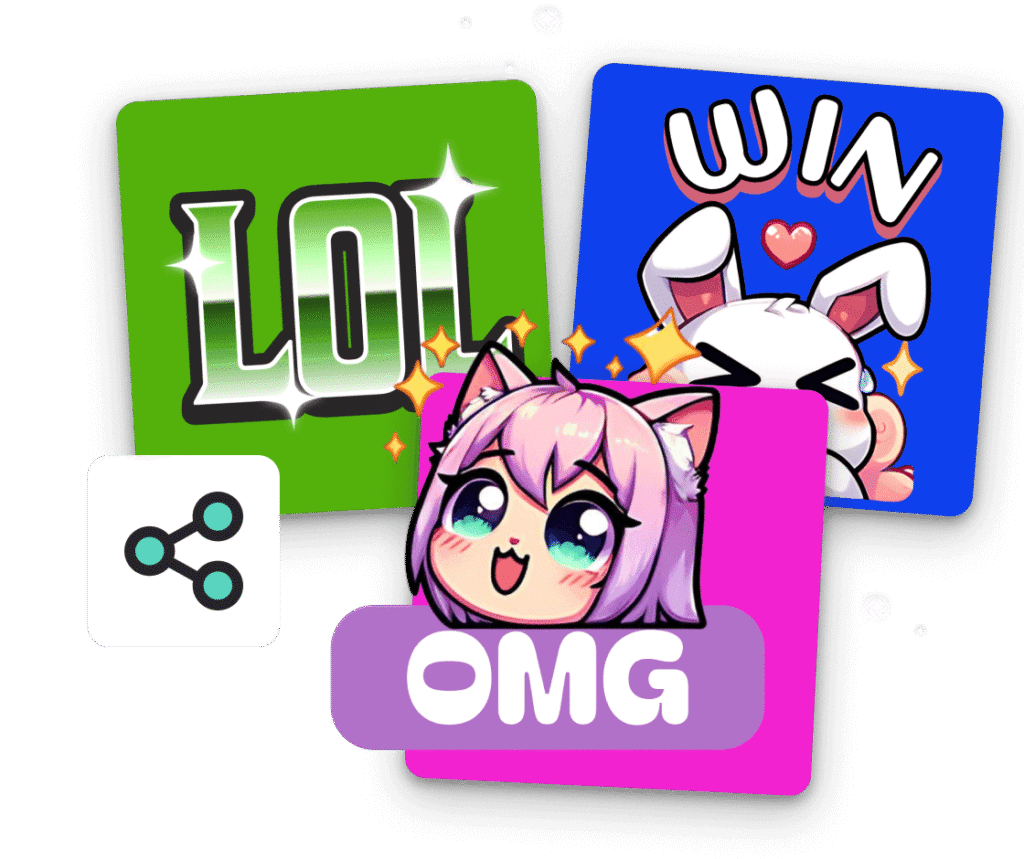
You do not always have to make emotes from scratch. There are many great websites where artists share their work for free.
Here are the top places to find free animated emotes for twitch.
7TV: The Modern Standard For Animated Emotes
7TV is very popular right now. It is a twitch extension.
This means it is a tool you add to your browser. It lets you and your viewers see many more emotes than Twitch allows by default.
7TV is loved because it allows for very high-quality animations. It supports a wide variety of fun emotes. You can find almost anything here. If you want a dancing cat, a spinning logo, or a funny meme, 7TV likely has it.
It is very easy to use. You log in with your Twitch account. Then you search for emotes.
When you find one you like, you click a button to add it to your channel. It is the best solution for streamers who want a huge library of options. It is completely free. The community on 7TV is very active, so there are always new emotes appearing every day.
BetterTTV (BTTV): The Classic Extension
BetterTTV, or BTTV, has been around for a long time. It is one of the first tools to bring animated emotes to Twitch.
Many big streamers use it. If you see an emote like “CATJAM” (a cat bobbing its head), it is likely from BTTV.
To use it, you and your viewers need to install the browser extension.
Once you have it, you can go into the BetterTV settings and pick the emotes you want. You can pick from a list of shared emotes.
BTTV gives you customization options, too. You can choose which emotes are active. It is a very stable and trusted platform.
It is a baseline emote tool that almost every content creator should know about. It helps fill the gaps that Twitch leaves open.
FrankerFaceZ (FFZ): Community-Driven Designs
FrankerFaceZ is another great site. It is very focused on the community. Real people make these designs and upload them.
While FFZ is famous for static emotes, they also support animated emotes now. The nice thing about FFZ is the quality control. Real people check the emotes. This ensures they are safe and look good.
You can find many own designs from talented artists here. You can also use FFZ to see emotes from BTTV and 7TV. It can act as a bridge.
This makes it a best place to start if you are confused by having too many extensions. You can browse thousands of free twitch emotes here.
It is a great resource for finding unique creation styles that match your specific game or vibe.
Gumroad and Ko-fi: Finding Artist Freebies
Gumroad and Ko-fi are different from the extensions above. These are websites where artists have their own shops.
Usually, artists sell things here. But, many artists offer free animated emotes for twitch as a gift.
They do this to get their name out there. It is like a sample. You can search for “free twitch emotes” on these sites. You will find packs of emotes.
You might find a pack of 5 animated hearts or a pack of animated text bubbles. When you download from here, you get the actual file.
This is great because you can upload them directly to your creator dashboard if you are an Affiliate.
It gives you full control. It is a nice way to support artists.
Even if the price is zero, leaving a nice comment or a small tip is a good idea. You can find some very sweet animated emotes that no one else has.
How to Make Your Own Free Animated Emotes For Twitch (DIY)?
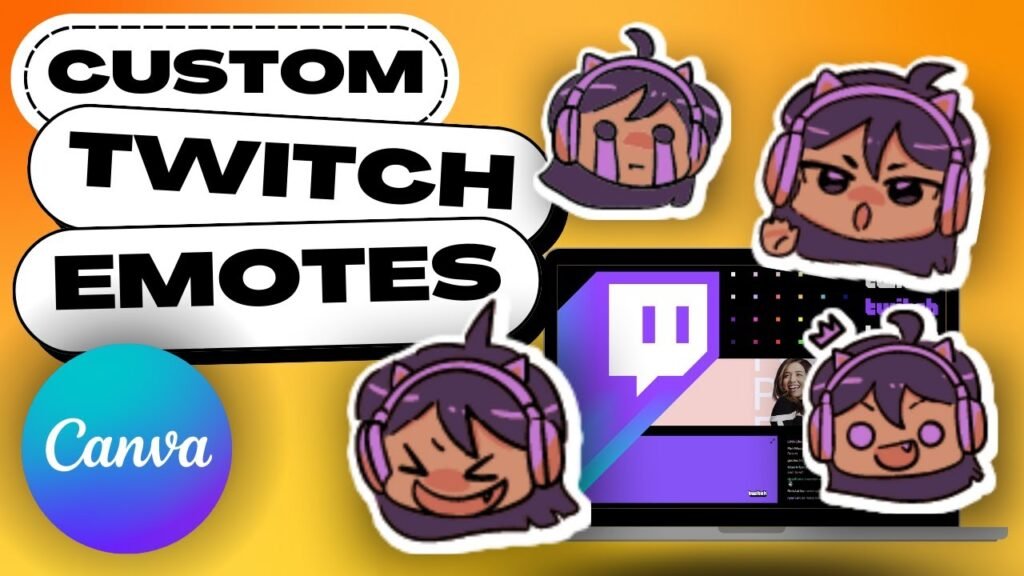
If you cannot find the perfect emote, you can make your own! Creating emotes for Twitch is fun. You do not need to be a pro.
Here is how to do it yourself.
Best Free Tools For Creating Emotes (Canva, Photopea, Ezgif)
You need the right tools. The best online tools are free and easy to use.
- Canva: Canva is very popular. It has an animated emote maker feature if you know how to use it. You can take a small graphic and animate it. You can make it bounce or fade. It is very simple to drag and drop items.
- Photopea: This is like a free version of Photoshop that runs in your browser. It is great for editing a static image or removing a background. You can use it to prepare your layers for animation.
- Ezgif: This is a website for editing GIFs. You can take a video and turn it into a GIF. You can resize images. You can optimize the file size. It is a very powerful tool for fixing your own animated emote.
You can also look at the own3d emote maker.
They have a tool where you can build a character. While some parts cost money, they often have free options or trials.
It is a unique creation tool. Own3d’s animated emote maker is helpful if you want a character that looks like you, but you cannot draw.
Converting Video Clips Into Twitch-Ready GIFs
Do you have a funny video clip? Maybe you made a funny face on stream. You can turn that into an emote.
First, take the clip of your video. Keep it very short. An emote is only a second or two. Next, go to Ezgif.
Upload your video. Use the tool to crop the video. You only want to show your face or the action. Remove the extra space.
Then, convert it to a GIF. You might need to remove the background to make it transparent. A transparent background is very important.
If you leave the background in, it looks like a box in the chat. You want just the head or the object to show. Ezgif has a tool to remove backgrounds, or you can use other free sites like Remove.bg before animating. This is a quick way to get custom emotes that are 100% you.
Understanding Twitch File Size and Resolution Limits
Twitch is strict about files. You cannot just upload a big 4k movie.
For animated emotes, the file must be a GIF format. The file size must be small. Usually, it needs to be under 1MB. If your file is too big, Twitch will reject it. The resolution is also key. Twitch used to ask for three sizes (28×28, 56×56, 112×112). Now, they have an auto-resize feature, but it is best to upload a square image, usually 112×112 pixels.
If you have a lot of frames or little movement, the file size changes.
Special animations with lots of colors take up more space. You have to balance the quality.
You want it to look good, but it must be small enough. Make sure the animation is of high enough quality so it is not blurry, but keep it simple.
How to Upload and Manage Free Animated Emotes For Twitch?
Once you have your files, you need to put them on Twitch. Here is the guide.
Step-by-Step Guide For Twitch Affiliates and Partners
If you are a twitch affiliate or a twitch partner, you can upload emotes directly to Twitch. This is a great perk.
- Go to your Creator Dashboard on Twitch.
- Look for the “Viewer Rewards” section on the left menu.
- Click on “Emotes.”
- You will see a section for “Animated Emotes.”
- Click the plus sign (+) to upload.
- Select your GIF file from your computer.
- Twitch will show you a preview. Name your emote. This is the code people will type (like “MyNameHi”).
- Click “Upload.”
After you upload, there is an approval process. Twitch staff or bots check the emote to make sure it is safe. This can take a few hours or a few days. Once approved, your Twitch chat can use them!
How to Enable Extension Emotes For Non-Affiliates?
If you are just starting, you might not be an Affiliate yet.
You have the least affiliate status. That is okay! You can still use emotes using the extensions we talked about earlier (7TV, BTTV).
- Go to the website (like BetterTTV.com).
- Log in with your Twitch ID.
- Go to the dashboard on that site.
- Upload your emote file there.
- Or, choose existing Twitch emote options from their library.
- Click “Add to Channel.”
Now, you must tell your viewers to install the extension.
If they have the extension, they will see your new emotes. It is a free bonus for your community. It works on such a platform very well.
Troubleshooting Common Upload Errors
Sometimes things go wrong. Here are common errors:
- File too big: The file size is over 1MB. Go to Ezgif and use the “Optimize” tool to make it smaller.
- Wrong dimensions: The image is not a square. Crop it to be a perfect square.
- Too fast/slow: The animation speed is weird. Adjust the frame delay.
- Copyright: You used a character you do not own. Twitch might reject copyrighted characters. Try to use your own emotes or royalty-free art.
If you cannot see the emote, check your Betterttv settings or other extension settings. Make sure “Emote Menu” is on.
FAQ’s:
Do I Need to Be A Twitch Affiliate to Use Animated Emotes?
To upload them directly to Twitch’s servers, yes, you usually need to be a Twitch affiliate or partner.
However, anyone can use Twitch extension tools like 7TV or BTTV to have animated emotes for free. It is a good idea for new streamers.
Can I Use Canva Or Similar Platforms to Design Free Animated Emotes For Twitch?
Yes! Canva is a great emote maker.
You can design a graphic and download it as a GIF with a transparent background (if you have the Pro version, or use a background remover after). It is one of the best online tools for beginners.
Are There Free Twitch Emote Makers That Support Animation?
Yes. Aside from Canva, you can use the own3d emote maker (check for free assets) or MakeEmoji.
There are many simple web tools. You can also use a static image and add effects in photo editors to create little movement.
What File Format Is Required For Animated Twitch Emotes?
Twitch requires the GIF format for animated emotes. The image must be a square. It must be under 1MB in size.
If you use extensions, they also prefer GIF or WEBP formats.
Can I Use Copyrighted Characters In My Free Animated Emotes?
It is risky. Twitch can reject emotes that use copyrighted characters. It is better to create unique creation designs or own designs.
If you use a famous cartoon character, you might get in trouble. Using own emotes is the safest path.
Why Can’t I See My Animated Emotes in the Chat?
If you uploaded them to Twitch, they might be stuck in the approval process. If you used an extension, make sure you and your viewers have the extension installed. Also, check your chat settings to ensure “Animate Emotes” is turned on.
How Many Animated Emotes Can I Upload For Free?
If you are an Affiliate, you start with one or a few slots. As you get more subscribers, you unlock more exclusive options and slots. Extensions like 7TV allow you to add a lot of animated emotes, sometimes over 50 or 100, for free!
Where Can I Find Communities For Sharing and Downloading Free Animated Twitch Emotes?
Discords for streamers are great. Also, the Reddit community for Twitch is helpful. The websites 7TV and FFZ are basically big communities sharing available options. You can find sweet animated emotes shared by others there.
Conclusion
Adding free animated emotes for Twitch to your channel is a smart move. It brings life to your Twitch chat. It helps you build a brand.
Whether you download existing Twitch emote packs or use a Twitch emote maker to create your own, the effort is worth it.
At Designers Choice, we believe in giving you the power to create. You do not need big budgets to have awesome rewards for your viewers.
You just need a little creativity and the right tools. We hope this guide helps you find or make the perfect custom emotes.
Start today. Go download a funny emote or try to make one. Your viewers will love the new features.
Remember, the goal is to have fun and connect with people. Animated emotes are just one tool to help you do that. Good luck with your stream!
