

At Designers Choice, we know how much fun it is to make art.
We love finding tools that help people show their creative ideas.
Being a designer or an artist is not just about having great skills. It is about having the right help to make your work shine. Our team looks for the best items to help you. We want to share a special tool with you today. This tool is changing how we look at photos and art. It is called Colorify AI.
Many people have old photos that are black and white. You might wish they had color. Or maybe you want to make creative stickers for social media. Perhaps you want to make a coloring book for your kids.
Doing this by hand takes a long time.
It can be hard if you do not know how to draw well.
But now, there is a fun way to do it all. Colorify ai is a free online tool that uses artificial intelligence to help you. It can fix old pictures. It can also be a coloring page generator. It works fast and is very easy to use.
In this article, we will talk about what Colorify AI is. We will show you its key features. We will see how it compares to doing work by hand.
We will also look at the price. If you want a sticker generation tool or a way to save old memories, keep reading.
Let us see how this tool can help you express creativity.
What is Colorify AI and How Does It Work?

Colorify ai is a smart computer program on the internet. It uses machine learning to look at images. It understands what is in a picture.
Then, it can add color to it or change it into something new. It is like having a smart art assistant. You do not need to be a pro to use it.
It is made for everyone. You can use it for personal use or even for commercial purposes. The tool has two main jobs.
First, it puts color into black and white photos. Second, acts as a coloring page generator. It can take your own photos and turn them into line art. It can also take a text prompt and make a unique coloring page.
This makes it a great choice for creative projects.
The Technology Behind AI Image Colorization
How does it put color in a photo? It uses artificial intelligence.
The computer has seen millions of photos. It knows that the sky is blue and grass is green. When you upload a black and white photo, Colorify AI guesses the right colors. It looks at the shapes and shadows. It fills in the blanks with colors that look real. This technology is very smart.
It can tell the difference between a shirt and a tree. It knows what skin tones look like. It does all the math and thinking for you.
You just wait a few seconds, and the picture is ready. It is much faster than painting by hand. It brings life back to sad or dull photos.
Why Automated Restoration Outperforms Manual Editing
Fixing photos by hand is hard. You need to know how to use big programs. It takes hours to paint every little part.
If you make a mistake, you have to start over. Automated restoration with Colorify AI is different. It is super fast. You do not need design skills.
Manual editing relies on your eyes only. But the AI has a huge brain full of data. It can see details you might miss. It keeps the photo looking smooth.
It does not leave messy brush marks. For most people, this is the best way to save time. You get a great result without the hard work.
Key Features That Make Colorify AI Stand Out
There are many art tools online. But Colorify AI has some special things. These key features make it a favorite for many users.
It is not just a line art colorizer. It is a full package for image fun.
One-Click Auto Colorization
The best part is how simple it is. You do not need to press many buttons. You just upload your picture. Then you click one button.
The AI does the rest. It is a true “one-click” tool. This is great for beginners. You do not need to learn a hard menu.
This feature works for old photos and sketches.
It can also colorize line art you drew. If you have a unique coloring page you want to fill, it can do that too. It saves you so much effort.
You get amazing coloring pages or photos in seconds.
High-Resolution Upscaling Support
Sometimes, old photos are small or blurry.
When you make them big, they look bad. Colorify AI helps with this, too. It has a feature to make images bigger and clearer.
This is called upscaling. It keeps the edges sharp. This is very important if you want to print your work.
If you use the coloring book generator to make pages, you want them to look crisp. Upscaling ensures your printable coloring pages look professional. It makes sure your creative stickers look good on social media too. You can print them out and they will not look fuzzy.
Batch Processing For Multiple Images
What if you have a whole album to fix? Doing one by one is slow. Colorify AI lets you do many at once. This is called batch processing. You can upload a group of photos. The tool will colorize all of them at the same time.
This is also great for making full coloring books. You can upload twenty simple text prompts. The tool will act as a coloring pages generator for all of them. You get a stack of coloring book pages quickly. This is good for teachers or sellers. It helps you get more work done fast.
Step-by-Step Guide: How to Use Colorify AI?
Using this tool is very easy. You do not need a manual. But we will show you the steps so you know what to do. Whether you are using the ai sticker generator or fixing a photo, the steps are similar.
Uploading and Prepping Your Images
First, go to the website. You will see a box to drop your image. If you are fixing a photo, choose a clear scan if you can. If you are using the page generator, you can type a description. This is the text prompt.
For example, you can type “a cute cat in a hat“. The ai coloring page generator will understand. It will get ready to make generated coloring pages. If you upload your own photo to turn into a coloring sheet, make sure it has good light. This helps the tool see the lines better.
Adjusting Saturation and Tone Settings
After the AI works, you see the result. Usually, it looks great. But sometimes you want to change it. You might want brighter colors.
Or you might want a different mood. Colorify AI lets you tweak things.
You can slide a bar to make colors pop. You can change the tone to look warm or cool. If you are making artistic styles for stickers, you can play with these settings. It helps you add your own touch. It allows for personal expression. You are the boss of how the final image looks.
Exporting Your Final Colorized Photos
When you are happy, it is time to save.
You can download the image to your computer. The tool lets you choose the format. You can save it as a picture file like JPG or PNG.
If you made printable line art, you can print it right away.
You can use these for coloring sheets at home. If you made a sticker, you can use it online. The quality is high. You can even use these images for commercial use if you have the right plan. It is very flexible.
Colorify AI Vs. Manual Photoshop Editing
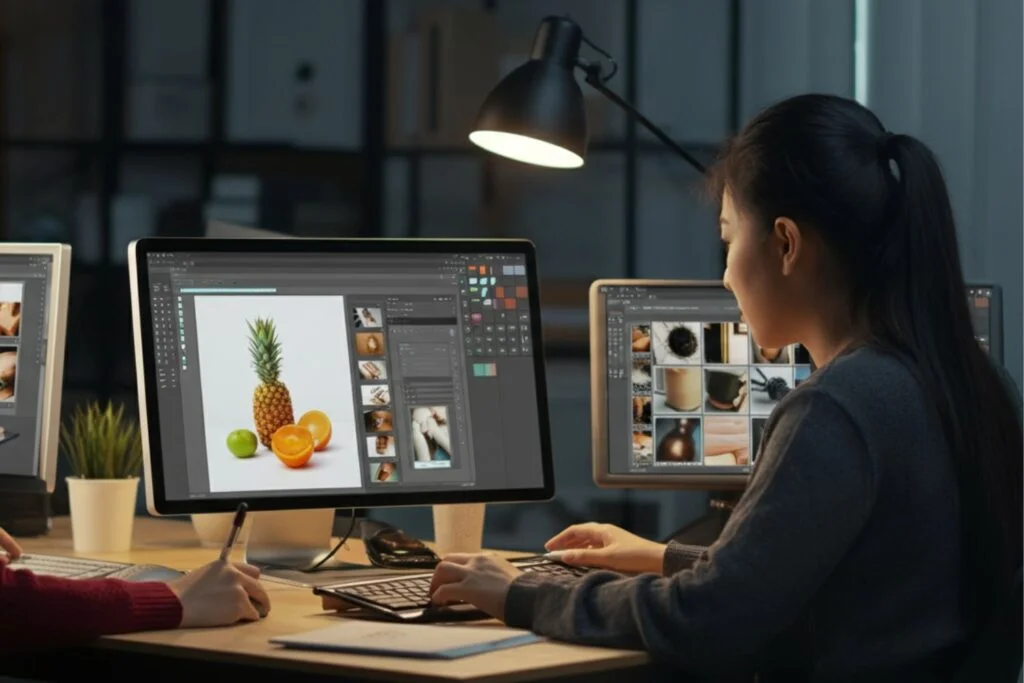
People often ask if they should use AI or big software like Photoshop. Both have good points. But for most people, AI is better.
Let us look at why.
Speed and Efficiency Comparison
Photoshop is a giant program. It takes a long time to open. Then you have to select tools and layers. To color a photo, you have to paint every spot.
It can take hours for one picture.
Colorify AI is instant. You upload and boom, it is done. It is a fast coloring page converter, too. If you want to make detailed coloring pages from a photo, AI does it in seconds. Photoshop would take all day to trace lines.
The AI gives you speed. You can make more art in less time.
Cost Effectiveness For Beginners
Big editing software costs a lot of money.
You have to pay every month. It is expensive for a hobby. Colorify AI is much cheaper. It even has free coloring pages features.
For a beginner, free or low-cost is best. You do not want to spend hundreds of dollars just to try generating coloring pages. With Colorify AI, you can start for free. You can see if you like it. It is a smart choice for your wallet. You get beautiful coloring pages without breaking the bank.
Pricing Plans: Is Colorify AI Worth the Investment?
Is it worth paying for? Let us see what you get. There are different plans for different needs.
Free Trial Limitations
You can use Colorify AI for free. This is great for testing. You can try the AI sticker generator to see if it works for you.
You can make a few free printable coloring pages.
But the free version has limits. You might not get the highest quality. You might have a limit on how many images you can do.
You might not be able to do batch processing. It is good for personal use now and then. But if you want to do a lot, you might need more.
Premium Subscription Benefits
If you pay a small fee, you get more power. You can make custom coloring pages in high quality.
You can use the coloring book generator to make big books. You get faster speeds. The paid plan is good for commercial purposes.
If you want to sell coloring books on Amazon, this is for you. You can make unique coloring books that no one else has. You unlock all the art styles. You can make endless creative stickers. For a pro or a serious hobbyist, the price is fair. It pays for itself with the time you save.
Common Use Cases For Colorify AI
Who uses this tool? Many kinds of people. It is not just for photographers. It is for teachers, parents, and artists.
Restoring Family Heritage Albums
This is the most popular use. We all have boxes of old photos. They are fading away. Colorify AI saves them. You can scan them and add color.
It makes the people in the photos look real again.
You can also use the tool to turn these photos into line art. Imagine making a coloring page of your grandparents’ wedding photo.
It is a unique coloring page idea. Kids can color their family history. It connects the past with the present in a fun way.
Colorizing Historical Documents For Education
Teachers love this tool. History books can be boring with black and white pictures.
Adding color makes history feel alive. Teachers use Colorify AI to show students what the past looked like. They also use the page generator for class. They can type “George Washington” and get a coloring sheet.
It is an AI coloring page generator that helps kids learn.
They can color their favorite characters or historical figures. It makes learning fun and visual. It helps with creative projects in school.
FAQ’s:
Is Colorify AI Free to Use, Or Are There Limitations?
Yes, colorify ai free version is available.
You can use it to try features like the sticker generator. However, the free version has some limits on size and number of pictures. For unlimited access to generated coloring pages, you might need to upgrade.
Does Colorify AI Require an Account to Access Its Features?
For some basic tools, you might not need one.
But to save your work or use the batch processing, it is best to make an account. It keeps your artistic styles and history safe.
Does Colorify AI Leave A Watermark On My Photos?
The free version might leave a small mark.
This is common with free online tools. The paid version removes all watermarks. This is important if you want printable line art for selling.
Is My Data Safe When I Upload Photos to Colorify AI?
Yes, the site uses security to keep files safe. They respect your privacy. Your own photos are not shared without your permission.
Can Colorify AI Fix Damaged Or Scratched Photos?
Yes, it does more than color.
It can help smooth out scratches. It cleans up the image before adding color. It makes restoring family heritage albums much easier.
What File Formats Does Colorify AI Support?
It supports common files like JPG and PNG. You can upload these formats to make coloring book pages or stickers easily.
What Do Users in the United States Say About Colorify AI In Their Reviews?
Users in the US love it. They say it is an amazing coloring pages tool. They like the colorify ai art features.
Parents love the free printable coloring pages for rainy days.
Many people praise the sticker generation tool for making chat stickers. They say it helps them express creativity without needing hard skills.
Conclusion
Colorify AI is a powerful tool for everyone. It mixes the best of technology and art.
Whether you are restoring family heritage albums or looking for a coloring page generator, it does the job well. It is easy, fast, and gives great results.
At Designers Choice, we think this tool is a winner. It opens doors for creative ideas. You can make custom coloring pages, creative stickers, and beautiful restored photos. You do not need years of training. You just need your imagination. The machine learning does the hard work.
If you want to try something new, give it a go. Turn your text prompt into art. Fix that old photo of your grandma.
Make a coloring book for a friend. The possibilities are endless. It is time to bring your visions to life with Colorify AI.
