
We at Designers Choice are a team of passionate designers with years of hands-on experience. We built our site to be the resource we always wished we had. We know the challenges of turning creative ideas into reality.
Finding perfect materials and staying ahead of design trends takes hard work. That is why we have gathered a collection of top-quality products, new solutions, and trusted insights. All of this is made for fellow professionals who demand the best. Our mission is to empower you to bring your boldest visions to life. We are backed by a community that values creativity, craftsmanship, and excellence.
Today, we want to talk about perplexity ai image generation capabilities.
As a very smart answer engine, it changes how we work with visual content. It uses powerful artificial intelligence to turn text into beautiful art. Let us dive in and see how this amazing tool works!
What Is Perplexity AI Image Generation?
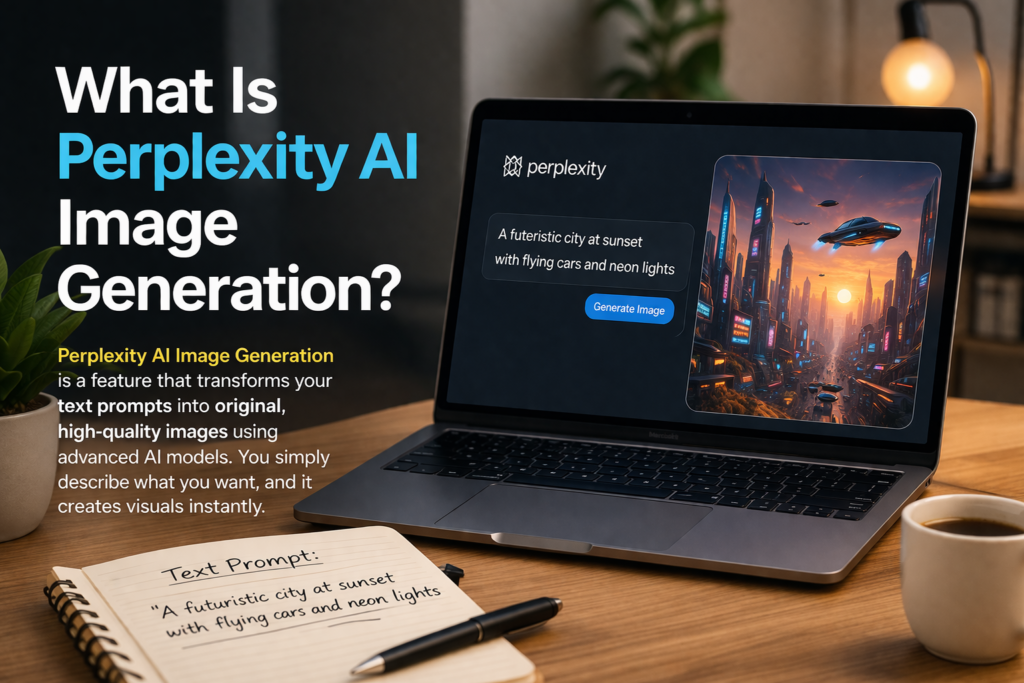
When you think of Perplexity AI, you might think of reading facts.
But it can do much more now. Image generation is a huge part of what it does. This means it takes the words you type and turns them into brand-new pictures. It uses natural language processing to read your sentences. Then, it uses generative AI to draw the art from scratch.
If you make posts for social media, you always need good pictures. This tool helps you get them fast.
You just give it clear text prompts, and it gives you what you asked for. It is like having a digital artist right on your computer.
How Perplexity AI Image Generation Works?
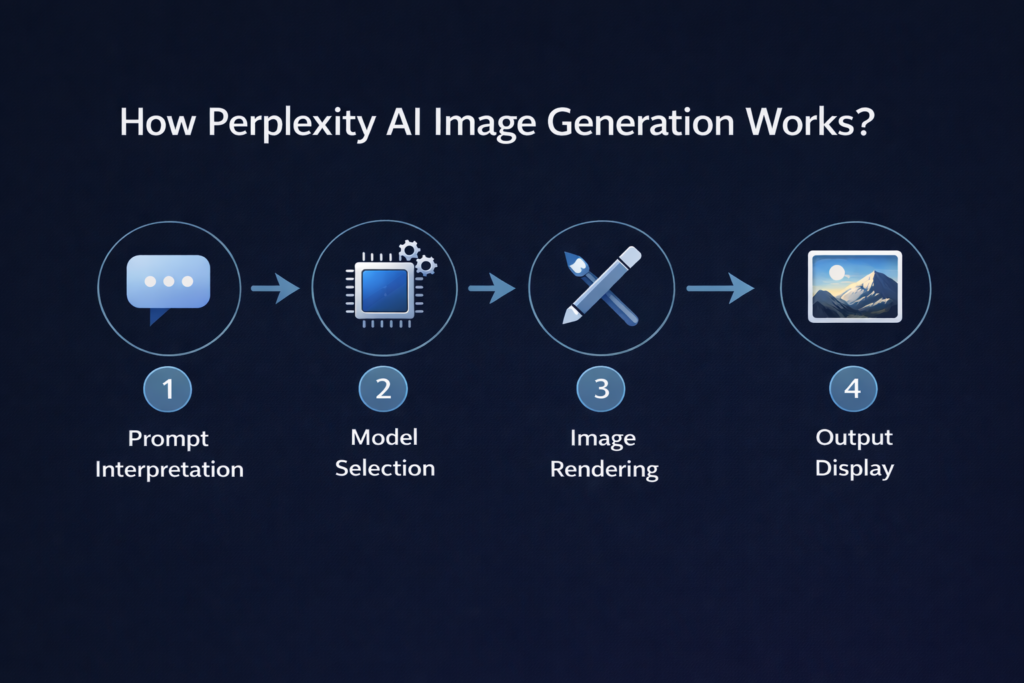
How does this smart tool make a picture from just words? The process happens in a few fast steps behind the scenes.
- Prompt Interpretation: First, the system looks at your query. It reads every single word you typed. It uses smart algorithms to figure out what kind of picture you want to see.
- Model Selection: Next comes the model selection phase. The system picks the exact right ai model to draw your art. Some models are good at fast sketches, while others are great at detailed photos.
- Image Rendering: Then, the true AI technology starts to work. This is the main image creation step. The system builds your picture pixel by pixel until it is completely drawn.
- Output Display: Finally, you see the finished picture on your screen. Now you can save it and use it for your work and fun projects.
Key Features of Perplexity AI Image Generation
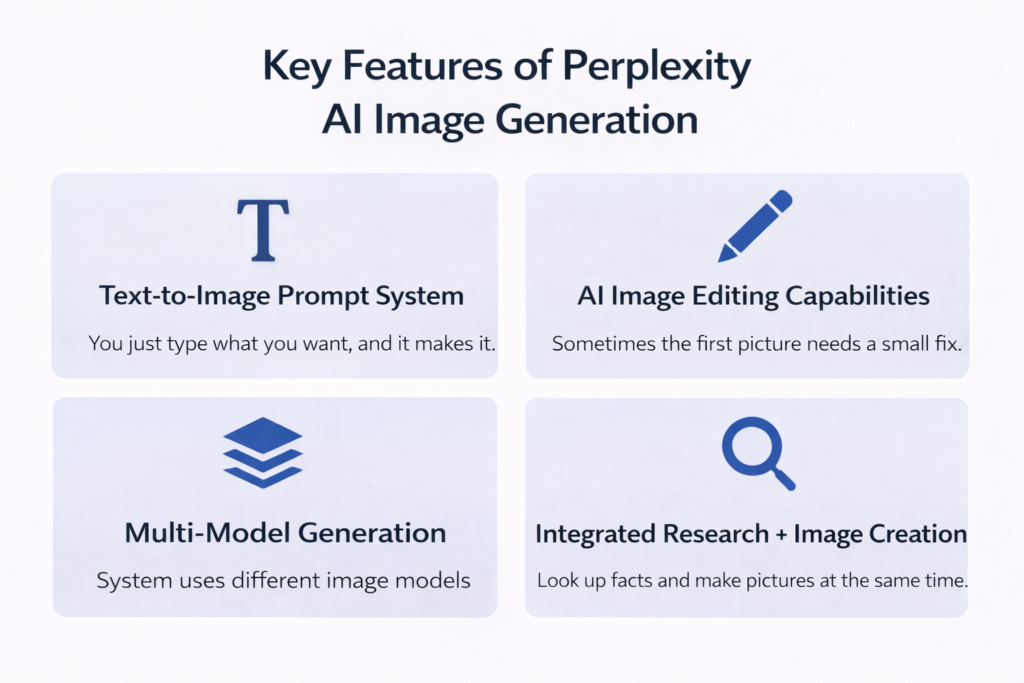
This tool has many great parts that make it stand out from the rest.
- Text-to-Image Prompt System: You just type what you want, and it makes it. This system is the core of its amazing image generation features. It turns simple words into bright, clear art.
- AI Image Editing Capabilities: Sometimes, the first picture needs a small fix. With basic image editing, you can change small details. This helps you get exactly what you need without starting over.
- Multi-Model Generation: You do not have to stick to just one style. The system uses different image models to give you fun choices. You can get a painting, a photo, or a cartoon.
- Integrated Research + Image Creation: You can look up facts and make pictures at the same time. This means you do deep research and get pictures fast. It saves a lot of time.
How to Generate Images Using Perplexity AI (Step-by-Step Guide)
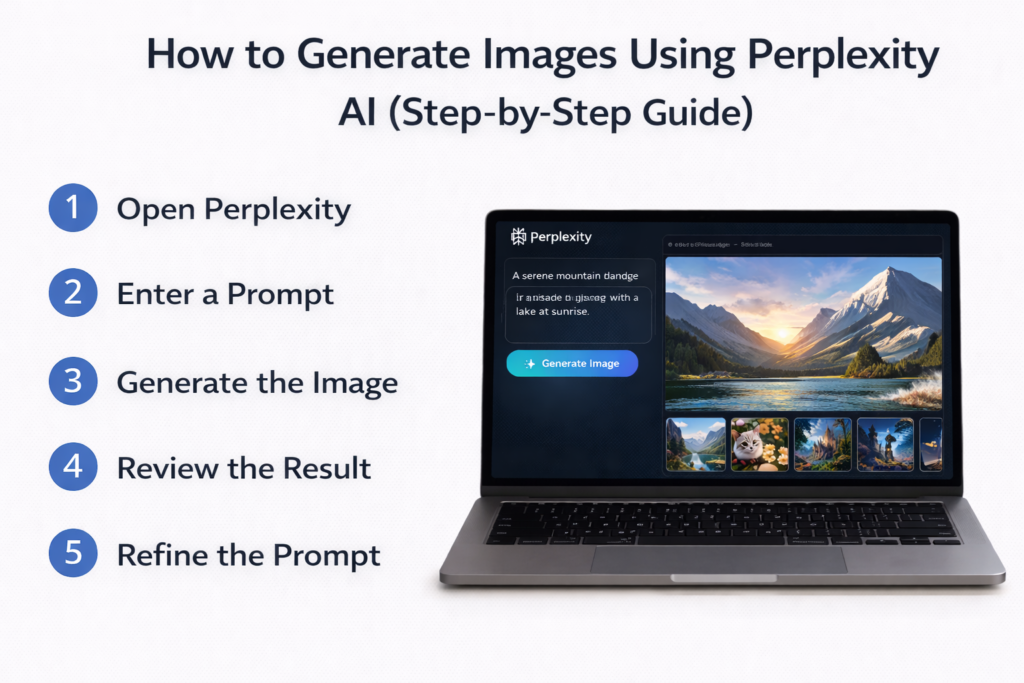
Making your own pictures is very easy. Just use these basic steps.
- Step 1: Open Perplexity – First, go to the official website on your computer or open the app on your phone. Make sure you are logged into your main account so your work saves.
- Step 2: Enter A Prompt – Type your fun idea into the search bar. Tell the system exactly what you want it to draw for you. A clear prompt always gets better results.
- Step 3: Generate the Image – Press the big button to start the job. The system will process your deep research queries and your art ideas all at once in a few seconds.
- Step 4: Review the Result – Look closely at the final picture it made. Check the image quality to see if it looks right. Does it match your bright vision perfectly?
- Step 5: Refine the Prompt – If the picture is not perfect yet, change a few words in your text prompt. Try again and again until the final result matches what you had in your mind.
The AI Models Powering Perplexity’s Visuals
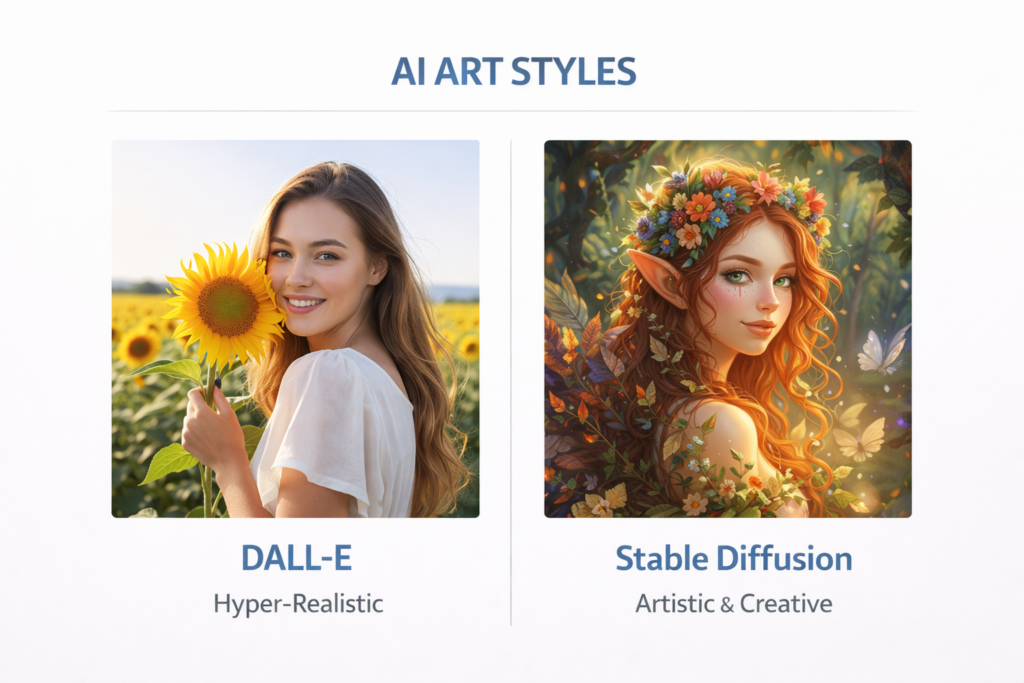
The magic behind this tool comes from very strong advanced models that work day and night.
Using DALL-E 3 For High-Detail Images
DALL-E 3 is one of the top tools right now in the world. It is famous for making very detailed and pretty pictures.
It is a huge part of modern AI’s image generation. When you need high-quality art for work, this model is a great choice.
Stable Diffusion and Playground AI Options
The smart system also gives you other good options like Stable Diffusion. These choices bring completely different styles to the table.
They make the total perplexity ai image generation capabilities very strong and flexible for all kinds of fun work.
Perplexity AI Image Generation Pricing and Limits
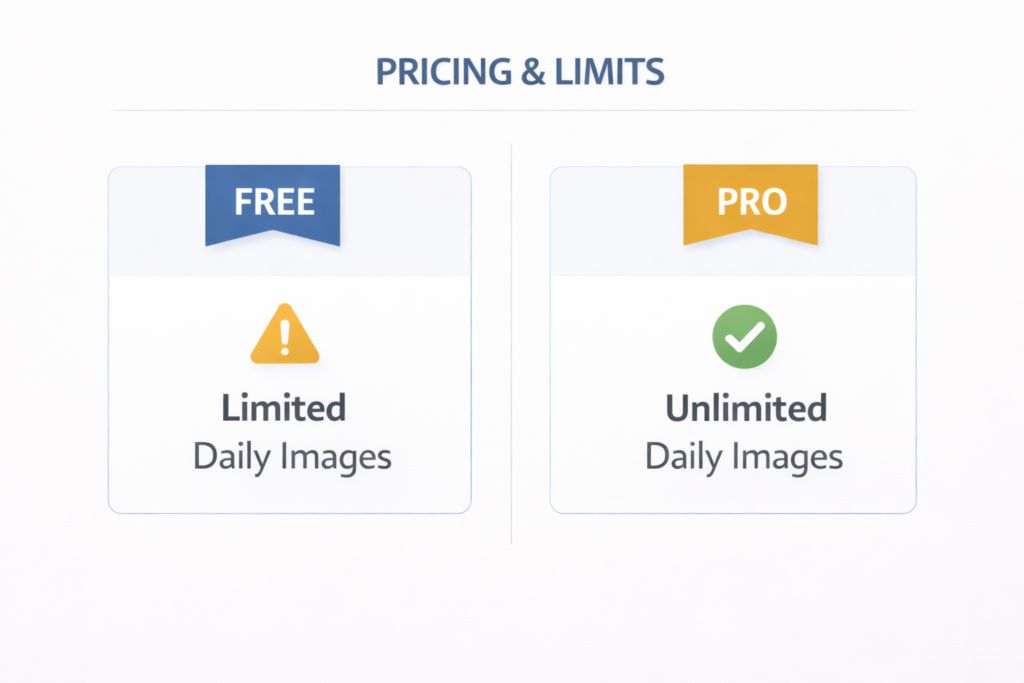
Is this tool free to use? Yes, there is a free plan. But you need to know about the perplexity image generation limit.
On the free version, you can only make a few pictures each day. This is a big question we hear: can perplexity pro generate images?
Yes, absolutely! When you upgrade to perplexity pro, you unlock much more power. Pro users have a much higher limit. If you need to make lots of pictures for your projects, the Pro plan is the best way to go.
Editing, Refining and Regenerating Images in Perplexity
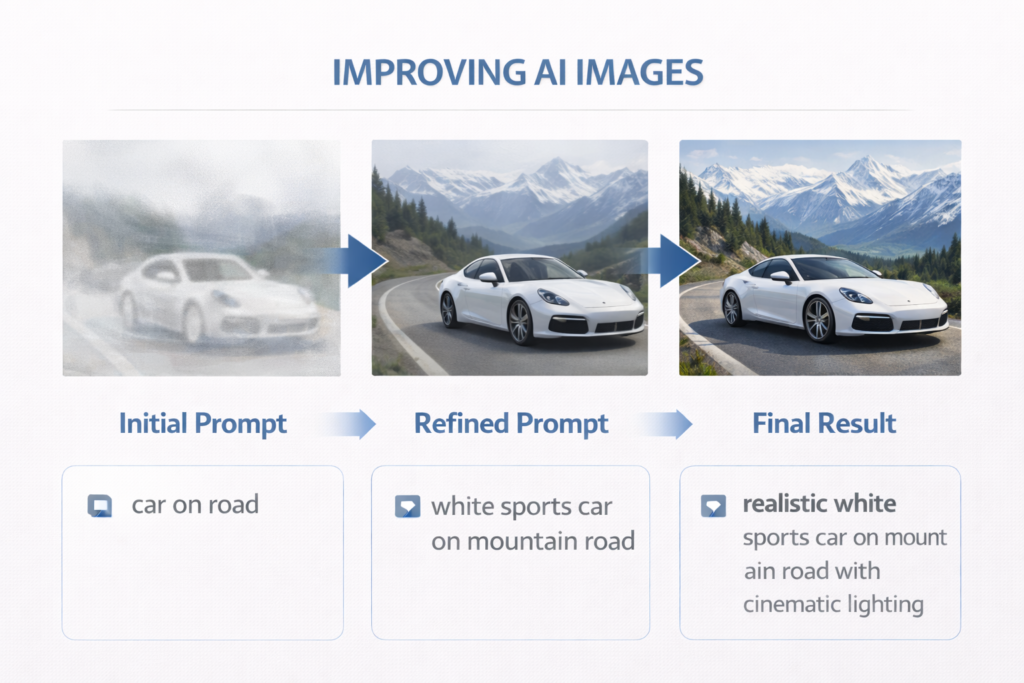
Sometimes the first picture the tool makes is not exactly right. You might want to fix a color or add a new detail.
You can refine your prompt by typing new, clearer words. Good text updates help you reach the best results. You can ask the tool to try again and again until you love the art. This basic image editing process is very helpful for everyone. It lets creators make small changes without starting completely over. If the tool draws a red car but you wanted a blue car, just tell it to change the color to blue.
Can You Use Perplexity-Generated Images Commercially?
If you work in digital marketing, you might want to use these pictures to sell things or promote your business.
Marketers love using AI art for ads, blog posts, and websites. Good pictures help boost your SEO and increase your brand visibility online.
Most of the time, you are allowed to use these pictures for your business work. However, you should always check the exact rules and terms on the website to be completely sure. The rules can sometimes change, so it is very smart to stay updated.
Using AI art can save your company a lot of money and time compared to hiring a photographer every single time.
Troubleshooting: Why Can’t Perplexity Generate My Image?
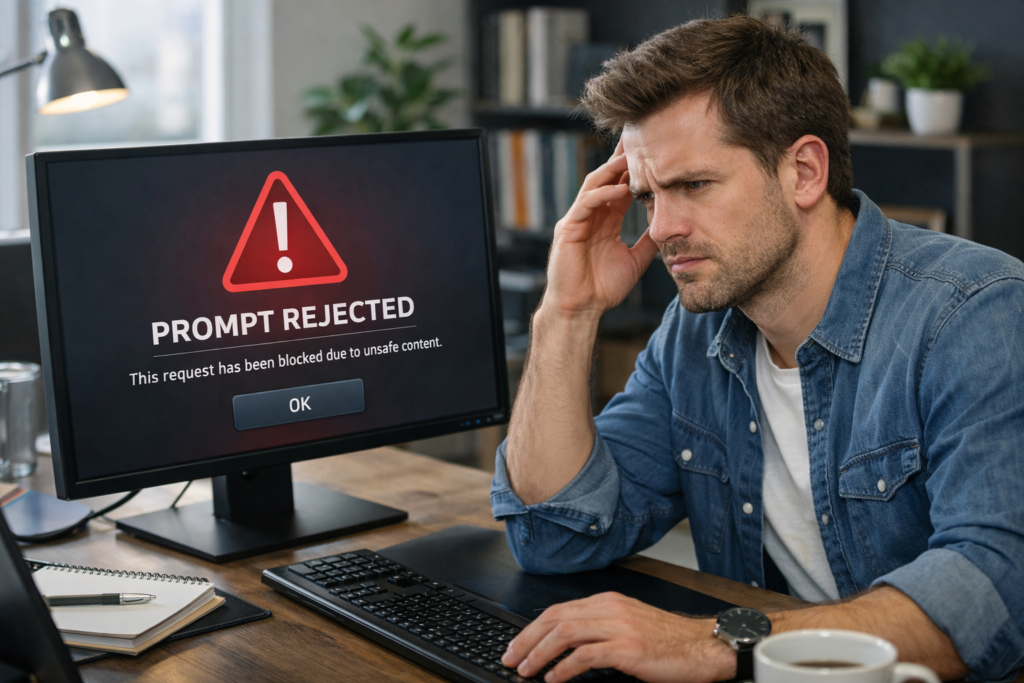
Sometimes the tool will not make your picture. Why does this happen? First, you need to check your words carefully. The ai technology has very strict safety rules. If you ask for something bad, violent, or unsafe, the system will instantly block your prompt.
Unlike older traditional search engines, this modern system works hard to keep everything safe and clean for everyone.
Another reason might be a bad internet connection on your end. Or, you might have hit your daily limit for making art. If the system stops working, just check your prompt, check your internet speed, and try again a bit later.
Perplexity Vs ChatGPT : Which Is Better For AI Image Generation?
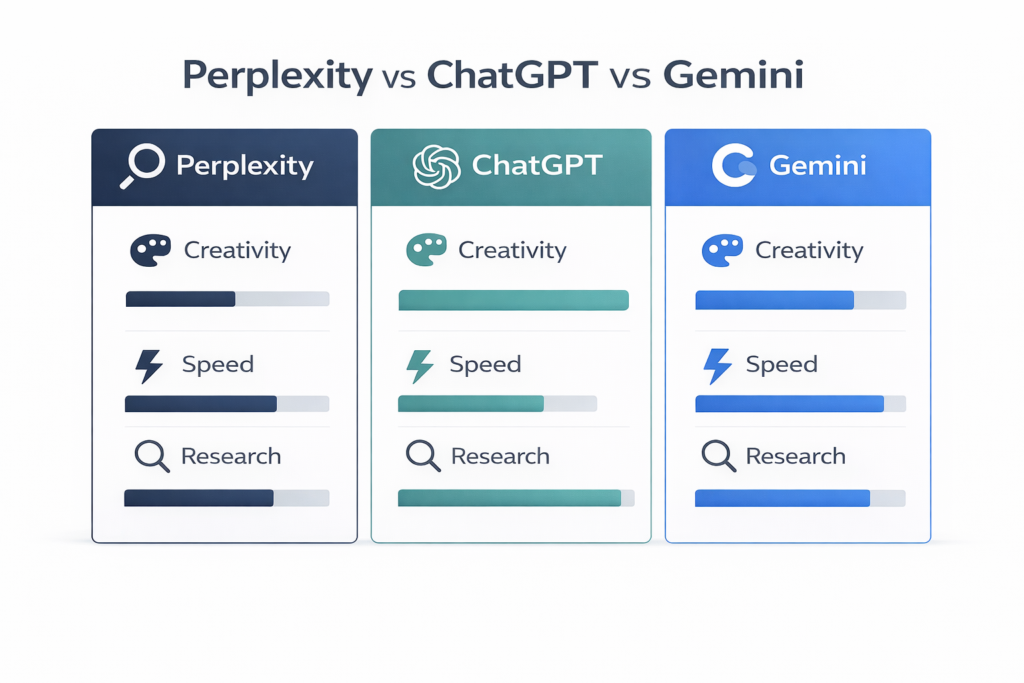
People always want to know how this tool compares to others. ChatGPT is a very famous tool. The upgraded version, ChatGPT plus, also makes amazing pictures. Some people also love to use Gemini from google.
So, which one is better? Perplexity is amazing because it links true facts with its pictures. It is great for fast learning. ChatGPT Plus is very creative and acts like a smart talking partner. Gemini is also very fast.
All of these tools are wonderful for content creation. The best choice depends on what kind of work you need to do today.
What Makes Perplexity Different From Other Image Tools?
This tool has a few special things that others do not have.
First, it gives you citations. This means it tells you exactly where it found its facts. If you ask a question and get a picture, you also get links to real websites. Most other tools do not do this at all. Right now, this tool does not do video generation or make audio. It focuses totally on strong facts, clear text, and great pictures. Because it provides exact sources, many content creators trust it more than other platforms.
Best Practices For Getting the Best Results
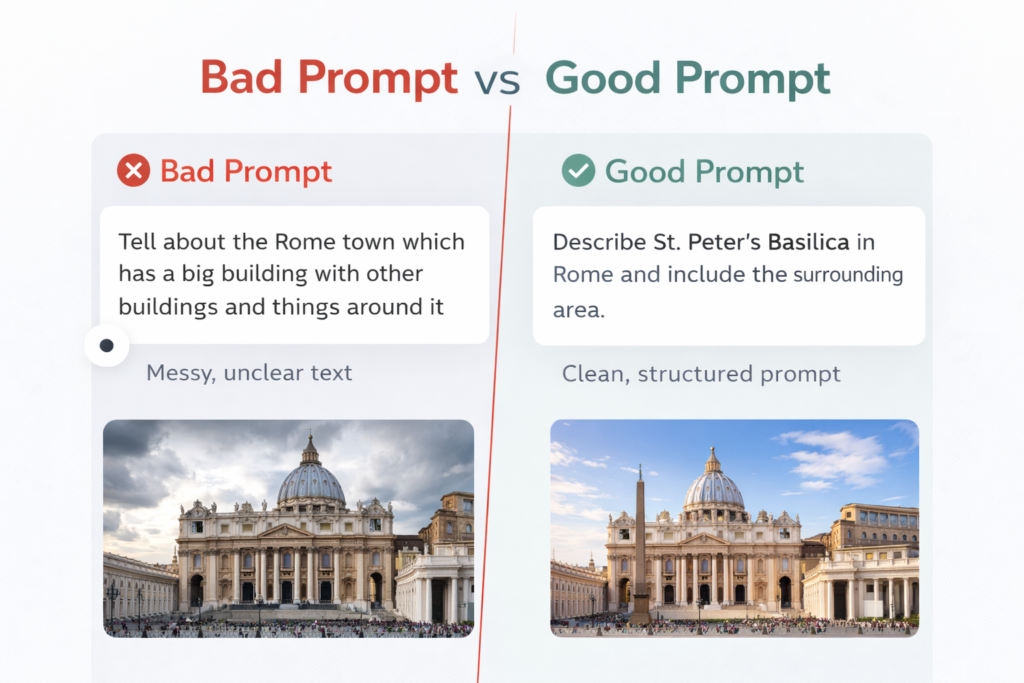
If you want great art, you need to follow some simple rules.
- Keeping Prompts Clear and Simple: Do not use big, confusing words. Keep your text short and simple. If you are clear, the tool will know exactly what to draw.
- Matching the Image Style to Your Topic: Always match your art style to what you are writing about. If you are writing a fun kids’ story, ask for colorful illustrations. If you are writing a serious business report, ask for clean, real-looking photos. Matching the style makes your work look much better.
Future of AI Image Generation in Perplexity
The future looks very bright and exciting for this amazing tool. We will soon see even faster and smarter systems coming out.
The total artificial intelligence inside it will keep learning and growing every single day.
In the future, we might even see new tools that let us put our pictures straight into our spreadsheets or business presentations with just one click.
As AI’s image generation gets better, it will become an even bigger part of our daily work and our personal lives.
We cannot wait to see what comes next!
FAQ’s:
Is Perplexity AI Image Generation Free to Use?
Yes, there is a free version you can try. But remember, the free version limits how many pictures you can make each day.
Can Perplexity Generate Photorealistic Images That Match Real-World Facts?
Yes, it is very good at taking real facts and making pictures that look like real, high-quality photos.
Can I Upload and Edit Existing Photos With Perplexity?
Right now, the tool focuses mostly on making brand-new pictures from the words you type. It is not built to be a full photo editor.
How Does Perplexity Keep an Image Tied to Its Sources?
It places neat, clickable links right next to the picture. This shows you exactly where the facts came from.
Are the Images Generated by Perplexity AI Copyright-Free?
Usually, you can use the pictures freely. However, laws are always changing. Always read the newest rules on their official site.
Is Perplexity Better Than Midjourney For Creative Art?
Midjourney is often chosen for pure, wild art. But Perplexity is better if you need fast facts paired with nice pictures.
How Many Images Can Pro Users Generate Per Day?
The exact limit can change, but Pro users can generate hundreds of pictures daily. It is great for heavy users.
Can I Export Generated Images and Their Source List Into A Report Or Spreadsheet?
You can easily save the pictures to your computer. But right now, you cannot send them directly into spreadsheets. You have to copy and paste them yourself.
Can I Use the Image Generation Feature on the Perplexity Mobile App?
Yes, the mobile app is very handy. It lets you type words and get pictures right on your phone while you are out.
Conclusion
At Designers Choice, we love finding powerful new tools. We know that working on big design projects can be hard.
But tools like this make it much easier. Our main goal is to empower you to bring your boldest visions to life. We want to support a strong community that values true creativity and excellence.
We hope this simple guide helped you learn about perplexity ai image generation capabilities. Go ahead and try making your own pictures today. Keep testing new words and have fun with it. Your next great project is just a few words away!
