
Last updated: October 22, 2026. Prices checked on canva.com/pricing for the US, UK, Germany and India.
Quick answer: Canva Pro costs $18 a month or $144 a year for one person in the US (checked October 22, 2026). In the UK it is £13 a month or £100 a year, in Germany €12 or €110, and in India ₹500 a month or ₹4,000 a year. Canva Business costs $25 a month or $250 a year per person in the US. Canva Free stays free, and you can try Pro with a free trial.
| Plan | United States | United Kingdom | Germany (EUR) | India |
|---|---|---|---|---|
| Canva Free | $0 | £0 | €0 | ₹0 |
| Canva Pro Lite (India only) | Not offered | Not offered | Not offered | ₹199/month or ₹1,590/year |
| Canva Pro (1 person) | $18/month or $144/year | £13/month or £100/year | €12/month or €110/year | ₹500/month or ₹4,000/year |
| Canva Business (per person) | $25/month or $250/year | £18/month or £180/year | €17/month or €170/year | ₹680/month or ₹6,800/year |
| Canva Enterprise | Contact sales | Contact sales | Contact sales | Contact sales |
Prices exclude local taxes. Canva has changed its prices more than once in the past year, so confirm the final price at checkout.
This guide breaks down what Canva Pro costs in each region, what you get over the free plan, how Canva Business and Enterprise compare and how to try Pro before you pay. For a look at Canva’s AI tools, read our Canva AI review, and for the full verdict see is Canva Pro worth it.
How Much Is Canva Pro?
Canva Pro costs $18 a month on monthly billing or $144 a year on yearly billing in the US. Yearly billing works out to $12 a month and saves $72 a year (33%) compared with paying monthly.
Pro unlocks Canva’s premium library of more than 141 million photos, videos, graphics and audio tracks, more than 3.6 million templates, 100GB of cloud storage, 5 brand kits, background remover, social media scheduling and up to 200 premium AI uses a month. Understanding the copyright rules for these assets is also important; you can learn more about whether Canva images are copyright-free.
For teams, Canva Business costs $25 per person a month or $250 per person a year in the US, and you only pay for members who accept your invitation. The old Canva Teams plan is no longer available to new customers.
Why Choose Canva Pro?
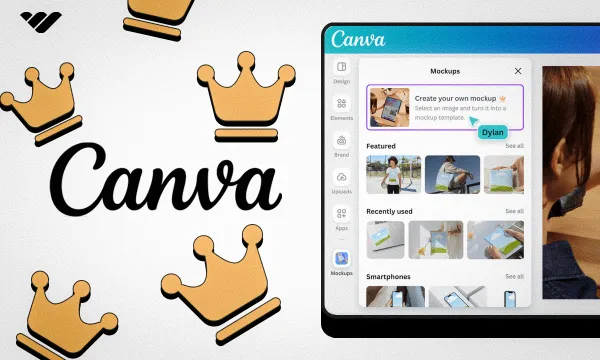
- Design Without Limits: Canva Pro removes the limitations of the free plan, giving you full access to over 100 million premium images, videos, templates, and design elements. The vast library of templates helps you create professional designs for social media posts, presentations, marketing materials, and more without starting from scratch. For instance, you can learn how to create a lookbook in Canva to showcase your products professionally. With Magic Studio features like Background Remover, Magic Edit, and Magic Write, you can transform your design skills and create professional-quality content in minutes rather than hours. You can even master simple tricks like learning how to fade an image on Canva to add a professional touch to your visuals.
- Build and Grow Your Brand: With Canva Pro’s Brand Kit feature, you can store your brand colors, fonts, and logos in one place for easy access. This ensures brand consistency across all your designs and saves time by allowing you to apply your brand elements with just one click. If you’re wondering you can upload fonts to Canva; the Pro plan makes it easy. You can create up to 5 Brand Kits with Pro (Canva Business allows up to 100), which helps if you manage several brands or clients.
- Free Up More Time in Your Day: Canva Pro includes time-saving features like Magic Resize, which lets you automatically adapt your designs for different platforms and social media channels with just one click. Instead of recreating designs from scratch for each platform, you can create once and resize for all your needs. For example, learning how to landscape in Canva can be done in seconds. The background remover tool instantly removes image backgrounds without requiring advanced design skills or external software, and you can easily learn how to cut out an image in Canva with this feature.
- Work in One Place: Canva Pro gives you 100GB of cloud storage compared to 5GB with the free plan. This means you can store all your design assets, templates, and finished projects in one place, accessible from any device. The collaboration features allow you to share designs with clients or team members, collect feedback, and make revisions all within the Canva platform, streamlining your workflow. You can even improve your PDFs by learning how to add a clickable link in Canva PDF.
Canva Free Vs Canva Pro: What’s The Difference?
What You Get With the Free Plan?
The free version of Canva provides access to basic design tools and a limited library of free templates, images, and fonts. It’s one of the most useful beginners graphic design tools for creating simple social media posts, presentations, and flyers without paying anything. You can even perform basic edits and learn how to replace an image in Canva or how to flip an image in Canva using the free tools.
The free plan includes:
- Access to more than 1.6 million free templates
- Basic editing tools for creating designs, including text effects like how to highlight text in Canva
- 5GB of cloud storage for your projects
- More than 4.7 million free photos, videos, graphics and audio tracks
- Ability to collaborate with others on designs
- Up to 20 AI uses a month
- 24/7 customer support for technical issues
Limitations of the Free Plan
While Canva Free offers impressive capabilities, it comes with several limitations that may impact professional designers:
- Limited access to premium templates and stock images
- No background remover
- No magic resize feature for adapting designs to different platforms
- Limited brand kit functionality (only one brand kit)
- Cannot create transparent PNG files easily
- Limited storage space (5GB vs 100GB with Pro)
- Limited access to Magic Studio AI features and advanced techniques like how to slice in Canva
- Restrictions on premium elements
Canva Pro Pricing: How Much Is Canva Pro?
Canva Free
The free plan costs $0 and includes more than 1.6 million templates, more than 4.7 million free photos and graphics, 5GB of cloud storage, one brand kit (three colours) and up to 20 AI uses a month. It is a good way to learn the platform before you pay.
Canva Pro: Monthly vs Yearly
- Monthly: $18 a month
- Yearly: $144 a year (the same as $12 a month, saving 33%)
Canva Pro includes:
- More than 141 million premium photos, videos, graphics and audio tracks
- More than 3.6 million templates
- 100GB of cloud storage
- Background remover and AI-powered resize
- Up to 200 premium AI uses a month, including Canva AI 2.0 and Magic Studio tools
- 5 brand kits
- Social media content scheduling and video tools, such as adding a timer in Canva
- Canva Offline and the AI features inside Affinity
Canva Business (Formerly Canva Teams)
Canva Business replaced Canva Teams for new customers. It costs $25 per person a month or $250 per person a year in the US, and you only pay for members who accept your invitation. Business adds 500GB of storage, up to 100 brand kits, up to 400 premium AI uses a month and team collaboration tools.
Canva Enterprise
Enterprise pricing is custom, so you need to contact Canva’s sales team. It adds advanced brand controls, security features and dedicated support for large organisations.
Canva AI Pass (Add-On)
AI Pass is a paid monthly add-on for Pro and Business users who subscribe online and want Canva’s largest AI allowance.
Regional Pricing Differences
Canva sets prices by country instead of converting from US dollars. These are the prices on Canva’s pricing page on October 22, 2026, excluding tax:
| Country | Canva Pro monthly | Canva Pro yearly | Canva Business yearly (per person) |
|---|---|---|---|
| United States | $18 | $144 | $250 |
| United Kingdom | £13 | £100 | £180 |
| Germany (eurozone) | €12 | €110 | €170 |
| India | ₹500 | ₹4,000 | ₹6,800 |
Canva Pricing in India
India has an extra plan, Canva Pro Lite, at ₹199 a month or ₹1,590 a year, with 50GB of storage, 3 brand kits and up to 20 AI uses a month. Canva also lists daily and weekly plan options in India. Jio customers can get Canva Pro free for 12 months on eligible plans; see how to get Canva Pro for free.
Canva Pricing in Europe and the UK
We checked Germany for the eurozone; prices in other EU countries may differ, and VAT is added at checkout. UK prices are £13 a month or £100 a year for Pro.
Who Should Get Canva Pro?
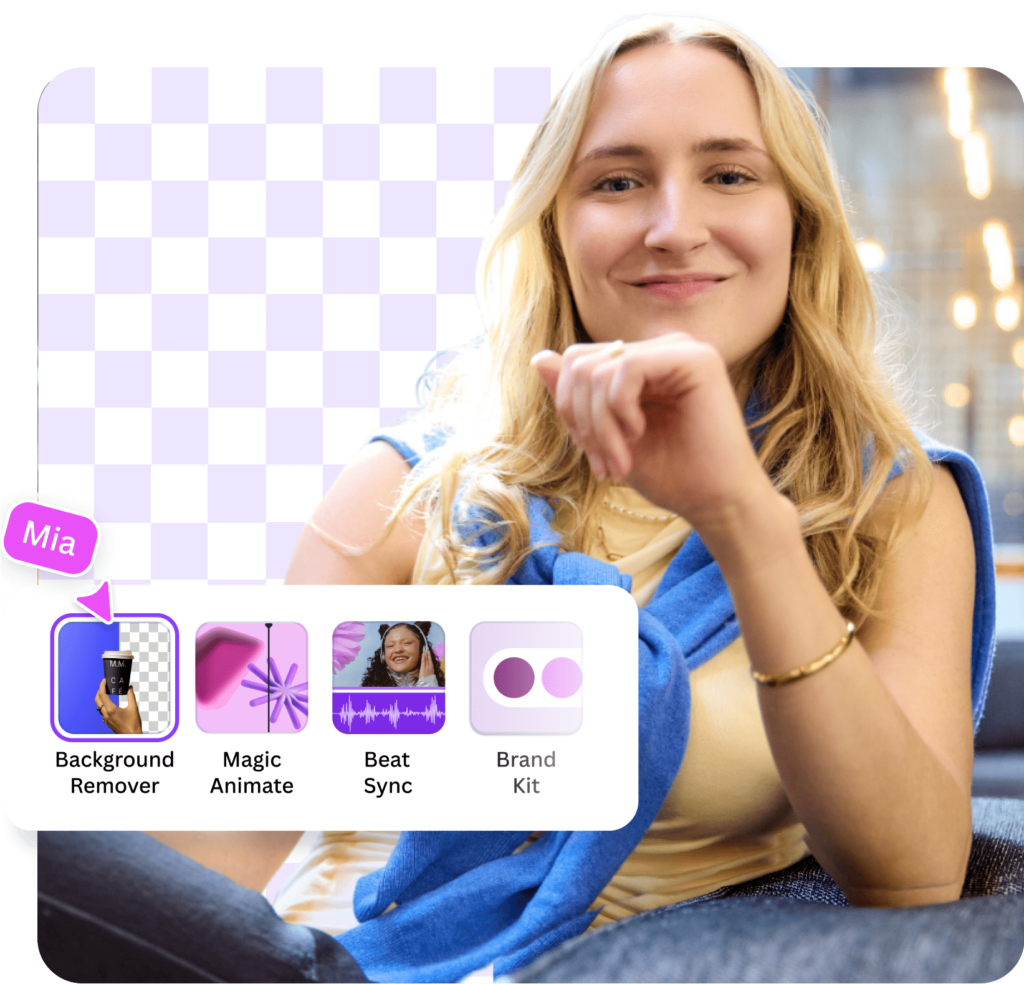
Canva Pro is ideal for:
- Freelance designers who need professional tools without the learning curve of more complex software. They can even monetize their skills by learning how to sell Canva templates on Etsy.
- Small business owners creating marketing materials for multiple platforms. For those wondering, Can I sell Canva designs on Etsy? The answer is yes, and Pro makes it easier.
- Social media managers handling content for various social media channels, who might want to know do Canva QR codes expire when planning campaigns.
- Content creators needing high-quality visuals regularly
- Marketers creating consistent brand materials across campaigns
- Anyone who uses Canva frequently and finds the free plan limitations frustrating
The paid subscription makes the most sense for regular users who need the advanced design tools, premium content, or who value the time saved with features like Background Remover and Magic Resize.
Design professionals often compare multiple creative platforms before choosing their preferred workflow. A comprehensive Figma AI Review can provide insight into how Figma’s AI-powered features support design collaboration, prototyping, and productivity for modern creative teams.
Canva Pro Vs. Canva Free: Which One Is Right For You?
Choose Canva Free if:
- You’re just starting with graphic design and building design skills while exploring free graphic design tools for beginners.
- You create designs occasionally rather than regularly
- You don’t need premium stock images or advanced features
- You’re working with a very limited budget
- You only need basic templates for simple designs
Upgrade to Canva Pro if:
- You create designs regularly as part of your work
- You need access to premium stock images and templates
- You want to save time with features like Background Remover and Magic Resize
- You need to maintain brand consistency with Brand Kit
- You work with multiple clients or brands
- You need more cloud storage for your growing design library
- You want full access to Magic Studio AI features and text manipulations, like learning how to curve text in Canva or how to outline text in Canva.
Canva Pro Free Trial Options
Canva Pro Free Trial
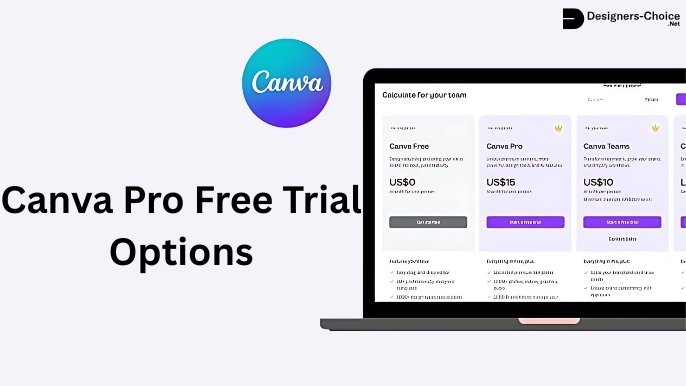
Canva offers a free trial of Canva Pro and Canva Business. The trial has usually lasted 30 days, and Canva shows the exact length before you start. During the trial, your AI allowance stays at the Free level.
If you start a trial without adding payment details, it simply ends when the trial is over. If you add a card, you are billed when the trial ends unless you cancel. Canva allows one trial per account. Many people search for how to get Canva Pro for free, and the trial is the simplest official way.
Free For Educational & Non-Profit Use
Canva offers free premium access to two groups:
- Canva for Education: free for K-12 (primary and secondary) teachers, librarians and support staff, and for students when a teacher invites them. It is not available to universities, which can buy the separate Canva Campus plan.
- Canva for Nonprofits: free Pro features plus team tools for one team of up to 50 people at eligible registered nonprofits.
Best Canva Pro Alternatives in 2026
If Canva Pro’s price doesn’t suit you, these three tools are worth a look. For a longer list with current prices, see our guide to the best Canva alternatives.
Adobe Express

Adobe Express (formerly Adobe Spark) offers similar functionality to Canva with:
- Strong integration with other Adobe Creative Cloud products
- More advanced editing capabilities for professional designers
- Free plan, with Premium at $9.99 a month in the US
- Access to Adobe fonts and stock images
- Steeper learning curve compared to Canva
Adobe Express benefits from Adobe’s growing ecosystem of AI-powered creative tools. Reading an Adobe Firefly Review can help you understand how Adobe’s generative AI technology enhances image creation, content generation, and design workflows across Adobe products.
VistaCreate

VistaCreate (formerly Crello) provides:
- A free plan plus a paid Pro plan
- Extensive library of stock images and templates
- Animated templates for dynamic content
- Growing AI capabilities for faster design
- Less name recognition than Canva
Snappa

Snappa offers:
- Pro at $15 a month, or $10 a month billed yearly
- Simpler interface focused on social media graphics
- Thousands of templates for quick design
- Fewer advanced features than Canva Pro
- Faster onboarding for new users
Is Canva Pro Really Worth It?
Whether Canva Pro is worth it depends on your specific design needs and usage frequency.
For professionals creating designs regularly, the time saved with features like Background Remover and Magic Resize alone can justify the cost. Access to premium templates and stock images eliminates the need for separate subscriptions to stock photo sites.
Consider these factors when deciding:
- How often do you create designs for work or personal projects
- Whether you need premium templates and stock images
- The value of your time (and how much time features like Magic Resize can save)
- If you need brand consistency across multiple designs
- Whether you need the extra storage space for your growing design library
For most regular users, the annual subscription offers the best value at the equivalent of $12 a month in the US, making Canva Pro quite affordable compared to other professional design tools like Adobe Creative Cloud while maintaining ease of use for all skill levels.
FAQ’s:
How Much Is Canva Pro Per Month?
Canva Pro costs $18 a month in the US on monthly billing (£13 in the UK, €12 in Germany and ₹500 in India). That gives you full access to premium content and tools, including effects like adding a shadow in Canva.
Can I Pay Canva Pro Monthly?
Yes. Monthly billing costs $18 a month in the US. Paying yearly ($144) saves $72 a year, or 33%.
How Much Does Canva Pro Cost Per Year?
Canva Pro costs $144 a year in the US, which is the same as $12 a month. It costs £100 a year in the UK, €110 in Germany and ₹4,000 in India.
Can I Use Canva Pro Without Paying?
Yes, in a few legitimate ways:
- The free trial of Canva Pro
- Canva for Education (free for K-12 teachers and the students they invite)
- Canva for Nonprofits (free for eligible registered nonprofits, up to 50 people)
- In India, 12 months of Canva Pro with eligible Jio plans
What is the Cancellation Policy For Canva Pro?
You can cancel your Canva Pro subscription at any time.
If you cancel a monthly plan, you’ll retain Pro access until the end of your current billing cycle. For annual plans, you’ll maintain access until the end of your paid year. Canva does not offer prorated refunds for partial use of subscription periods.
Can I Upgrade From Canva Free to Canva Pro At Any Time?
Yes, you can upgrade from Canva Free to Canva Pro at any time.
Your account will immediately gain access to all premium features, and you’ll be billed according to the plan you select. Any designs you’ve created with the free plan, including those where you learned how to flip text in Canva or how to wrap text in Canva, will remain accessible.
Conclusion
Canva Pro costs $18 a month or $144 a year in the US in 2026, with lower local prices in markets such as India (₹4,000 a year) and the UK (£100 a year). If you design every week, the premium content, background remover, brand kits and bigger AI allowance usually justify the cost. If you design occasionally, Canva Free is still very capable.
Start with the free trial, check the final price at checkout (it varies by country and has changed more than once in the past year) and choose yearly billing if you know you will keep using it.
