
Choosing the right look for your creative projects is a big step. The fonts you pick can change how people see your work.
At Designers Choice, we help you make smart decisions for your designs. This article is your helpful Canva font guide. We will show you a big Canva font list to help you find the perfect fonts for any design project.
Whether you are planning to create a lookbook in Canva for your fashion line or making something for social media, the right font makes all the difference. This blog post will give you the Canva font inspiration you need for your next design.
How to Choose the Right Font For Your Brand?
Picking the right font is key to building a strong brand identity. The font you use sends a message to your target audience before they even read a single word. A good font choice helps people remember you and trust your brand.
For the best results, think about what you want your brand to feel like.
Is it serious and professional? Or is it fun and friendly? Your font choice should match this feeling. If you plan to sell canva templates on etsy or create digital products, establishing a consistent look is vital.
It should also be easy to read on screens and in print.
A consistent font helps your small business look polished and reliable across all materials, from your website to your business cards.
What Is A Serif Font?
A serif font is a type of font that has small lines, or “feet,” attached to the ends of the letters.
Think of a classic font like Times New Roman. These little lines make the text easier to read in long blocks, like in a book or a newspaper.
When formatting these blocks of text, knowing how to indent in Canva can help keep your paragraphs looking neat and professional.
Serif fonts often feel traditional, classic, and trustworthy. They are a great choice for brands that want to show experience and reliability.
For example, a law firm or a university might use serif fonts. Some elegant fonts are serif fonts, which give them a very refined feel.
A beautiful Canva Pro font like Le Jour Serif is a perfect example of how these fonts can add a touch of class.
They work well for both headings and body text.
What Is A Sans-Serif Font?
A sans-serif font is a font that does not have the small “feet” that serif fonts have. The letters are clean and simple. “Sans” means “without” in French. These fonts have a modern style and look very clean on screens, which makes them very popular for web design and mobile apps.
Many tech companies and modern brands use sans-serif fonts to appear fresh and current. They are excellent for headings because they are clear and easy to see. They are also great for social media graphics because they catch the eye quickly.
Many of the best Canva fonts are sans-serif because they are so useful for many different creative projects.
What Is A Bold Font?
A bold font is a thicker and heavier version of a regular font. It is not a separate font style like serif or sans-serif but a weight. You use a bold font to make certain words or phrases stand out. It helps to guide the reader’s eye to the most important information.
Bold fonts are perfect for titles, headlines, and subheadings.
If you want to make your bold text even more dynamic, you can learn how to outline text in Canva or how to add a shadow in Canva to give it extra depth and dimension.
They add emphasis and create a clear structure in your text. Using a bold font can make your design more dynamic and easier to scan. It’s a simple but powerful tool in any designer’s kit, helping to make key messages pop on everything from posters to digital products.
A List of the Best Canva Fonts in 2026
Canva offers thousands of font options, which can feel like a lot to choose from.
To help you, we’ve made a fonts list with some of our top picks for different needs. This list includes both the free version of Canva options and some premium fonts you can get with a Canva Pro plan.
If you have a custom typeface that isn’t on this list, you might check if you can upload fonts to canva to keep your branding consistent. Getting a free trial or looking into how to get canva pro for free is a good way to test out the extra fonts and features. Many users wonder, is canva pro worth it?
If you need exclusive assets, it usually is. You should check how much Canva Pro costs to see if it fits your current budget.
You can spot a Canva Pro font by the little crown icon next to its name.
Best Canva Fonts For Instagram Posts
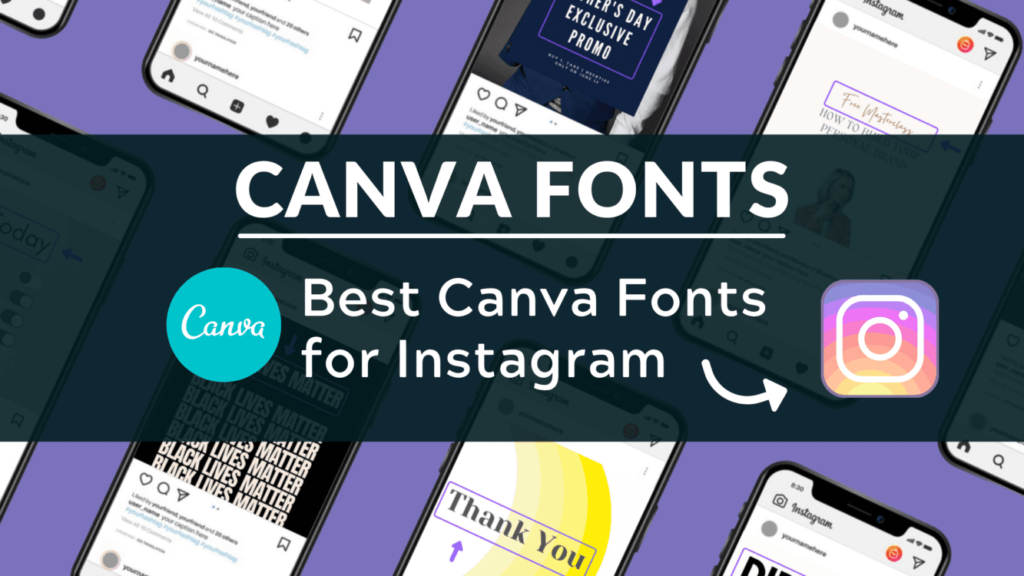
For Instagram, you need fonts that are eye-catching and easy to read on a small screen. Your social media posts have to stand out in a busy feed. Aesthetic fonts with a unique style are very popular. You can use them to create beautiful quotes, announcements, or shoppable posts.
When designing these posts, knowing how to flip an image in canva or how to fade an image on canva can help you layer text over photos perfectly. Don’t forget to use specific Canva Elements Keywords to find illustrations that match your font choice.
- Black Mango: This is a thick, stylish script font that gives a handmade personal touch to your designs. It is a great choice for fashion or lifestyle brands that want a distinct look.
- Catchy Mager: A fun and modern font that feels both friendly and cool. It is great for creating bold headlines on your social media graphics.
- The Seasons: A beautiful serif font that looks high-end. It works well for luxury brands or anyone wanting a touch of elegance in their feed.
- Gimlet: This is a sharp display font that grabs attention. It’s perfect for making a strong statement or announcing a sale.
- BDScript: If you’re looking for one of the best free cursive fonts, this is a solid option. It’s a clean and readable script that is not too fancy.
Best Canva Fonts For A Resume
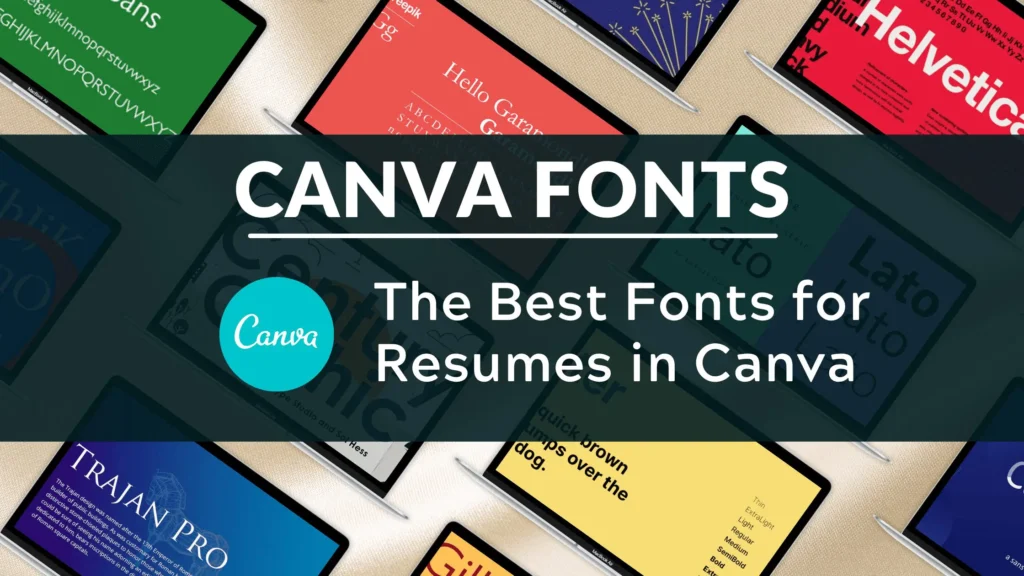
When you are creating a resume, clarity is the most important thing. You want a font that is professional and easy for a hiring manager to read. You should avoid overly decorative or hard-to-read cursive fonts. A clean serif or sans-serif font is usually the best font for the job.
Before exporting, you should check does canva have spell check to ensure your document is error-free.
Also, knowing how to add a clickable link in Canva PDF is useful so recruiters can easily click through to your portfolio or LinkedIn profile.
- Lato: This is a friendly and warm sans-serif font that is very easy to read. It’s a popular choice for body text because it remains clear even at small sizes.
- Merriweather: A reliable serif font that was designed for screens. It is pleasant to read for long periods and gives your resume a professional, established feel.
- Montserrat: A modern sans-serif font with a clean, geometric look. It’s very versatile and works well for both headings and main text. It is a personal favorite for many designers.
- Garamond: A classic serif font that shows elegance and professionalism. It is a safe and respected choice that has been trusted for centuries.
- Open Sans: A very neutral and readable sans-serif font. It is a workhorse font that is a great choice for any professional document.
Best Canva Fonts For Teachers
Teachers need fonts that are clear, friendly, and sometimes playful for creating classroom materials. The goal is to make learning fun and easy. Whether it’s for worksheets, presentations, or classroom decorations, the right font can make a big difference.
If you are making a presentation, knowing how to put a timer in Canva can be great for managing classroom activities. You can also use tools to highlight text in Canva to emphasize key learning points.
For seasonal activities, don’t forget to look for Christmas fonts on Canva to add some holiday cheer.
- Schoolbell: As the name suggests, this font looks like neat handwriting on a chalkboard. It’s a playful font that’s perfect for elementary school materials.
- Lexend: This font was specifically designed to improve reading speed and comfort. It’s an excellent choice for any text-heavy documents to help students read more easily.
- KG Primary Penmanship: A font that looks like the handwriting students learn to write. It is perfect for worksheets and practice sheets.
- Chewy: A chunky and friendly font that is bold and fun. It’s great for titles on posters or presentations to grab students’ attention.
- Quicksand: A rounded sans-serif font that is modern and easy to read. It’s clean enough for older students but still has a soft and approachable feel.
Best Canva Fonts For Posters
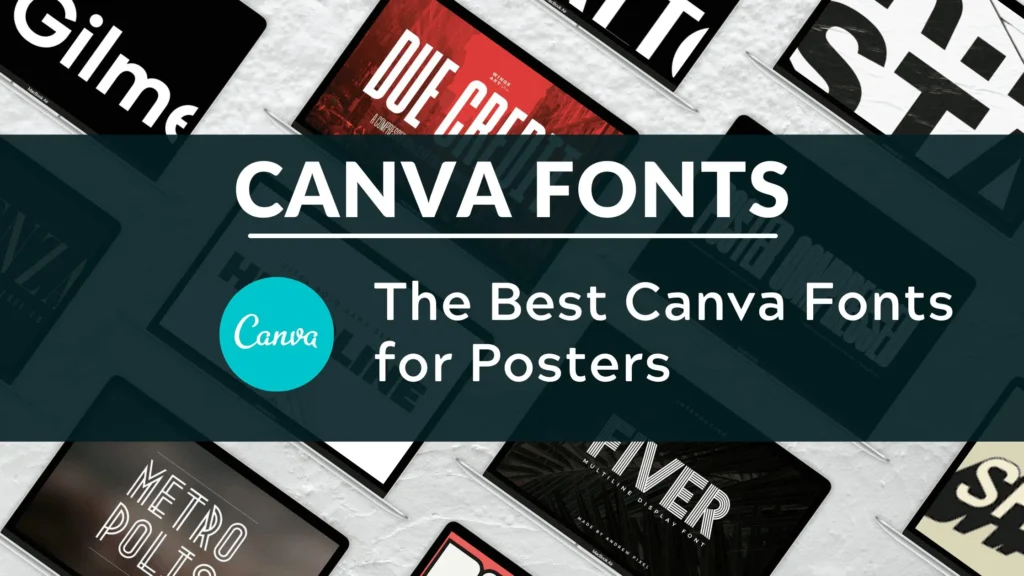
When designing a poster, your main goal is to get attention from a distance. You need a bold display font that is easy to read quickly.
The best Canva fonts for posters are often thick, have a strong personality, and make a big impact.
When working with images on posters, you might need to cut out an image in Canva or slice in Canva to create cool collage effects. If an image isn’t working, it is easy to learn how to replace an image in Canva without losing your layout. You can also add interactivity; just keep in mind that people often ask do Canva QR codes expire before printing a large batch.
- League Spartan: A bold, modern, and strong sans-serif font. It is perfect for headlines that need to be seen from across the room.
- Anton: A very heavy and impactful sans-serif font. It is a rework of a classic advertising typeface, so it is designed to grab attention.
- Bebas Neue: A popular, tall, and narrow sans-serif font that is great for making strong statements in a tight space. It is one of the best free Canva fonts for posters.
- Lobster: A bold and friendly script font. It has a retro feel that is very popular and gives a lot of personality to any design.
- Archivio Black: An extremely bold sans-serif font. It is a great choice when you need your message to shout. It is excellent for event posters or big announcements.
Best Canva Fonts For Wedding Invitations
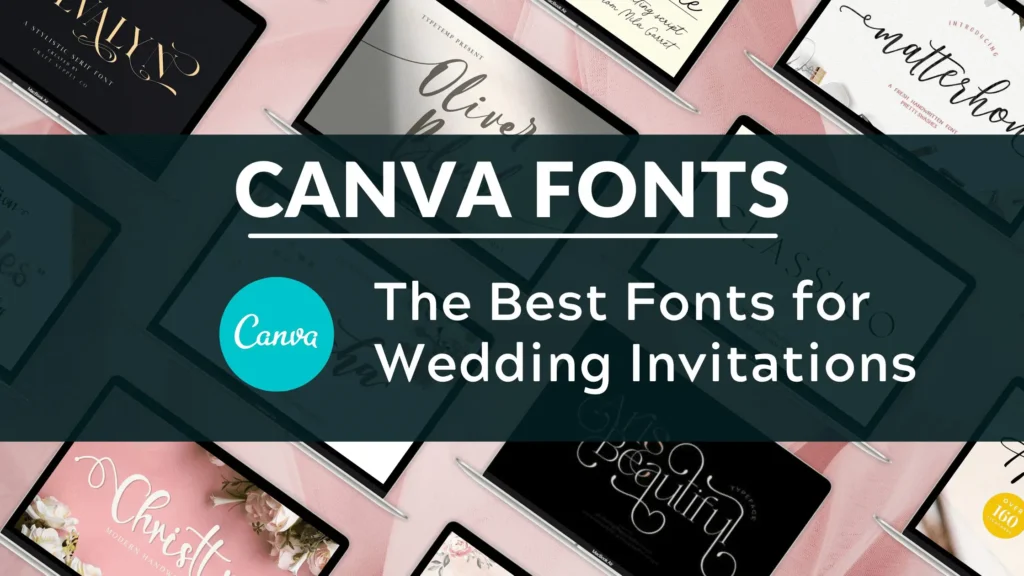
Wedding invitations call for elegant fonts that set a romantic and special tone. This is where script fonts and beautiful cursive fonts shine.
You want a font that feels personal and beautiful.
To make the layout unique, you might want to curve text in Canva around a design element or flip text in Canva for a stylistic mirror effect.
Learning how to wrap text in Canva around images can also give your invitation a professional, custom-made feel.
- Safira March: A lovely modern script font that is both elegant and easy to read. It has a graceful flow that is perfect for names and headlines on wedding invitations.
- Dream Avenue: This is a delicate and sophisticated script font that looks like beautiful handwriting. It adds a wonderful personal touch.
- Tan Aegean: A unique serif font with a mix of classic and modern vibes. It’s one of the best luxury fonts for a formal wedding.
- Brown Sugar: A warm and inviting script font. It’s a bit more casual than other script fonts but still has a beautiful, handcrafted feel.
- Le Jour Serif: This is a classy and refined serif font. It pairs wonderfully with a script font and is perfect for the finer details and body text on your invitation.
How to Use the Canva Font Library Effectively?
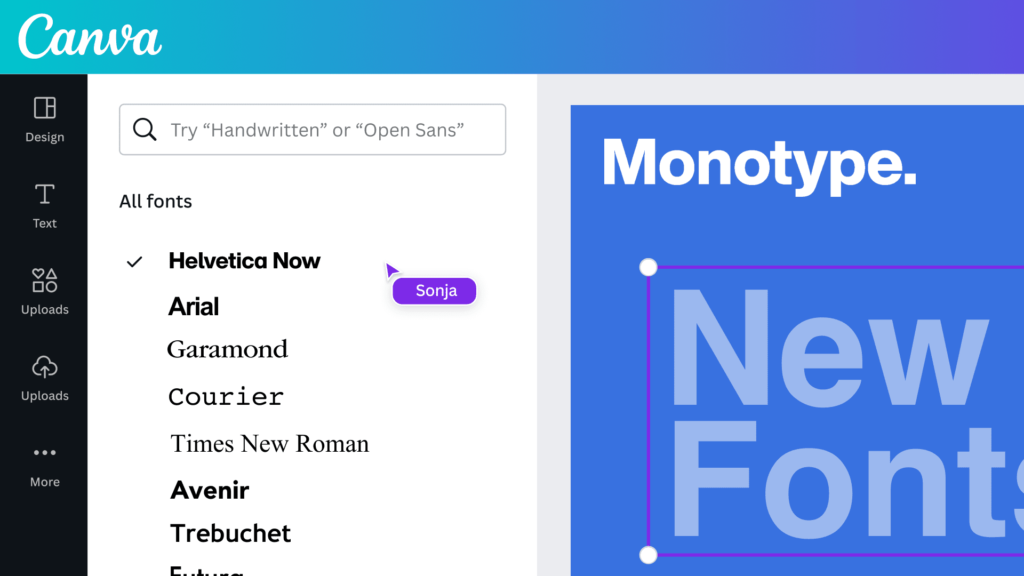
Canva has a huge library of Canva fonts, and finding the right one can be a fun part of your design process.
To find the perfect fonts quickly, use the search bar in the text tool.
You can type in a style like “cursive” or “bold.” You can also filter by categories like “handwriting” or “corporate.”
If you know the name of a font, you can type it in directly. Many fonts you might know from Google Fonts are also available in Canva.
The free version of Canva offers hundreds of great font options. However, if you are looking for even more variety, a Canva Pro plan unlocks thousands of premium fonts. These are marked with a small crown icon.
A Canva Pro plan gives you access to these extra fonts and other powerful tools like the Canva Background Remover and unlimited stock photos.
If you are designing something like a brochure, make sure you know how to landscape in Canva to get the orientation right.
If you are not sure about committing, you can always start with a free trial of Canva Pro to see if it is right for you and your creative projects.
Typography Trends in 2026
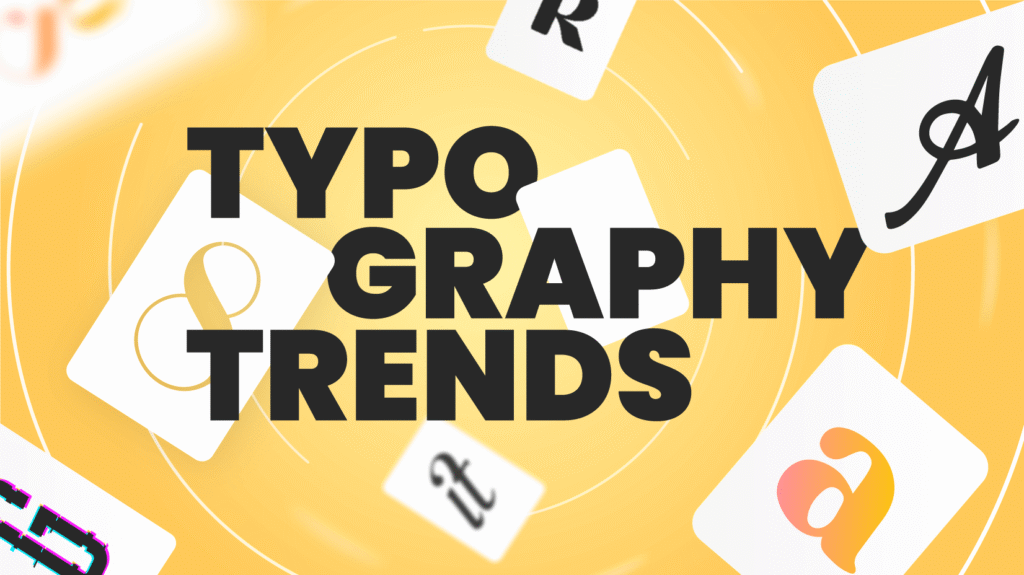
Font trends are always changing, but in 2026, we are seeing a few key styles take the lead. Keeping up with these trends can make your designs feel fresh and current.
- Chunky Serifs: Bold serif fonts with a retro 70s vibe are very popular. They feel both nostalgic and confident, making them a great choice for logos and headlines.
- Minimalist Sans-Serifs: Clean, simple, and geometric sans-serif fonts continue to be a top choice. These minimal fonts are used everywhere from web design to product packaging for their clean and modern feel.
- Expressive Display Fonts: Fonts with a lot of personality are in demand. A unique display font can give your project a distinct look and help it stand out.
- Humanist Scripts: We are seeing more script fonts that feel natural and handwritten, but are still very readable. These are great for adding a personal touch to digital products or greeting cards.
- Mixing Styles: Combining different font styles, like a bold serif with a light sans-serif, is a popular way to create interesting and dynamic designs. It is all about finding the right balance.
FAQ’s:
What Are the Most Popular Fonts on Canva?
Some of the most popular fonts on Canva are popular for a reason: they are versatile and look great.
Fonts like Montserrat, Lato, and Bebas Neue are used a lot because they are clean, readable, and work for almost any project.
For serif fonts, Merriweather and Playfair Display are extremely popular choices. Among script fonts, Lobster and Pacifico are fan favorites.
Many people find a personal favorite and stick with it, but it’s always good to try new font options from the font list.
Can I Use Canva Fonts For Commercial Projects?
Yes, for the most part, you can use Canva fonts for commercial projects.
This means you can use them for your small business branding, marketing materials, and products you sell. This applies to both the free fonts and the Canva Pro fonts (if you have a Pro subscription).
Many users also ask if I can sell Canva designs on Etsy; generally, yes, as long as you follow the guidelines. However, you cannot trademark a logo that uses a Canva font because you do not have exclusive rights to it.
It is always a good idea to check that Canva images are copyright-free and verify Canva’s latest licensing terms on their website to be sure, especially if you plan to use a font from an outside source like Creative Market.
How Often Does Canva Add New Fonts?
Canva adds new design elements, including fonts, to its library very regularly. They are always working to expand their font list to give users more choices. This means that you can often find new and trendy aesthetic fonts and other styles to try in your designs.
Following the Canva blog or their social channels is a good way to stay updated on new additions. This growing library of premium fonts and free options is one of the best things about the platform.
What Are the Best Canva Font Combinations?
Pairing fonts is an art, but there is a simple rule to get you started: opposites attract.
Try pairing a serif heading with a sans-serif body text, or vice versa. For example, use the bold and elegant Playfair Display for a title and the clean and simple Lato for the paragraph below it. You can also pair a decorative display font with a very simple, neutral font.
The key is to create contrast while making sure the two fonts complement each other. Look at color palettes and social media templates in Canva for inspiration on great font pairings. This Canva font guide is just a starting point.
Conclusion
The fonts you choose are a vital part of your design. They help set the tone, deliver your message, and define your brand identity. With this Canva fonts list, we hope you feel ready to pick the best font for your next design.
Whether you need a free Canva font for a quick project or are using a Canva Pro font for professional work, there are endless possibilities. Think about your message and your target audience, and do not be afraid to experiment with different font options.
From book covers to business cards and social media graphics, the perfect fonts are waiting for you in Canva.
