

Finding the right place for your art online can be tough.
Today, there are so many drawing websites that it’s hard to know where to start. Some are drawing websites free to use, while others cost money.
Some are even drawing websites with friends, where you can create art together. At Designers Choice, our team has looked at many of these sites.
We know that every artist needs different tools, whether you are a pro or just starting your online drawing journey.
We want to help you find the best drawing websites for your needs.
This article will show you websites where you can make art. It will also show you places to get drawing lessons and drawing tutorials.
No matter your skill level, there is a perfect website out there for you.
We’ll look at their tools, how easy they are to use, and what makes each one special. Let’s find the right place for you to grow your drawing skills.
What to Look For in the Best Drawing Websites?
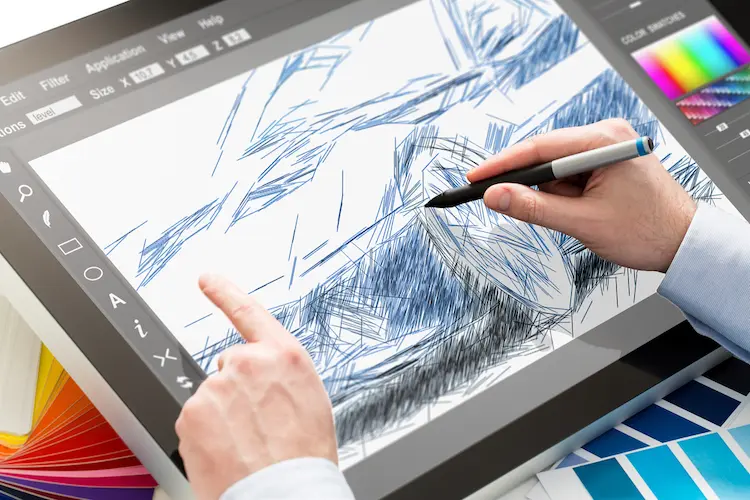
Before you pick a website, it’s good to think about what you need.
A website for a quick sketch is different from one for a big, detailed project. A professional artist will need many brush options, while a beginner might want a simple, clean interface.
Let’s look at the most important things to check.
Key Features: Brush Libraries and Customization
The best drawing websites give you tools that feel good to use. A large collection of brushes is a great start. You want more than just one pen.
Look for a charcoal brush for texture, soft airbrushes for blending, and sharp pencils for outlines. Can you change the brush size?
A good site will have a brush size slider or a brush size control toggle. You should be able to set your active brush size perfectly.
Other brush options are also important. An opacity slider lets you make your color partly see-through, which is great for layers. You should also be able to control the direction of your digital pen strokes.
Beyond brushes, look for other tools. A lasso tool lets you draw any shape to make an area selection. A magic wand (also called the magic wand tool or magic wand selection tool) is faster. It can select all of one color at once, like all the light pixels in a sky.
Some sites even have a liquify tool. This liquify feature lets you push, pull, and twist your art. For organization, you need a way to clear layer contents easily. You also need tools to change the size of your whole canvas. Some new apps even have an AR drawing feature.
This uses your camera feed to let you draw on top of the world in front of you. These features can have a huge impact on your art.
For other types of image work, you might need to learn how to replace an image in Canva or how to fade an image on Canva for blending effects.
User Interface and Ease of Use (Beginner Vs Pro)
The user interface (or UI) is how the website looks and works.
It’s everything you click on. A beginner needs a clean interface where tools are easy to find. A floating toolkit that you can move around is very helpful. The center of the screen should be your art, not a mess of buttons.
A professional artist might want more tools, even if it looks complicated. Pros love to use a keyboard shortcut for every action because it’s faster.
They need a main panel that shows all their options. Think about how you find colors. Is the color panel easy to see? Can you quickly open the color tab or color window? You need a color picker to grab colors from your art.
A good color picker might be an eyedropper icon.
Some sites have an auto color picker toggle that makes this faster. You want to build your color palette without stopping. A bottom color preview area is nice, so you don’t make a mistake with an accidental color.
Little things matter, too. Is there a dedicated button for saving? Can you easily change the canvas position? Maybe there is a dots icon (…) that hides more settings. For better visibility, you might want larger hex code text in the color panel so you can read the hex color code easily.
All these parts, from a long press on the screen (a long press picker) to a simple finger press, change how it feels to draw.
Designers working on digital files might also need to know what is a tiff file for professional printing.
Free Vs. Paid: What Do You Get For Your Money?
Many drawing websites free are very powerful. You can get basic features like layers, brushes, and selection tools without paying anything.
These are perfect for learning or for hobbies. So why pay?
Paid websites usually offer more. You might get a much larger collection of brushes, special tools like a better liquify feature, cloud storage, or no ads.
Some paid sites might offer a live background or advanced filters.
For professional work, a paid tool is often needed. But for free drawing, the options today are amazing.
If you’re comparing paid services, you might be asking yourself, How much is Canva Pro? Or is Canva Pro worth it for your non-drawing design needs?
Community, Collaboration, and Sharing Features
Drawing does not have to be something you do alone.
Some of the best drawing websites are built for sharing. You can post your digital images to a gallery and get instant feedback from other artists.
The most fun feature is collaborative drawing.
These are drawing websites with friends. You and your friends can all draw on the same canvas at the same time, in real time. You can see their mouse move and talk while you create something together.
These sites are great for teamwork or just for fun. You can easily share your work with custom links.
If your focus is on creating digital products to share, you might want to learn how to sell Canva templates on Etsy.
Or can I sell Canva designs on Etsy at all?
Top Online Drawing Websites & Apps (To Draw On)
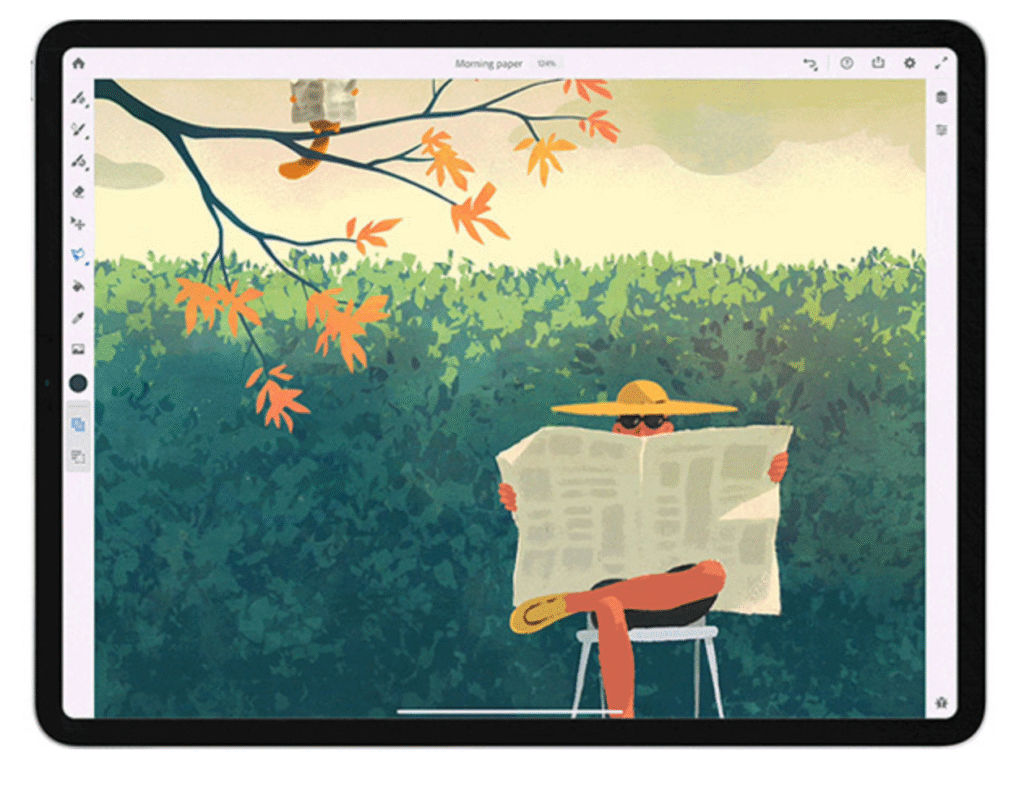
Now, let’s look at the specific websites where you can start your online drawing. These are the tools you use to make the art.
Krita: The Free Professional-Grade Drawing Website & App
Krita is a favorite for many artists because it is completely free, but it has professional-grade tools. It is an app you download, but it deserves a top spot. It has one of the best brush engines, with a large collection of brushes and an easy brush size adjuster.
Its user interface is clean. It has powerful tools for making comics, like text tools and panel cutters. It also has animation tools. You can use its guides toggle and grid guidelines to help you draw a perfect perspective. Its magic wand tool and color picking options are strong.
For free drawing, it is hard to beat Krita.
Photopea: The In-Browser Powerhouse For Drawing & Editing
Photopea is amazing because it runs 100% in your web browser, like Google Chrome. You do not need to download or install anything.
It is famous for being a free version of Adobe Photoshop. It has layers, masks, filters, and all the basic features you need. You can edit photos or draw from scratch. It has a lasso tool, a magic wand selection tool, and even a liquify tool. You can see the hex color code for all your colors.
If you need to work on your digital images from any computer, Photopea is one of the best free drawing website options available.
If you’re creating design assets, knowing a few Canva elements keywords can help speed up your workflow.
Aggie.io / Magma: The Best For Collaborative Drawing
If you typed ” drawing websites with friends ” into a search, this is what you were looking for.
Aggie.io (which is now called Magma) is built for collaborative drawing.
You send custom links to your friends, and everyone can draw on the same canvas in real time. It’s one of the best drawing websites with free choices. You don’t even need to make an account to start.
It’s simple, but it has good brush options, layers, and a color panel. It’s perfect for team projects or just having fun.
Sketchpad.io: Simple and Fun For Quick Sketches
Sketchpad is a simple, fun, and colorful online drawing tool. It’s perfect for beginners, students, or anyone who wants to make a quick sketch without a complex user interface. It has a clean interface where tools are easy to find.
You can find the eyedropper icon quickly, change your brush size, and play with many fun brushes and clip art. Its art logo icon is bright and friendly.
It’s a great, simple tool for free drawing.
The Best Drawing Websites For Learning & Tutorials
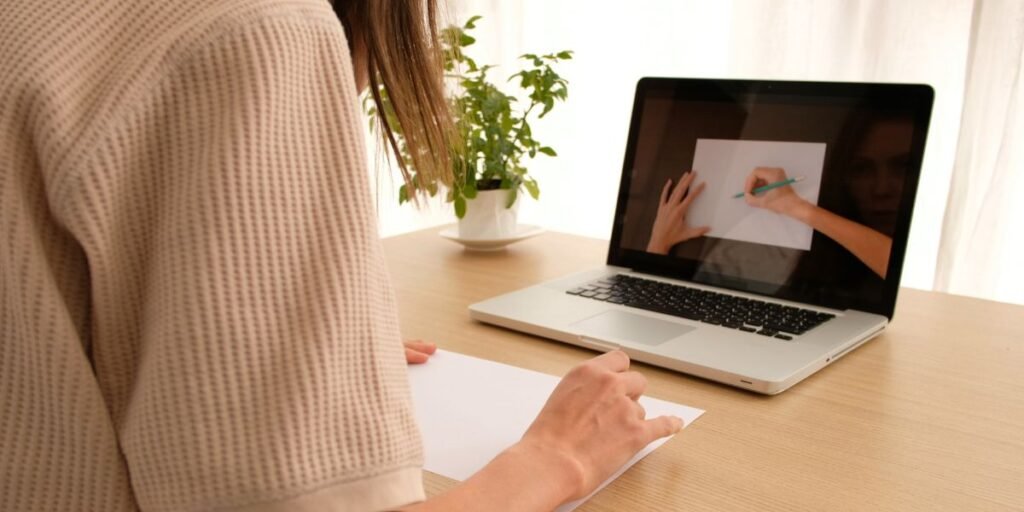
Making art is one half, and learning is the other. Your drawing skills get better with practice and good lessons. These websites offer drawing lessons and drawing tutorials to help you improve.
Skillshare: Project-Based Drawing Classes
Skillshare is a very popular learning site. Its idea is “learning by doing.” You watch drawing tutorials from a professional artist, and then you do a project. This gives you instant feedback and something real to show for your work. It has thousands of classes for every skill level, from “How to use a charcoal brush” to “Advanced Digital Illustration.” It is a subscription service, so you pay one monthly fee for all classes.
Udemy: A La Carte Courses For Specific Drawing Skills

Udemy is another huge learning site, but it works differently. You buy one course at a time (they call this “a la carte”).
If you want to learn one specific thing, like anatomy or just the liquify feature, you can find a course for it. They have a giant library of drawing lessons. A good tip is to wait for a sale, because they happen all the time. This is great for building specific drawing skills.
Proko: Master the Fundamentals of Anatomy and Drawing
Proko is famous for teaching artists how to draw people. Stan Prokopenko’s drawing tutorials are fun and very clear. He is great at teaching anatomy, figure drawing, and portrait drawing. He has had a huge impact on many artists who are teaching themselves.
He offers a lot of free drawing lessons on his website and YouTube, as well as more advanced, paid courses.
Drawabox: Free, Structured Lessons For Beginners
Drawabox is a different kind of learning. It offers free, structured lessons that start from the very beginning.
It is not about making pretty pictures right away. It is about practice, control, and building a strong foundation.
You will draw a lot of lines, boxes, and shapes. It takes a long time and a lot of work, but it really builds your core drawing skills.
YouTube: Endless Free Tutorials
You can’t forget YouTube. It is the biggest library of free drawing tutorials in the world. You can find a video on anything.
You can learn how to use the magic wand in Krita, get drawing lessons on color theory, or watch a 5-hour drawing tutorial on a single painting.
The hard part is finding the best teachers, but the amount of free knowledge is amazing.
For video editing, you might find a tutorial on how to zoom in DaVinci Resolve or how to change aspect ratio in DaVinci Resolve helpful for your process.
Finding Inspiration: Community-Focused Drawing Websites
Sometimes, the best way to get better is to see what other artists are doing. Human creativity is amazing. These websites are communities where artists share their digital images, get inspired, and talk to each other.
ArtStation: The Hub For Professional Digital Artists
ArtStation is where professional artists show their work.
If you want to work in the video game, movie, or illustration industry, this is the place to be. The skill level is very high. It is the best place to see the desired result of years of practice and dedication.
It’s less of a social chat site and more of a high-end portfolio showcase.
When using images professionally, you should know if Are Canva images copyright free.
DeviantArt: The Classic Community For All Art Forms
DeviantArt has been around for a very long time.
It is a huge, active community for every type of art you can think of—digital art, traditional art, fan art, photography, and more. It is a great place for artists of every skill level to share their work, get feedback, and connect with other creative people.
Behance: Adobe’s Showcase For Creative Professionals

Behance is owned by Adobe, the company that makes Adobe Photoshop. It is another professional portfolio site, similar to ArtStation.
However, Behance features more graphic design, web design, branding, and photography. It’s a very polished and clean place to show your best work to clients and employers. If you are developing your personal art brand, consider how to define What Is Your Niche.
FAQ’s:
What is the Best Free Drawing Website For A Beginner?
For a total beginner, Sketchpad.io is a great start. It has a very clean interface and is fun to use. If you want a more powerful free drawing tool that you can grow with, Krita is a fantastic choice.
Photopea is also great if you want to learn photo editing at the same time.
Can I Use These Drawing Websites On an iPad Or Tablet?
Yes, many of them! An iOS device or Android tablet is perfect for drawing.
Websites like Sketchpad.io, Aggie.io, and Photopea work well in a web browser like Google Chrome on a tablet. Krita also has an app for tablets. Using a stylus gives you much better control over the direction of your digital pen strokes than just a finger press.
Can I Draw On A Website Without Downloading Anything?
Absolutely. That is the best part of online drawing. Websites like Photopea, Aggie.io, and Sketchpad.io all run in your browser. You just type the image address (the URL) and you can start drawing. This is perfect if you are using a school computer or a friend’s device.
What’s the Difference Between A Drawing Website and Drawing Software?
A drawing website (like Photopea) runs on the internet in your browser.
Drawing software (like Krita or Adobe Photoshop) is a program you download and install on your computer. Websites are easy to access from anywhere. Software can sometimes be faster and more powerful because it uses your computer’s hardware directly.
Are There Any Drawing Websites For Collaborative Drawing?
Yes! Aggie.io (Magma) is the most popular one. It is a drawing website with friends free option where everyone can draw on the same canvas in real time. It’s the best tool for drawing websites with friends.
Where Can I Get Inspiration For My Drawings?
You can get inspiration from community websites like ArtStation, Behance, and DeviantArt.
These sites are filled with amazing digital images from artists all over the world. They are a great place to see what’s possible and get new ideas.
Conclusion
We have looked at many different kinds of drawing websites. We’ve seen the best drawing websites for making art, like Krita and Photopea. We’ve found drawing websites for friends, like Aggie.io, for collaborative drawing.
And we’ve found the best places for drawing lessons and drawing tutorials, like Skillshare and YouTube.
Whether you are looking for a free drawing tool for a hobby or a professional-grade app, there is something out there for your skill level.
The best tool is the one that you enjoy using. The most important thing is to choose one, start practicing, and have fun. Your drawing skills will get better every day you draw. We hope this guide from Designers Choice helps you find the perfect website to bring your ideas to life.
