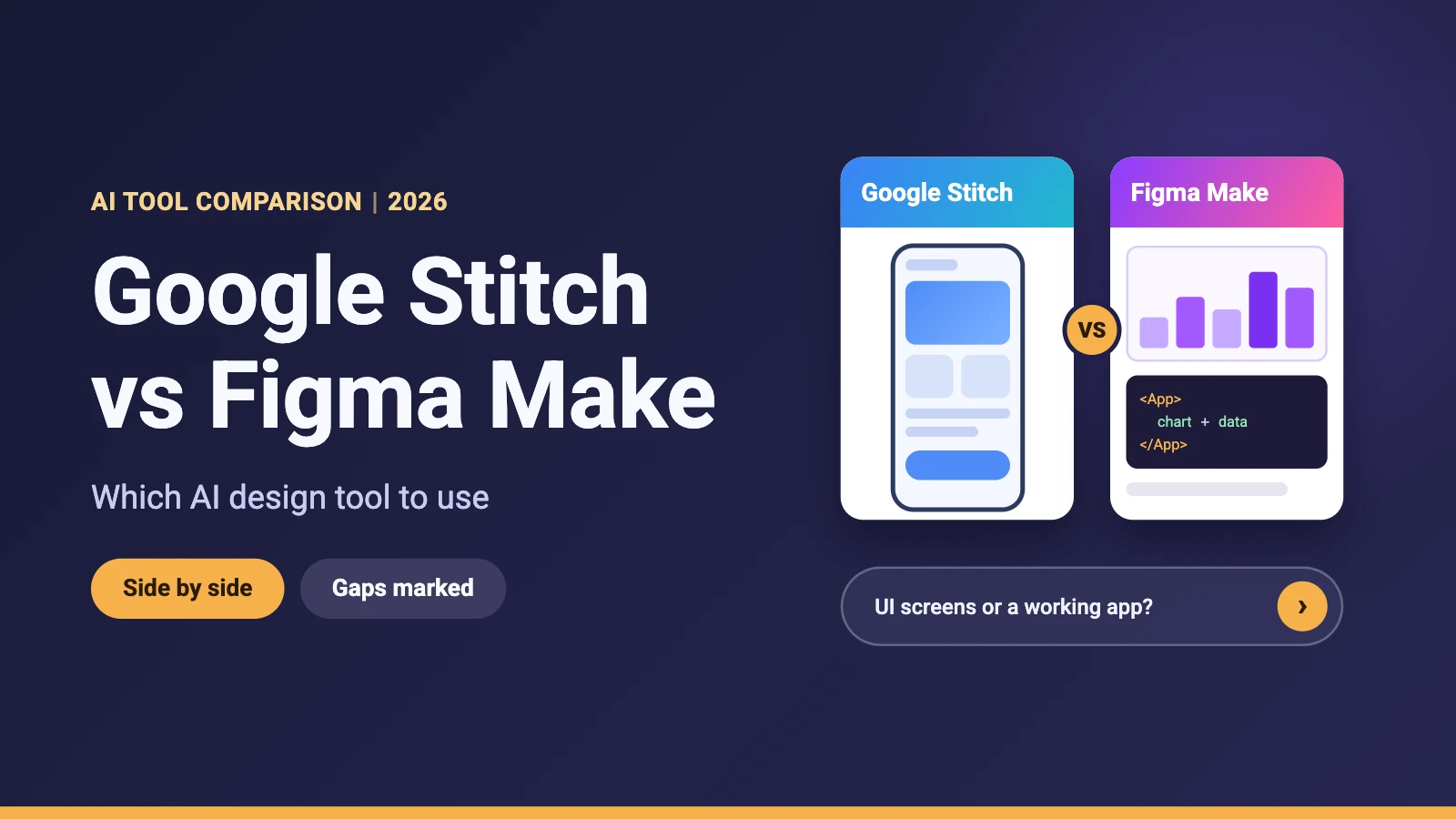
Google Stitch vs Figma Make is a fair question now that both tools turn plain language into working interface designs. This guide compares them using Google’s and Figma’s own pages, and it marks every gap as “Not stated.”
We based it on the pages we read for our guides to Google Stitch and Figma Make. Both tools change fast, so check your own account before you decide.
Illustration by Designers Choice, not an official screenshot
Google Stitch vs Figma Make at a Glance
| Area | Google Stitch | Figma Make |
|---|---|---|
| Maker | Google Labs | Figma |
| Main idea | An AI-native design canvas where you create UI from natural language | A prompt-to-app tool that builds functional prototypes, web apps and interactive UI |
| Ways to start | Text, images, code, whiteboard sketches or wireframe screenshots | Text, Figma designs and frames, images, a template or a GitHub repository |
| Voice | Yes, you can speak to the canvas | Yes, a dictate button in the chat |
| Preview a flow | Connect screens and press Play | A live, interactive preview of the generated app |
| Design rules file | DESIGN.md, which you can export or import | guidelines.md and Make kits |
| Code handoff | Stitch MCP server, SDK, Skills, and export to AI Studio and Antigravity | Code editor in the file, and a one-way push to GitHub |
| Publishing | Not stated | Publish to a figma.site address, with an optional custom domain |
| Backend | Not stated | Payload backend or a Supabase project |
| Price | No cost for eligible nonprofits. Not stated for others | Starter is a free way to explore. Credit amounts are not stated |
The Core Difference
This is our own reading. Stitch looks like a design tool first. You work on a canvas of screens, talk to a design agent and then hand the result to developers. Figma Make looks like an app builder first. You chat with an agent that writes code, and the preview is a running app that you can publish.
Both companies describe the other side too. Google talks about code handoff, and Figma lets you copy a preview back into Figma Design as layers. But the center of gravity differs, and that is the best way to choose.
Starting a Project
Google’s launch post says Stitch accepts images, text or code as context on an infinite canvas. Google’s help page for nonprofits adds whiteboard sketches and wireframe screenshots as starting points. In Google’s codelab, you pick Web, choose a model and describe the design in a prompt box.
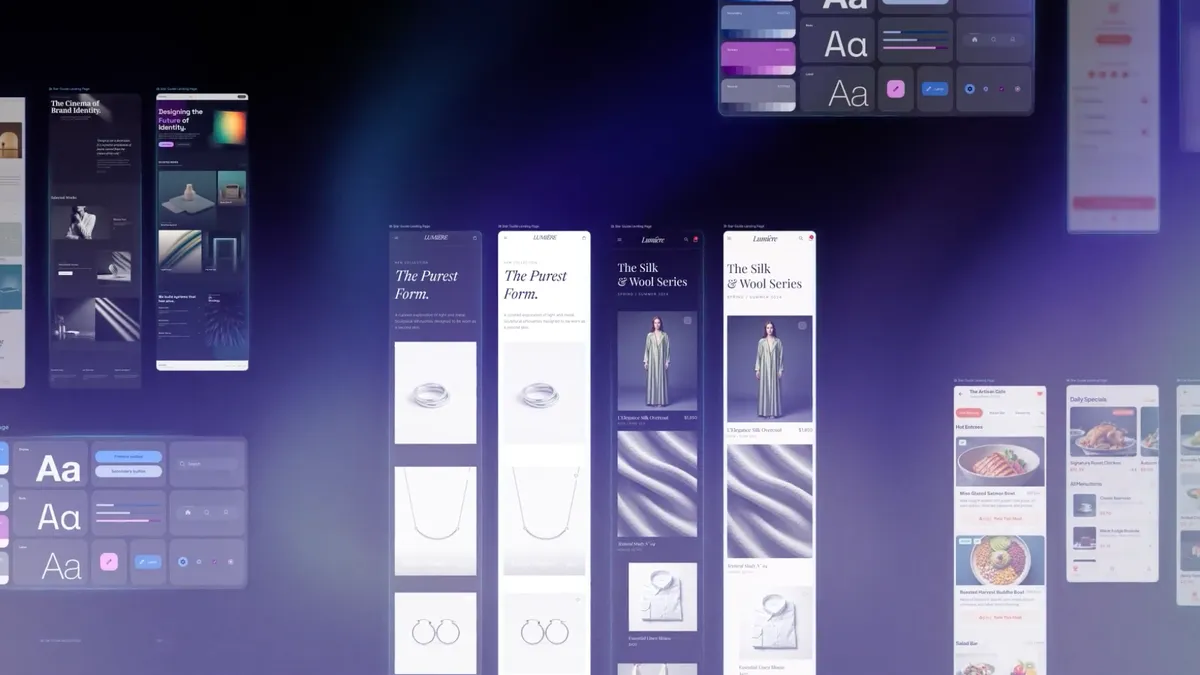
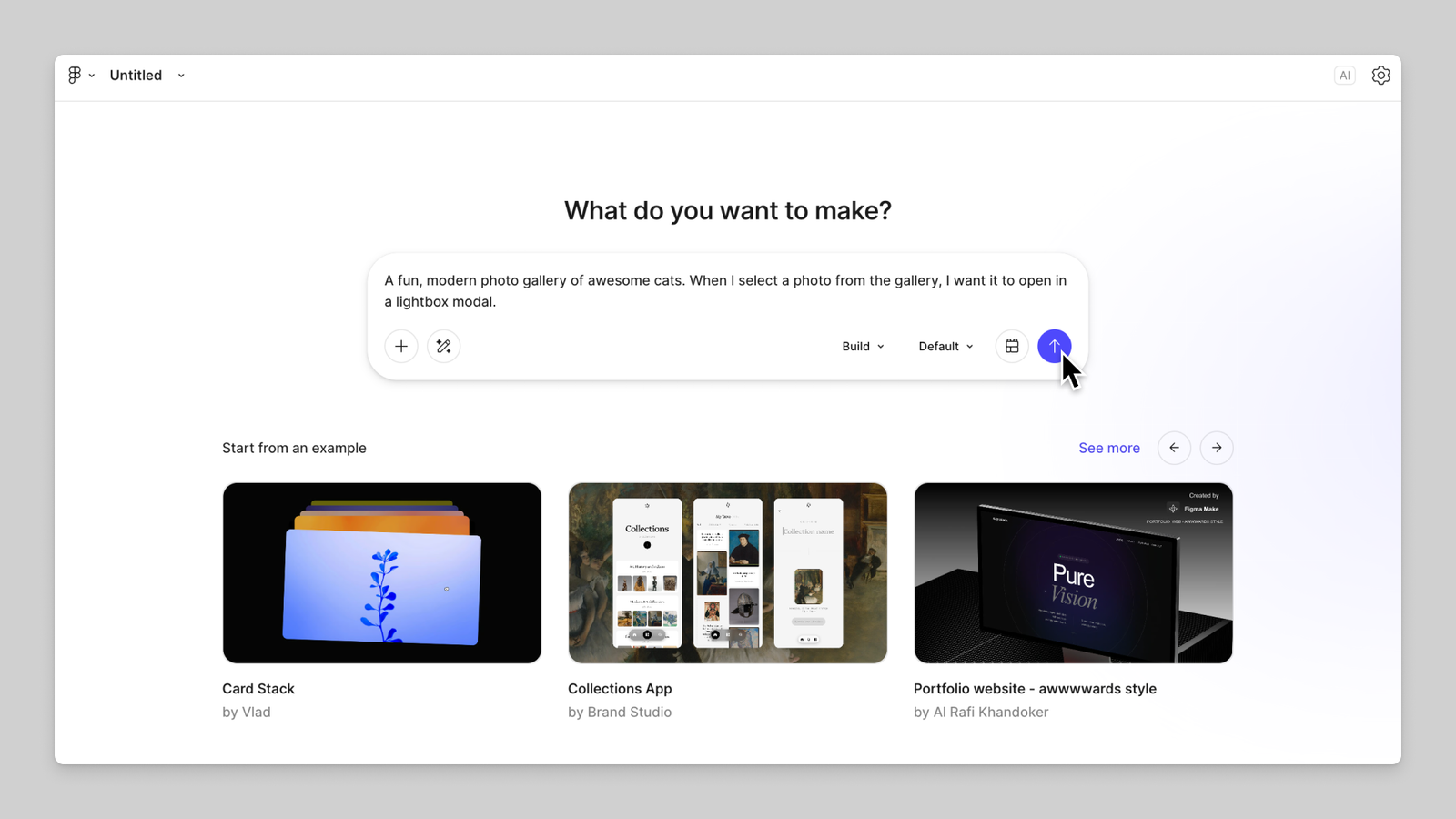
Figma says you start from the Make button in your drafts, from a template or from a GitHub repository. In the chat you describe the app, attach Figma designs or paste frames, and send. Figma advises attaching frames rather than images, because frames carry structured design data.
Editing and Iterating
| Task | Google Stitch | Figma Make |
|---|---|---|
| Refine by chat | Yes, with a design agent that reasons across the project | Yes, and you can queue extra prompts while the agent works |
| Work on several ideas | An agent manager tracks progress across parallel ideas | You can run more than one chat at once in a single file |
| Point at an element | Not stated in the pages we read | An edit tool with a properties panel, a draw tool and annotations |
| Go back in time | Not stated in the pages we read | Version history |
| Plan before building | Not stated | Plan mode on paid plans |
Design Systems and Brand Rules
Google says Stitch can extract a design system from a URL and can export or import DESIGN.md, an agent-friendly markdown file that holds your design rules. Google does not list what the file contains.
Figma uses a guidelines file called guidelines.md, which Make reads on every prompt. It also offers Make kits, which bundle an npm package, a Figma library and a guidelines file. On paid plans you can bring style context from a Figma Design library.
From Design to Code
Google names three developer routes: the Stitch MCP server, an SDK and Stitch Skills. It also says you can export to AI Studio and Antigravity. Its nonprofit help page adds that you can export a layout to Figma or download frontend code, including HTML and CSS and framework templates.
Figma Make writes real code that you can edit in the Files tab. It can push a project to GitHub, but only as a one-way push to a repository that Make creates. Edits in GitHub do not come back and are overwritten on your next push.
Publishing and Backend
Here Figma is clearer. Figma Make can publish an app to a random figma.site address, assign a custom domain and add a Payload or Supabase backend for data, sign-in and content. The pages we read for Stitch give no publishing or hosted backend features, so we mark them as not stated.
AI Models
Google’s launch post names no model for Stitch. Its codelab showed a model dropdown with 3.0 Flash and told users to pick Gemini 3. Figma Make starts on a default model that it does not name, and lets you switch to others that Figma’s model page lists.
Plans, Limits and Price
| Question | Google Stitch | Figma Make |
|---|---|---|
| Free access | Eligible nonprofits can use it at no cost through Google Labs | Starter plans are a free way to explore, with limits on style context and publishing |
| Price for everyone else | Not stated | Not stated on the help pages we read |
| Usage limits | Not stated | AI credits are used per prompt. The amount is not stated |
| Countries and languages | Not stated | Not stated |
| Seat or plan rules | Not stated | Full seat needed to share and publish on paid plans |
Who Should Pick Which?
This section is our own opinion, not either company’s claim.
- Choose Google Stitch if you want fast screen concepts, voice-driven critique and a clean handoff path for coding agents.
- Choose Figma Make if your designs already live in Figma and you want a working, publishable app with data behind it.
- Use both if you explore looks in Stitch and then build and share the working version in Make. Check each tool’s terms before you move assets across.
- Wait if you need fixed pricing. Neither company states a full price for general users in the pages we read.
For a wider list, see our guide to the best AI UI design tools. If you are new to Figma, start with our Figma beginner guide.
FAQ
Stitch is a design canvas from Google Labs that creates and iterates on UI, with code handoff tools. Figma Make is a prompt-to-app builder that writes code, shows a live preview and can publish the app.
Google says eligible nonprofits can use Stitch at no cost through Google Labs. Figma says Starter plans are a free way to explore Figma Make. Neither states a full price for general users on the pages we read.
Yes. Google names the Stitch MCP server, an SDK, Skills and export to AI Studio and Antigravity. Figma Make has a code editor and a one-way push to GitHub.
Yes. You can attach frames and components or paste them into the chat. Figma says frames work better than images. Stitch can start from images, text, code, sketches and wireframe screenshots.
Not stated in the pages we read. Figma Make can publish to a figma.site address and add a custom domain, and paid plans need a Full seat.
Both. Google says you can speak to the Stitch canvas for critiques and edits. Figma Make has a dictate button in the chat.
Google’s launch post names no model, and its codelab showed 3.0 Flash and a Gemini 3 option. Figma Make has a default model plus a selector, and Figma’s model page lists the options.
You can. For example, explore layouts in Stitch and build the working version in Figma Make. Check each tool’s terms before you move assets or code between them.