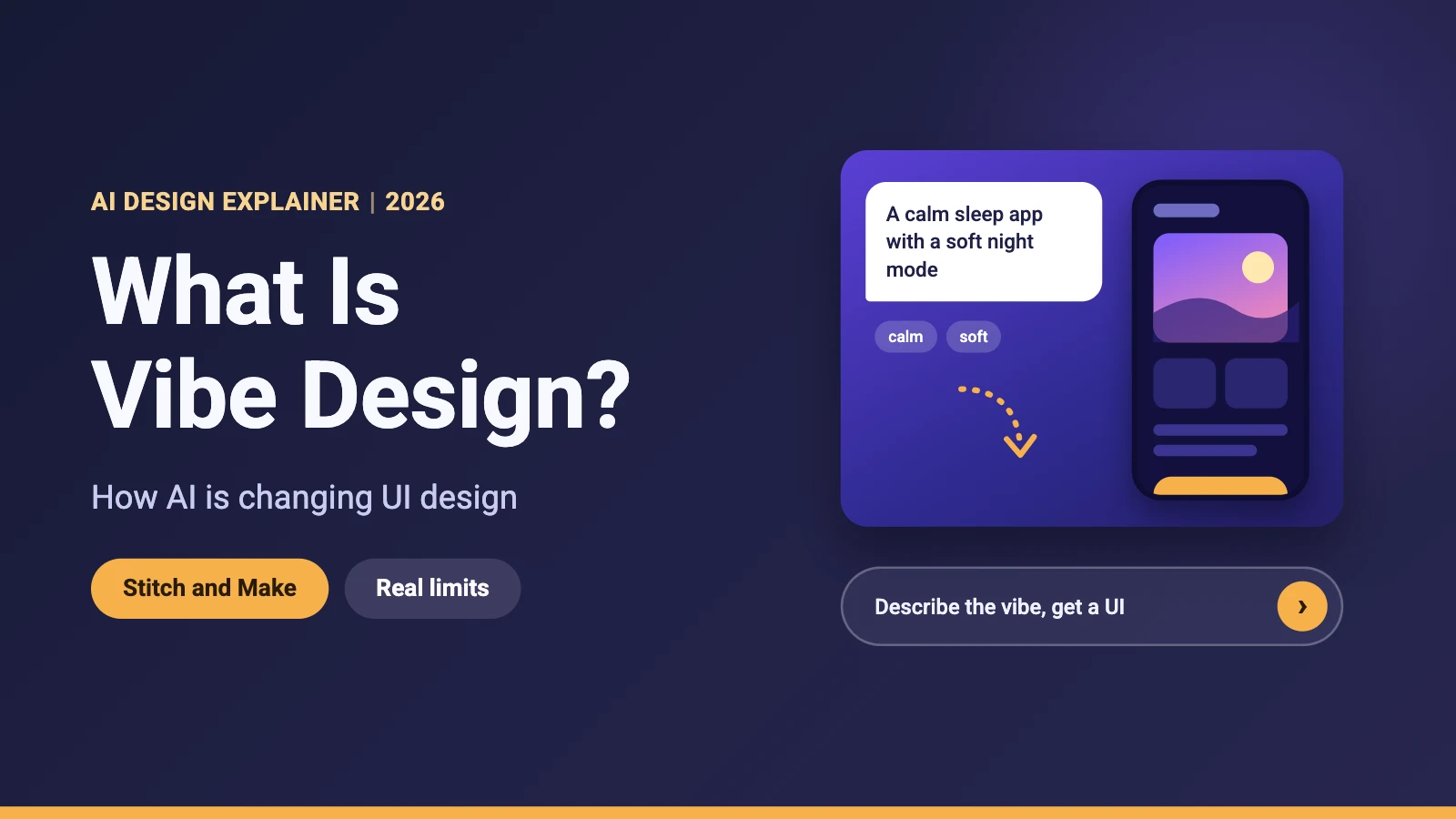
Vibe design is a new term for designing by describing the feel and goal of an interface and letting AI build and refine the screens. Google put the phrase in the title of its Stitch launch post in March 2026. This guide explains where the term comes from, how it works and where it falls short.
We read Google’s Stitch launch post and its Ask a Techspert interview on vibe coding, plus two Figma pages on the same idea. Where those pages give no answer, we write “Not stated.”
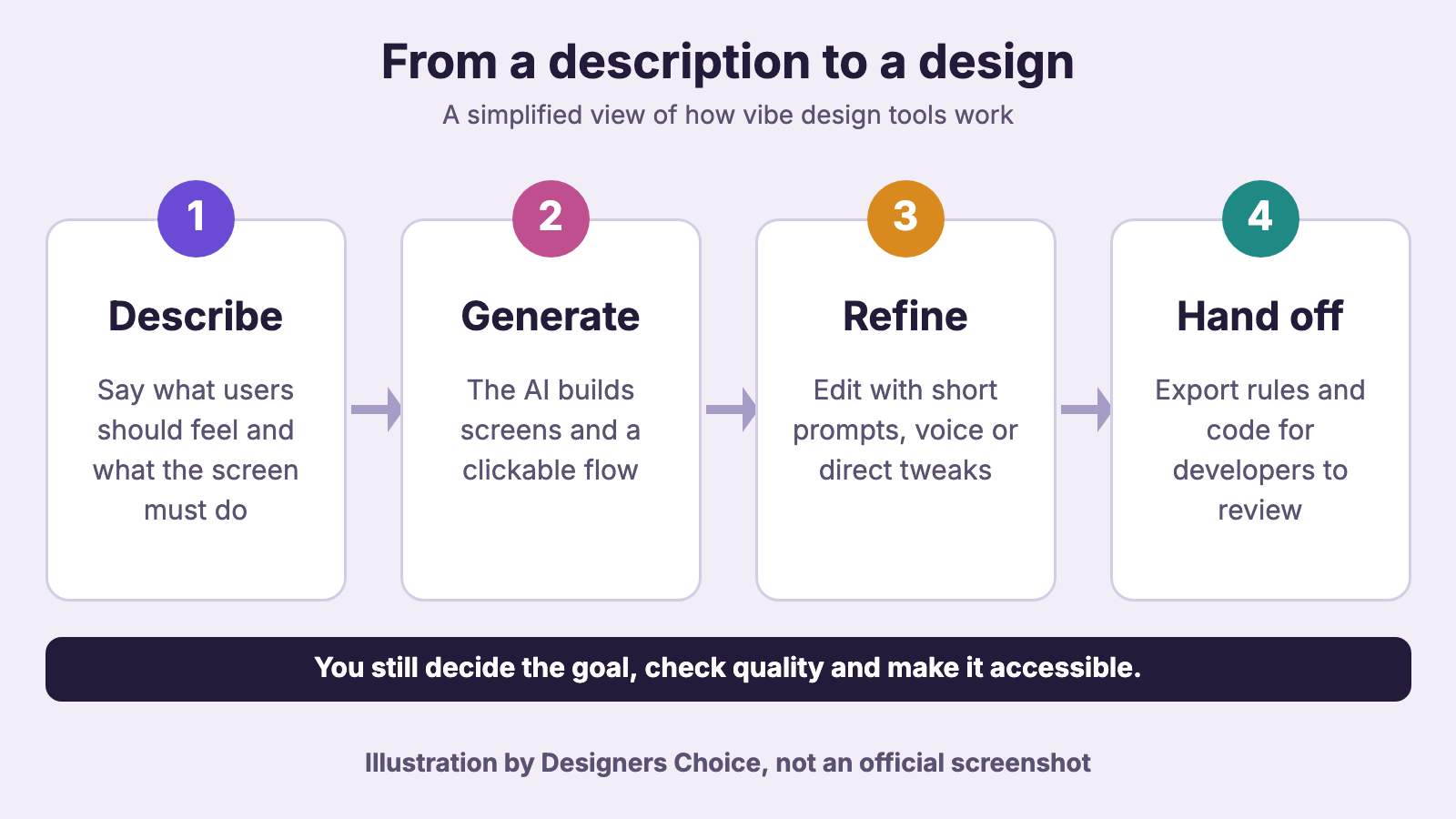
Illustration by Designers Choice, not an official screenshot
Where the Term Vibe Design Comes From
Vibe design borrows from vibe coding. Google’s Ask a Techspert post, published on October 6, 2025, quotes Kelly Schaefer, a product director at Google Labs. She says vibe coding lets you build what you pictured in your head, even without traditional coding skills. You explain what you want and what it should look like, and the tool generates something you can see and use.
Figma’s blog describes vibe coding as more like a chat than line-by-line coding. You describe what you want, AI makes it happen and you keep talking until it feels right. Figma’s post says Andrej Karpathy posted about vibe coding, but it gives no date.
Google then used the phrase in the title of its Stitch launch post, which it published on March 18, 2026. That post does not give a formal definition. It says that when you vibe design in Stitch, you can explore many ideas quickly and reach a higher-quality result.
What Vibe Design Looks Like in Practice
Google’s post gives the clearest examples. We have grouped them below.
| Idea | What Google says about Stitch |
|---|---|
| Start from intent | You can explain the business objective, what users should feel, or examples that inspire you, instead of starting with a wireframe |
| Talk to the canvas | The agent gives live design critiques, interviews you to design a landing page and updates the design as you speak |
| Preview a flow | Press Play to preview an app flow, and Stitch can generate logical next screens from your clicks |
| Keep the rules | DESIGN.md is an agent-friendly markdown file for exporting or importing design rules, and Stitch can extract a design system from a URL |
| Hand off | Export to developer tools such as AI Studio and Antigravity, or use the Stitch MCP server and Skills |
Our guide to how to use Google Stitch walks through these features step by step.
Tools That Work This Way Today
| Tool | How it fits the idea | Where to read more |
|---|---|---|
| Google Stitch | Prompt, voice and canvas for UI design, with prototypes and DESIGN.md | Our Stitch guide |
| Figma Make | A chat that builds working prototypes and web apps from prompts and Figma designs | Our Figma Make guide |
| Canva AI 2.0 | A conversation that creates and edits whole layered designs | Our Canva AI 2.0 guide |
| Adobe Firefly AI Assistant | A beta assistant with preferences, Plan Mode and a Model Selector | Our Firefly guide |
See how to use Figma Make, Canva AI 2.0 and our Google Stitch vs Figma Make comparison for the details.
Figma’s own resource page gives a three-step Figma Make flow. First, define your vision with a prompt that captures look, feel and structure. Second, refine with short prompts or quick edits. Third, bring in the code, which Figma says can include editable component code for developer review.
The Benefits Figma Lists
- A faster path from idea to interface.
- More room for creativity and experimentation.
- Better early alignment across teams.
- An easier way to turn brand attributes into interface decisions.
The Limits Google and Figma Name
Both companies are open about the downsides.
- Figma says subjective inputs can lead to inconsistent results.
- Figma says the approach is not always precise or scalable, so complex layouts need hands-on refinement.
- Figma says you may need extra steps for accessibility and performance.
- Google says a vibe-coded app is not automatically a launched product. Taking an app to wide use still needs coding skill and precision.
- Figma calls the approach a creative accelerator, and not necessarily a replacement.
Figma’s blog also quotes working designers. One calls the word vibe wrong and says the work is more like QA whack-a-mole. A Figma engineer says AI got them most of the way to a goal, but the code lacked a coherent internal data model. Those are individual views, not Figma’s official position.
How Designers Can Try Vibe Design
This is our own workflow, not an official method.
- Write the intent first: who the design is for, what it must do and how it should feel.
- Add constraints, such as brand colors, type and screen size.
- Attach or describe two or three examples you like.
- Generate several options, then pick one direction.
- Refine with small, specific edits instead of broad rewrites.
- Check contrast and readability. Our guide to the best AI color palette generators shows how to test colors.
- Keep your design system or brand rules in a file, so the next prompt starts from them.
What Designers Should Keep Doing
This is our own view. AI can draft screens in minutes, but someone still has to decide what the product should do, check that it works for real people and make it accessible. Those jobs sit with designers. Treat AI output as a first draft that you direct and edit.
For a wider list of tools, see our guide to the best AI UI design tools.
What We Could Not Confirm
| Question | Answer on the pages we read |
|---|---|
| Who coined the term vibe design | Not stated. Google uses it but does not claim to have coined it |
| An official definition of vibe design | Not stated. Google gives examples, not a definition |
| Whether Figma uses the phrase | Not on the Figma resource page we read. It uses vibe coding |
| Date of Figma’s vibe coding blog post | Not stated |
| How many designers use these tools | Not stated |
FAQ
Vibe design is a new term for describing the feel and goal of an interface to an AI, which then builds and refines the screens. Google used the phrase in the title of its Stitch launch post but gave no formal definition.
Vibe coding means describing what you want and letting AI write the code. Vibe design applies the same idea to interface design, with the output being screens and prototypes.
Google Stitch uses the phrase directly. Figma Make, Canva AI 2.0 and the Adobe Firefly AI Assistant also let you work by chat, though Figma’s pages we read call it vibe coding.
Google says vibe coding lets you build what you pictured even without traditional coding skills. Google also says taking an app to wide use still needs coding skill and precision.
Neither Google nor Figma says so. Figma calls the approach a creative accelerator, and not necessarily a replacement. People still choose goals, check quality and make designs accessible.
Figma lists inconsistent results from subjective inputs, limits on precision and scale, and extra steps for accessibility and performance. Google says a vibe-coded app is not automatically a launched product.
Write a clear prompt with intent, constraints and examples, generate a few options, and refine with small edits. Our guides to Stitch and Figma Make show the exact steps.
Not stated on the pages we read. Google’s post uses the term in its title but does not say who coined it.