Affinity by Canva is a free design app that puts photo editing, vector drawing and page layout into one program and one file type. In our view, it is the natural next step for people who outgrow Canva in a browser. This guide covers what you get for free, what needs a premium plan, what your computer must have and where the vendor pages leave gaps.
Everything below comes from the vendor’s own pages. Where those pages say nothing, we write “Not stated” instead of guessing. Statements that are our own opinion are labeled that way.
What is Affinity by Canva?
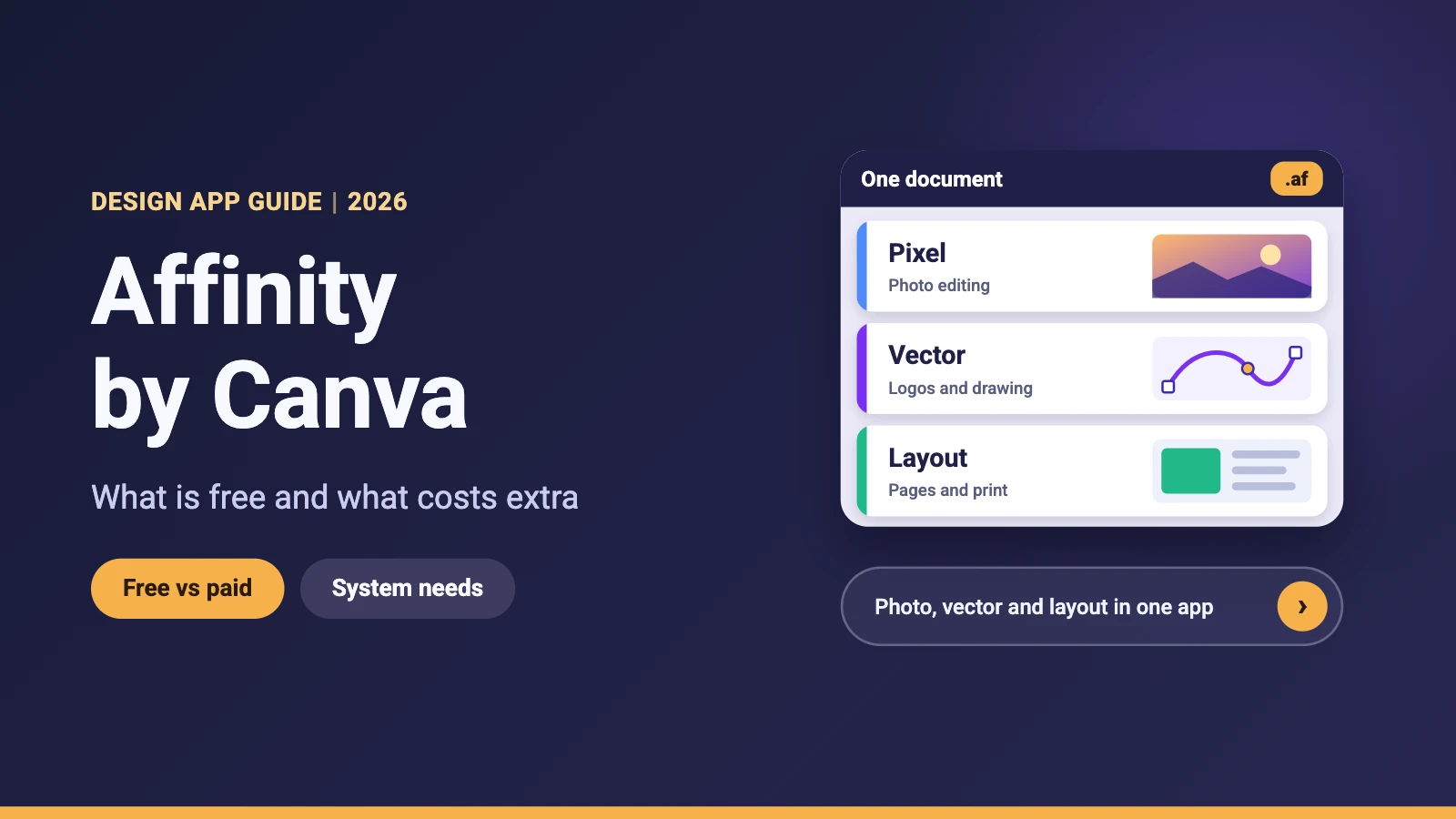
Affinity by Canva is one app with three main studios. The Pixel studio handles photo editing and retouching. The Vector studio handles illustration and logo work. The Layout studio handles page design for print and digital documents. You switch between studios inside the same document, so you do not export and re-import files between separate programs.
| Studio | Use it for | Note |
|---|---|---|
| Pixel | Photo editing and retouching | Same file as Vector and Layout |
| Vector | Illustration, logos and icons | Same file as Pixel and Layout |
| Layout | Multi-page documents and print layouts | Same file as Pixel and Vector |
| Sketch | Drawing and sketching | Listed for iPad |
| Astrophotography | Processing astronomy photos | Desktop only at launch, not on iPad |
The three main studios save to a single .af file. According to the vendor, anyone with a free Canva account can open and edit that file.
Is Affinity by Canva really free?
Yes, for individuals. With a free Canva account you get every tool in the Pixel, Vector and Layout studios. The vendor describes the app as free for individuals, excluding the optional AI tools.
Cost only enters if you want those optional AI tools. They need a premium Canva plan: Pro, Business, Enterprise or Education. The vendor also mentions a free Canva Pro trial. For current plan prices, see our guide to how much Canva Pro costs.
Affinity by Canva free vs paid features
| Feature | Free Canva account | Premium Canva plan |
|---|---|---|
| Pixel, Vector and Layout studios | Included | Included |
| Generative Fill, Expand & Edit | Not included | Included |
| Select Subject and Remove Background | Not included | Included |
| Generate Images and Vectors | Not included | Included |
| Generative Expand | Not included | Included |
| Portrait Blur and Portrait Lighting | Not included | Included |
| Colorize and Depth Selection | Not included | Included |
| Super Resolve | Not included | Included |
| AI generation history | Not included | Included |
| Canva Brand System | Not included | Included |
Credits or usage limits for the AI tools: Not stated. Check the vendor’s current terms before you build a workflow around them.
Our opinion: if you work by hand, the free tier covers the core studios. Tools like Select Subject and Remove Background sit behind the premium plan, so read that list before you decide.
Affinity by Canva system requirements
Windows
| Item | Requirement |
|---|---|
| Operating system | Windows 10 or 11, 64-bit |
| Processor | x64 with SSE2 (ARM installers are also offered) |
| Memory | 4 GB minimum, 8 GB or more recommended |
| Storage | 2.5 GB |
| Graphics | DirectX 10 compatible GPU |
| Display | 1280 x 768 |
Mac
| Item | Requirement |
|---|---|
| Operating system | macOS 10.15 or later |
| Processor | Apple silicon (M1 to M5) or Intel |
| Memory | 4 GB minimum, 8 GB or more recommended |
| Storage | 3.5 GB |
| Display | 1280 x 768 |
Linux support: Not stated on the pages we read. Our tip: if you edit large photos or long documents, aim for the 8 GB recommendation rather than the 4 GB minimum.
Does Affinity by Canva work on iPad?
The vendor pages disagree. One page says the iPad app is available. The download page says it is coming soon. Check the store listing on your iPad before you plan around it.
The iPad version lacks some desktop features. The pages list missing Books, Batch, Data Merge, Quick Adjustments, Info and Scope panels, and no macros. Sketch Studio is the iPad-focused addition. The Astrophotography Studio is not on iPad at launch.
Do you need internet to use Affinity by Canva?
Activation needs an internet connection and a Canva account. After that, you do not need to stay online to use the main tools. The AI tools, the stock libraries and the help content do need a connection.
The vendor also says it keeps your content on your device and does not use it to train its AI features. That is the vendor’s statement, so read the current privacy terms if your work is sensitive.
File support, print and export
File support is one place where the vendor pages do not match each other. One list includes PSD, AI, PDF, SVG and IDML. Other pages also mention DWG, INDD, TIFF and EPS. Open a few of your own files before you commit to a switch.
For print work, the pages list CMYK, spot colors, preflight and bleed. ePub output and CSV data merge are also listed. For export, you get presets, slices and a quick export to Canva. A complete export format list: Not stated.
What happened to Affinity V2?
Affinity V2 licenses stay valid, and the servers stay online. V2 gets no further updates. The new app opens V1 and V2 files. Older apps cannot open files saved in the new format. If you share files with someone on an older version, plan for that.
Affinity by Canva vs Adobe
Adobe splits this work across separate programs, such as Photoshop for photos, Illustrator for vectors and InDesign for layout. Affinity by Canva puts all three jobs in one app and one .af file.
| Topic | What the vendor says | Our take |
|---|---|---|
| Apps needed | One app with three studios | Fewer programs to learn and install |
| File type | One .af file | Test the handoff with clients who use other tools |
| Price | Free for individuals, excluding optional AI tools | AI tools need a premium Canva plan |
| Undo history | Saved with the file | Useful when you reopen old projects |
| Sharing | Anyone with a free Canva account can open and edit .af | Helpful for simple team handoffs |
| Integrations | Capture One and DaVinci Resolve | Check that it fits your photo or video workflow |
| Brand assets | Canva Brand Kit access | Ties the app into your Canva workflow |
For the AI side of the comparison, read our Canva AI vs Adobe Firefly guide.
Who should try Affinity by Canva?
Our view: Affinity by Canva suits three groups. Canva users who want deeper photo and vector control. Freelancers and small teams who want to avoid a monthly app bill. Beginners who want one program to learn instead of three.
It is a weaker fit if you need Linux support, because that is Not stated. It is also a weaker fit if clients send you formats that the import list does not clearly cover.
Still comparing tools? See our list of the best free graphic design tools for beginners and our Canva alternatives guide. To see what Canva’s own AI can do first, read our Canva AI 2.0 guide.
How to get started with Affinity by Canva
- Check that your computer meets the system needs above.
- Create or sign in to a free Canva account.
- Download the installer for Windows or Mac from the vendor.
- Open the app while you are online so it can activate with your Canva account.
- Pick a studio, build your design and save it as an .af file.
- Add a premium Canva plan later only if you want the optional AI tools.
Affinity by Canva FAQ
Yes, for individuals. With a free Canva account you get every tool in the Pixel, Vector and Layout studios. The optional AI tools are the only part that needs a premium Canva plan.
The vendor says a premium plan: Pro, Business, Enterprise or Education. Credits, usage limits and enterprise pricing are Not stated on the pages we read.
Mostly yes. Activation needs an internet connection and a Canva account. After that you can work offline, but the AI tools, stock libraries and help content need a connection.
On Windows you need Windows 10 or 11 (64-bit), 4 GB of memory at minimum, 2.5 GB of storage and a DirectX 10 GPU. On Mac you need macOS 10.15 or later, 4 GB of memory at minimum and 3.5 GB of storage. The vendor recommends 8 GB or more of memory on both. Linux is Not stated.
The vendor pages disagree. One says it is available and another says it is coming soon. The iPad version also lacks some desktop features, including macros and the Books, Batch and Data Merge panels.
It saves to a single .af file that holds your Pixel, Vector and Layout work. The new app opens V1 and V2 files, but older apps cannot open the new files.
Your V2 license stays valid and the servers stay online. V2 gets no further updates.
The vendor pages we read do not state commercial use terms. Read the current license terms before you use it for client work.