Google Stitch is an AI design tool from Google Labs that turns plain language into high-fidelity app and web interfaces. Google describes its newest direction as vibe design. This guide shows how to use Google Stitch, what it can export and what Google has not said yet.
We read Google’s launch post, a Google codelab and Google’s Stitch help page for nonprofits. Where those pages give no price, limit or format, we write “Not stated.”
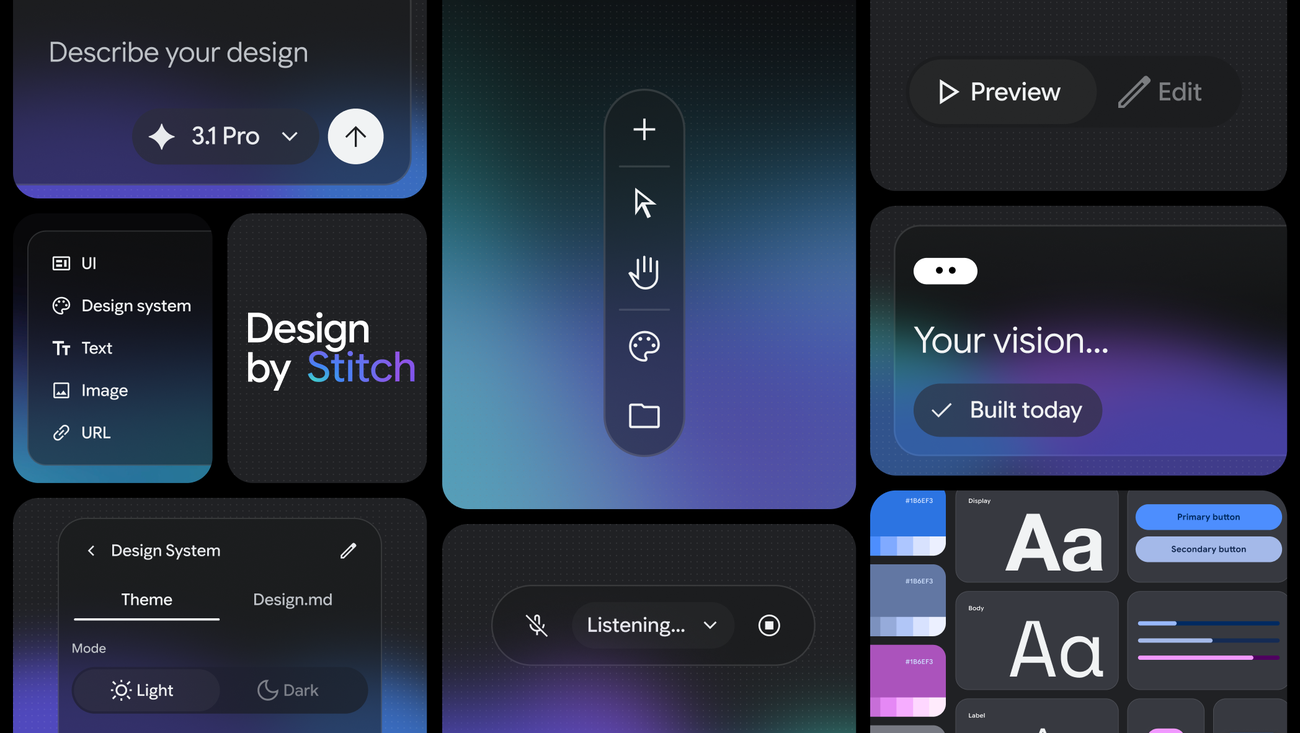
Featured image credit: Google, from Google Blog, Introducing vibe design with Stitch
What Google Stitch Is
Google’s launch post says Stitch is evolving into an AI-native software design canvas. You create, iterate and collaborate on high-fidelity UI from natural language. Google published the post on March 18, 2026, and a product manager at Google Labs wrote it.
| Feature | What Google says |
|---|---|
| Infinite canvas | An AI-native canvas that accepts images, text or code as context, with a full redesign of the Stitch interface |
| Design agent | An agent that reasons across the whole project as it changes |
| Agent manager | Tracks progress and helps you work on several ideas in parallel |
| Prototyping | Connect screens, press Play to preview the flow, and let Stitch generate logical next screens from a click |
| Voice | Speak to the canvas for real-time design critiques, edits and interview-style design sessions |
| DESIGN.md | An agent-friendly markdown file for exporting or importing design rules to or from other tools |
| Design system extraction | Pull a design system from any URL |
| Developer handoff | The Stitch MCP server, an SDK, Skills, and export to developer tools such as AI Studio and Antigravity |
Who Can Use Google Stitch and What It Costs
Google’s launch post says anyone can use Stitch to create high-fidelity UI. Google’s help page for nonprofits calls it an experimental AI design canvas from Google Labs. That page says eligible nonprofit organizations can use it at no cost through Google Labs when they sign in with their organization’s Google Account.
Neither page states a price for other users, a usage limit, or a list of countries and languages. Open Stitch with your own Google Account to see what your account gets.
How to Create Your First Design in Google Stitch
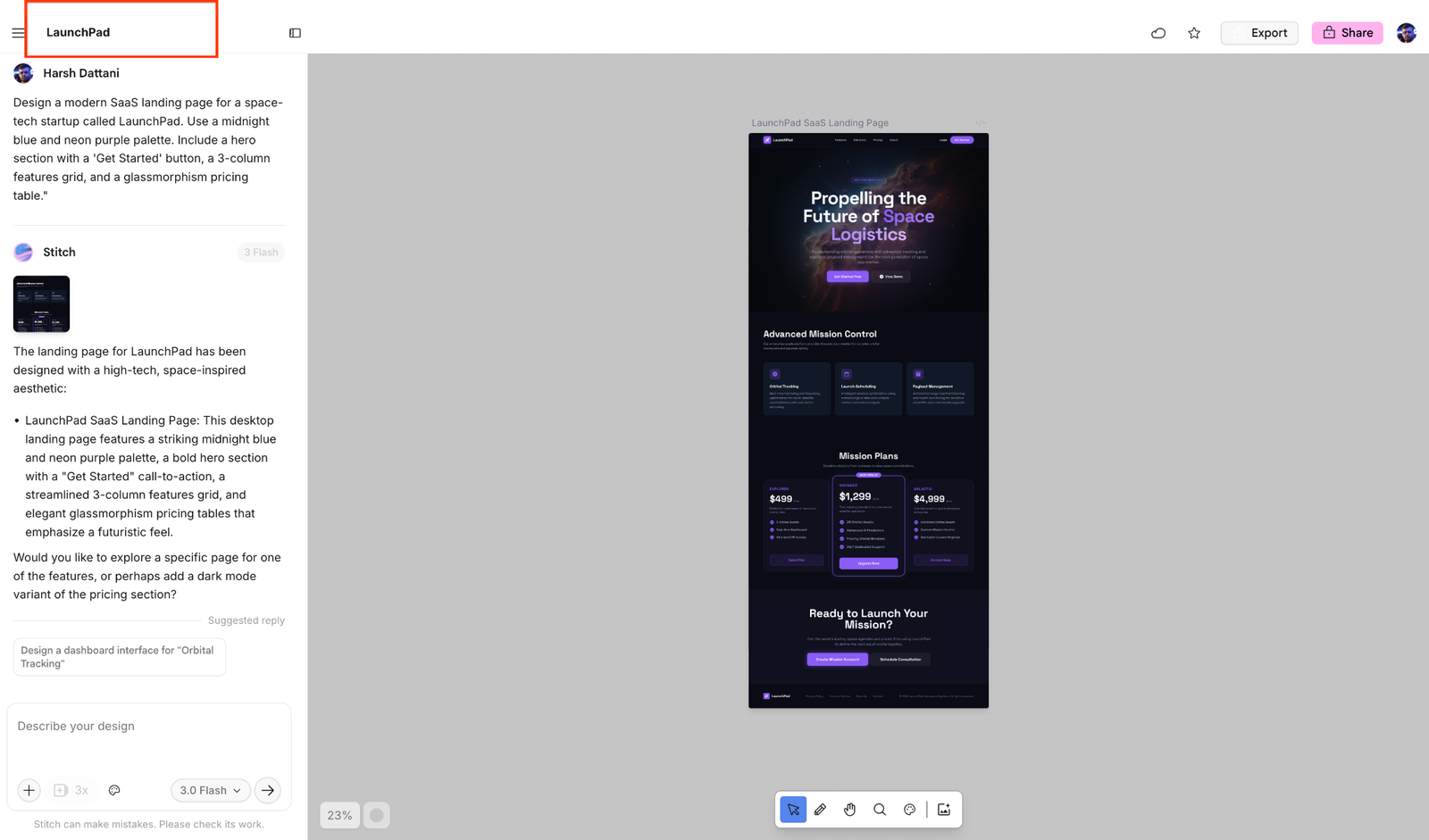
These steps follow Google’s codelab, which builds a sample landing page for a made-up company called LaunchPad. Google’s screens and labels may change, so treat the names below as a guide.
- Sign in to Stitch with a Google Account.
- On the dashboard, find the Start a new design toggle and choose Web.
- Open the model dropdown. The codelab says it showed 3.0 Flash and tells you to select Gemini 3.
- In the Describe your design box, enter your prompt.
- Select the arrow icon next to the model selector to generate.
- Name the project in the top header.
Google’s help page for nonprofits lists a similar flow: create a design prompt, optionally upload visual references, review layout variants and export. It says Stitch can start from natural language, whiteboard sketches or wireframe screenshots.
What to put in your prompt
The codelab’s sample prompt names a company, a color palette, a hero section with a Get Started button, a three-column features grid and a glassmorphism pricing table. That gives Stitch a purpose, a style and a layout in one request.
These three prompts are our own examples, not Google’s:
| Goal | Example prompt |
|---|---|
| Booking app | Design a mobile home screen for a yoga studio booking app. Use soft green and cream, a class list with times, and a bold Book now button. |
| Dashboard | Design a web dashboard for a small online shop. Show daily sales, top products and low stock alerts. Use a clean white layout with one blue accent. |
| Landing page | Design a landing page for a free budgeting tool for students. Include a hero, three feature cards, a short FAQ and a sign-up form. |
Prototype and Preview a Flow
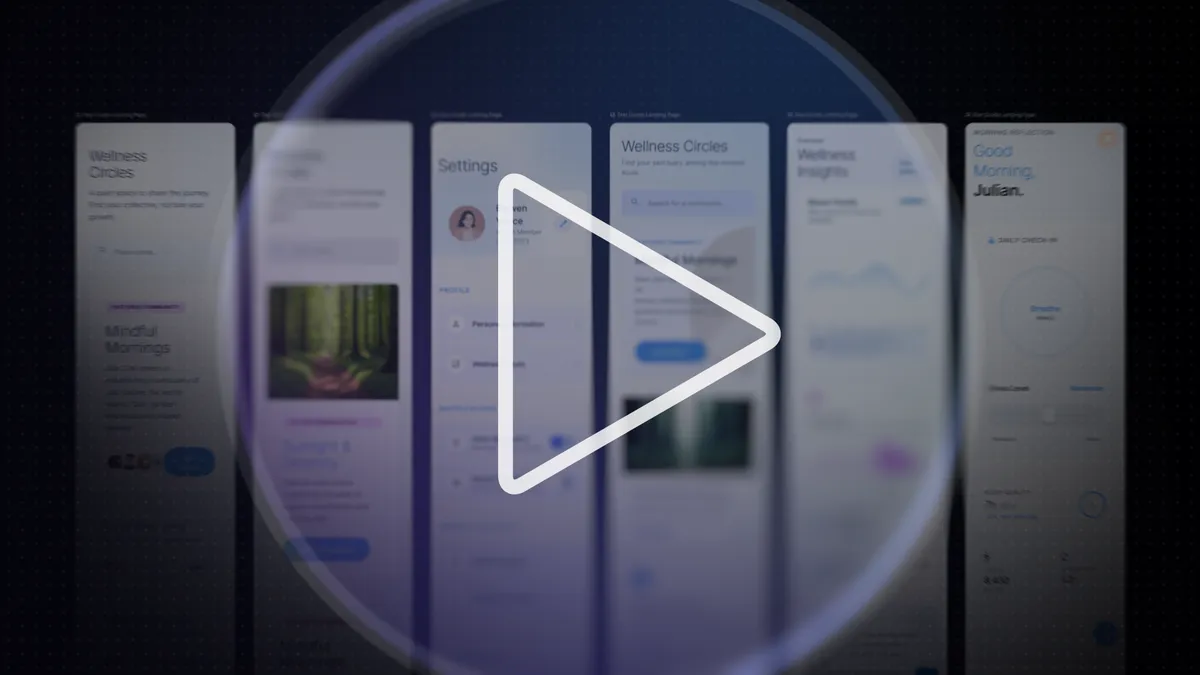
Google says you can connect screens and press Play to preview the flow. Stitch can also generate logical next screens based on the click you make. That helps you check a sign-up or checkout path before you write code.
Talk to the Canvas with Voice
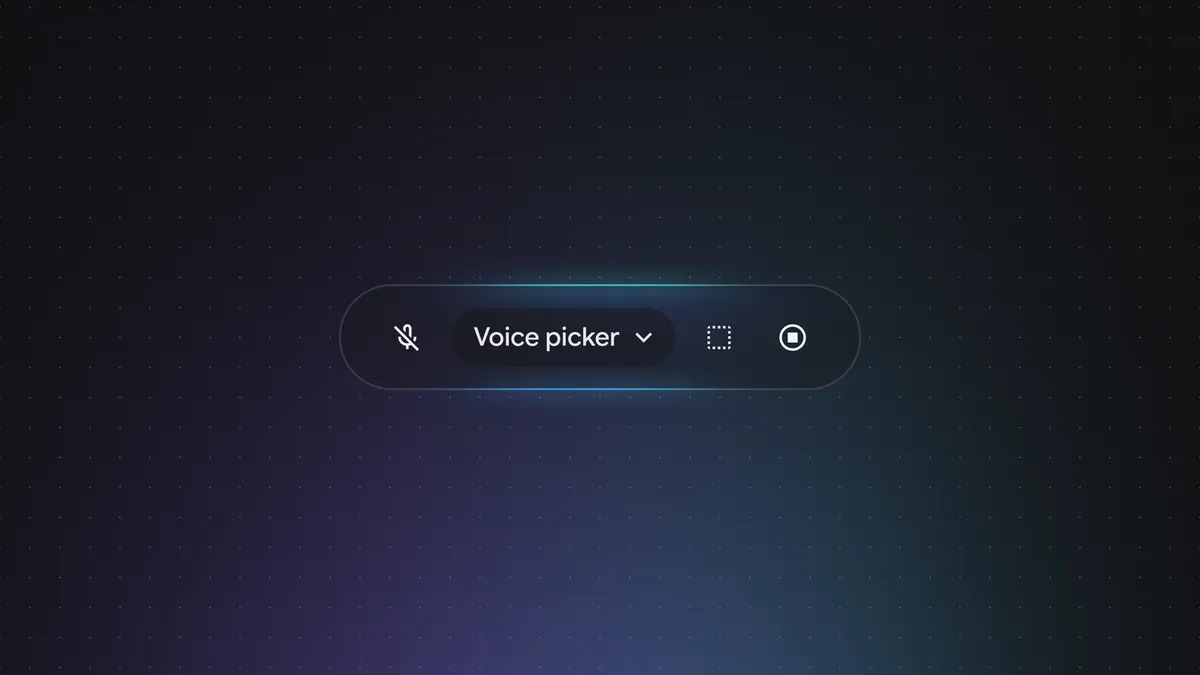
Google says you can speak directly to your canvas. The agent can give real-time design critiques, design a new landing page by interviewing you and update the design as you talk. Google’s examples include asking for three different menu options, or asking to see a screen in different color palettes.
Google does not say which languages voice supports or how long you can speak. Test it with your own accent and vocabulary before you rely on it.
Design Systems and DESIGN.md
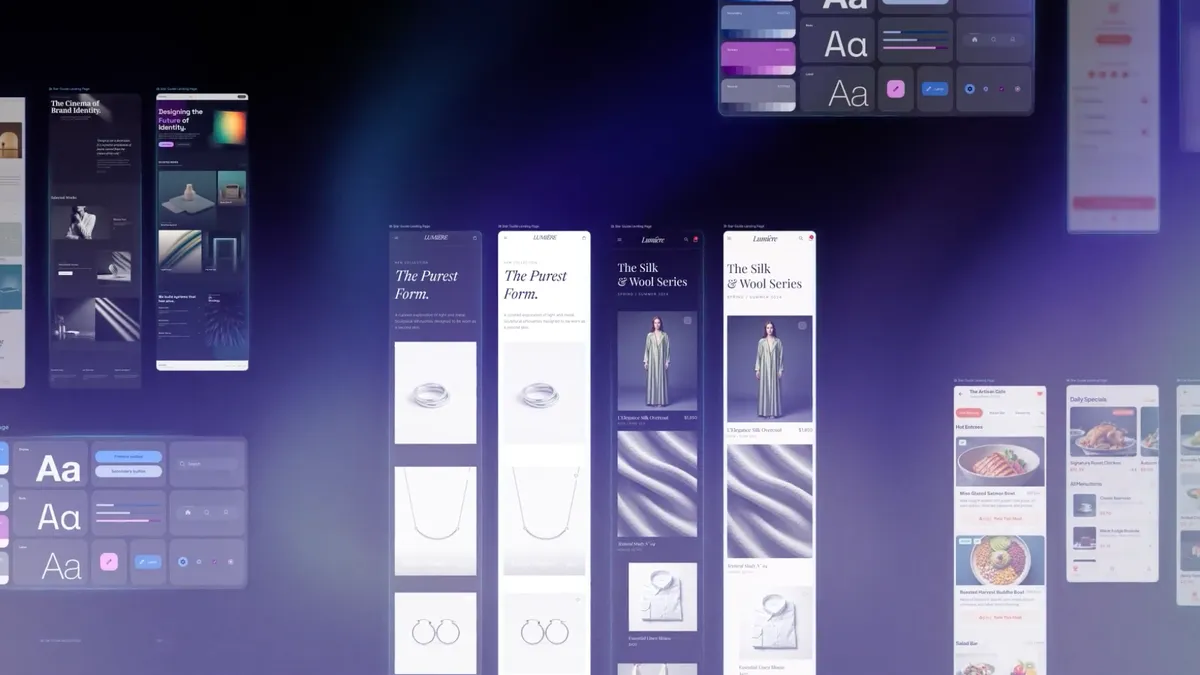
Stitch can extract a design system from a URL. Google also introduces DESIGN.md, an agent-friendly markdown file that holds your design rules. You can export or import it to move your rules between Stitch projects and other design or coding tools.
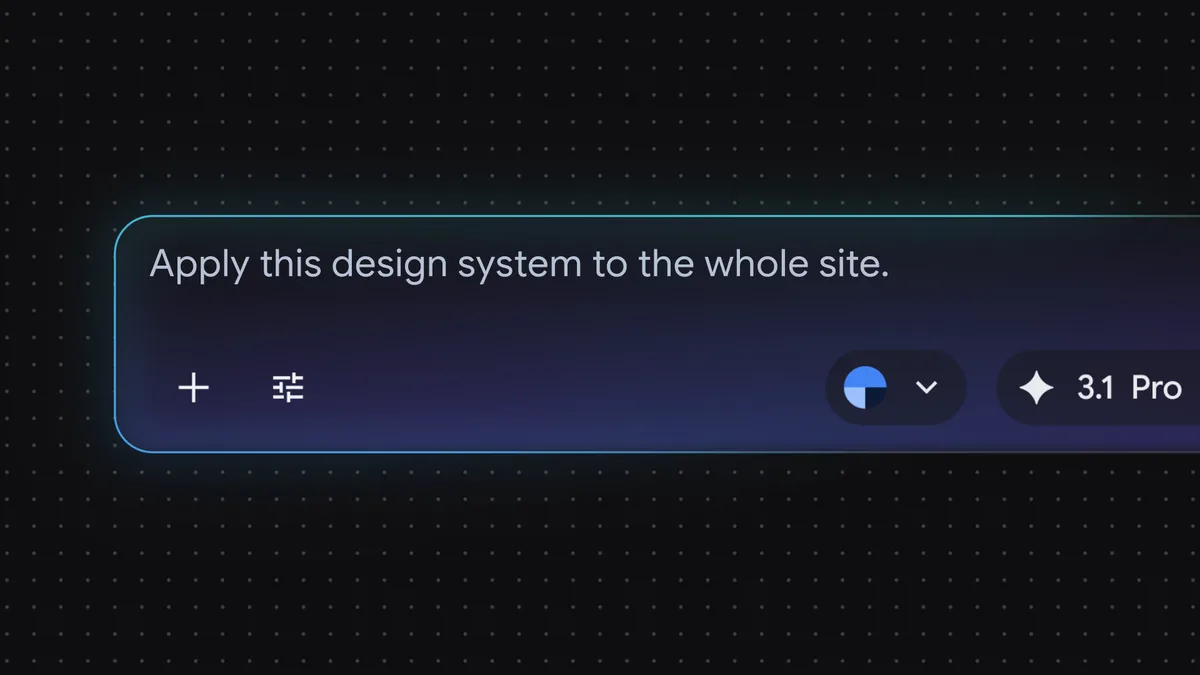
Google’s example shows a prompt that reads “Apply this design system to the whole site.” The post does not list what a DESIGN.md file contains, so open one in your own project to see its fields.
From Stitch to Code and Other Tools
Google’s launch post names three routes for developers, plus export to AI Studio and Antigravity:
- The Stitch MCP server, which lets coding agents read your designs.
- The Stitch SDK.
- Stitch Skills.
The nonprofit help page also says you can export a layout to Figma or download frontend code, including HTML and CSS and popular framework templates. Google’s launch post does not mention Figma, so check the export menu in your own account.
The codelab workflow
Google’s codelab connects Stitch to the Antigravity editor in these steps. It lists Chrome, Antigravity, a Stitch account, a Stitch API key and Node.js 18 or later as requirements. It also asks you to select or create a Google Cloud project with billing enabled.
- Create a design in Stitch and name the project.
- Open your profile picture, then Stitch settings, then the API key section, and select Create key.
- In Antigravity, open the MCP store from the three-dot menu in the agent pane, search for Stitch, install it and paste your key.
- Check the link with the prompt “List my Stitch projects.”
- Ask the agent to fetch the project and generate a DESIGN.md file with the colors and typography.
- Ask it to build the site, for example with React and Tailwind CSS, then review and refine in the preview.
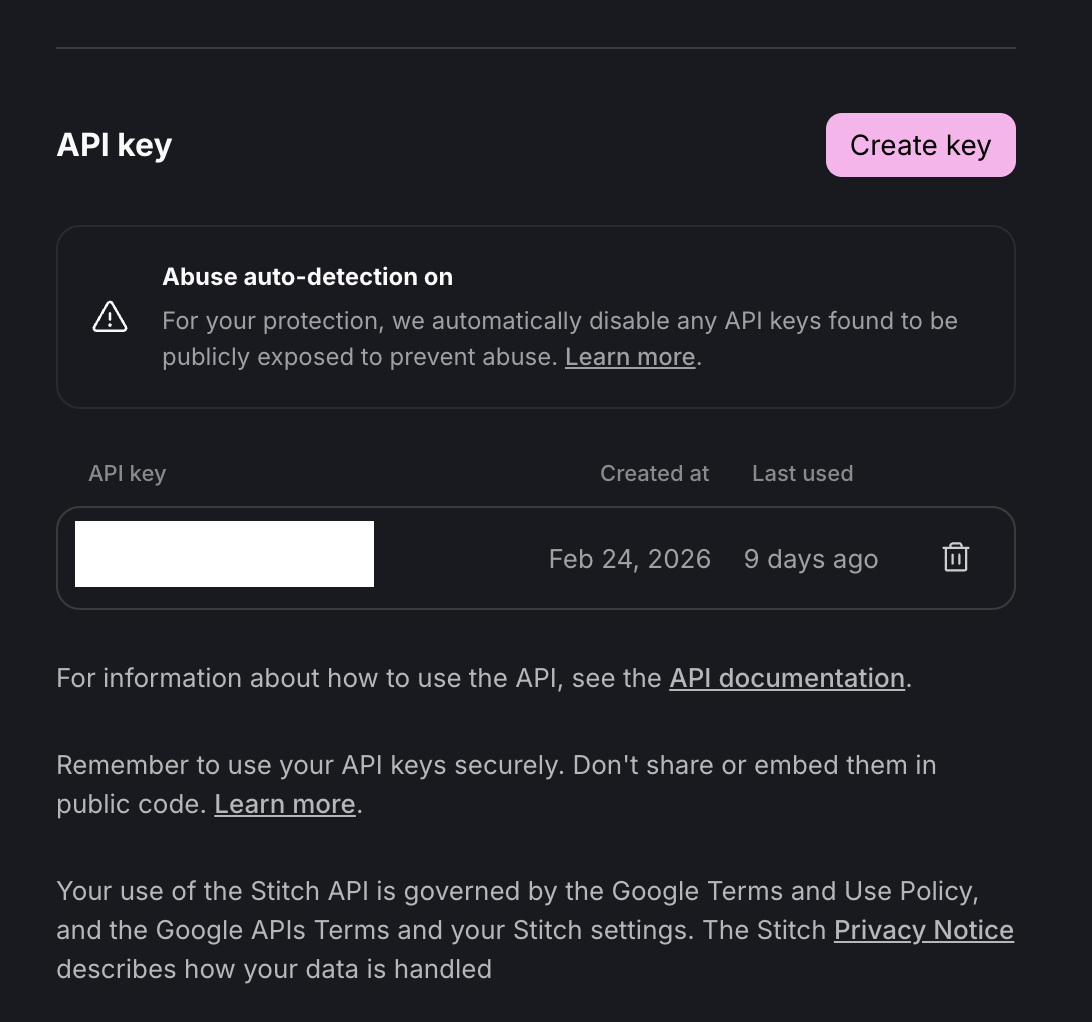
Treat your API key like a password. Do not paste it into public chats, screenshots or shared files.
Which AI Model Does Stitch Use?
Google’s launch post names no model. Google’s codelab shows a model dropdown that read 3.0 Flash and tells you to pick Gemini 3. The hero image on Google’s launch post shows a model menu that reads 3.1 Pro. That tells us the model menu changes over time, and we cannot say which model your account will show.
What Google Has Not Said
| Question | Answer in the pages we read |
|---|---|
| Price for non-nonprofit users | Not stated |
| Usage limits or quotas | Not stated |
| Countries and languages | Not stated |
| Export file formats | Not stated in the launch post. The nonprofit page names Figma and frontend code |
| Default AI model | Not stated in the launch post |
| Voice languages | Not stated |
Where Google Stitch Fits
This is our own view. Stitch looks most useful for first drafts: a quick set of screens, a clickable flow or a starting design system that you refine by hand. It is less proven for brand-exact production work, because Google gives no limits or quality guarantees. If you already work in Figma, our Figma beginner guide shows the manual route. For a wider comparison, see our guide to the best AI UI design tools.
Canva and Adobe are moving toward the same chat-first style. See our summaries of Canva AI 2.0 and Adobe Firefly new features.
FAQ
Google Stitch is an AI design tool from Google Labs. Google says it lets you create, iterate and collaborate on high-fidelity UI from natural language, on an AI-native infinite canvas with a design agent.
Google’s help page for nonprofits says eligible nonprofit organizations can use it at no cost through Google Labs. Google’s pages we read do not state a price or usage limit for other users.
Google uses vibe design for its newest direction in Stitch, where you describe the feel and goal of an interface and the AI builds and refines it. Google’s launch post uses the phrase in its title.
Google’s help page for nonprofits says you can export a layout to Figma. Google’s launch post does not mention Figma and names AI Studio and Antigravity instead, so check the export options in your account.
DESIGN.md is an agent-friendly markdown file that holds your design rules. Google says you can export or import it to move your design system between Stitch and other design or coding tools.
Yes. Google names the Stitch MCP server, an SDK and Skills for developers, and says you can export to AI Studio and Antigravity. The nonprofit page also mentions downloadable frontend code.
Yes. Google says you can speak to the canvas for design critiques and real-time updates. Google does not list supported voice languages.
Google’s launch post does not name one. Google’s codelab showed a menu with 3.0 Flash and told users to choose Gemini 3, and Google’s hero image shows 3.1 Pro, so the choice changes over time.