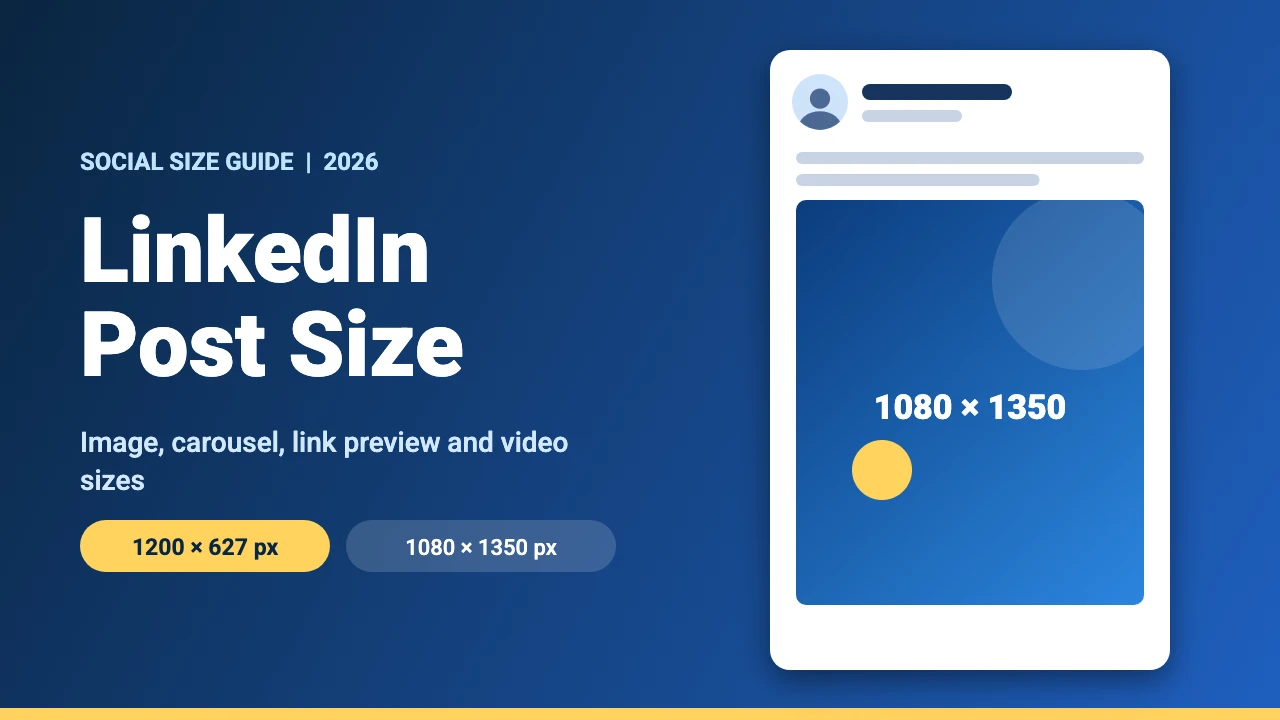
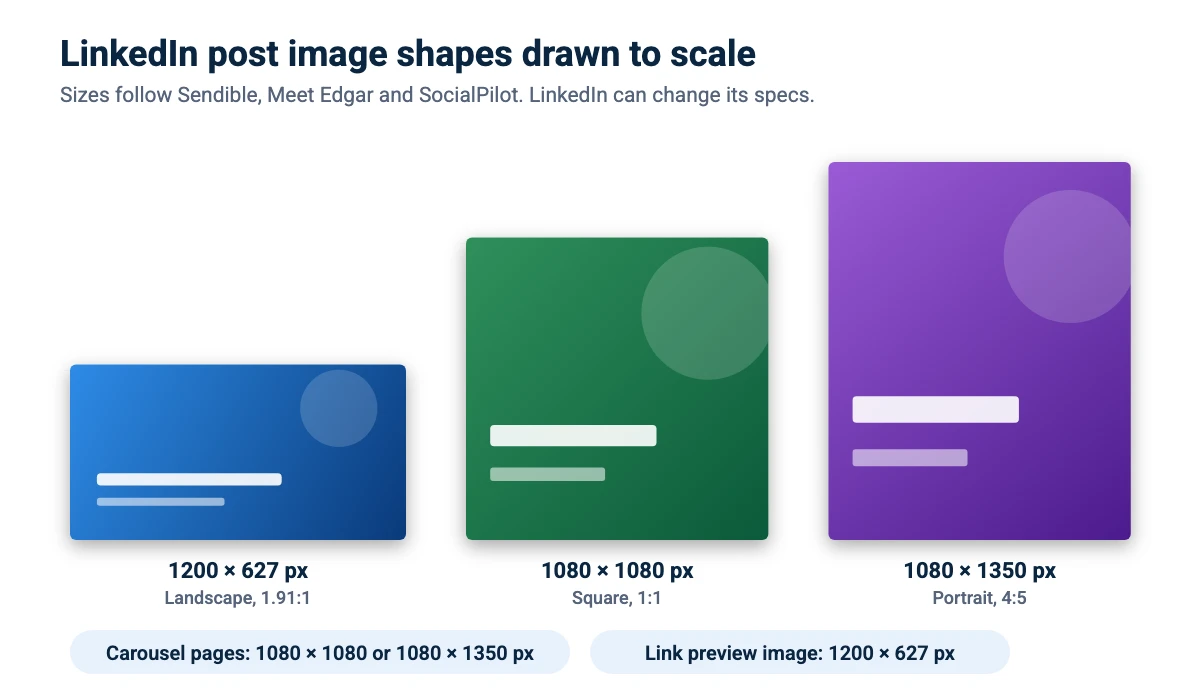
The best LinkedIn post image size is 1200 x 627 pixels for a landscape image, 1080 x 1080 pixels for a square one and 1080 x 1350 pixels for a portrait (4:5) image. Carousel and document posts use 1080 x 1080 or 1080 x 1350 pixels per page. This guide covers image, link preview, carousel and video sizes, file limits and how to design a LinkedIn post in Canva.
LinkedIn Post Sizes at a Glance
LinkedIn’s help pages block automated tools, so we could not read them directly. The sizes below come from three independent guides that agree on the main sizes: Sendible, Meet Edgar and SocialPilot. LinkedIn can change its specs, so check the upload screen when you post.
| Format | Size | Ratio | Notes |
|---|---|---|---|
| Landscape image | 1200 x 627 px | 1.91:1 | JPG or PNG, keep under 5 MB |
| Square image | 1080 x 1080 px | 1:1 | Takes more space in the feed |
| Portrait image | 1080 x 1350 px | 4:5 | The tallest common image shape |
| Link preview image | 1200 x 627 px | 1.91:1 | Shown when you share a link |
| Carousel or document page | 1080 x 1080 or 1080 x 1350 px | 1:1 or 4:5 | Upload as a PDF; documents up to 100 MB and 300 pages |
| Video | 1920 x 1080, 1080 x 1080 or 1080 x 1350 px | 16:9, 1:1 or 4:5 | MP4, 3 seconds to 10 minutes (see the note below) |
| Article cover image | 1200 x 644 px | About 1.86:1 | JPG or PNG, keep under 5 MB |
The guides do not agree on everything. Two of them list a 200 MB maximum for video but mention 5 GB elsewhere on the same page, and one lists a vertical image size of 627 x 1200 pixels while the others give 1080 x 1350. Check the current limits in LinkedIn before you upload a large file.
LinkedIn Image Post Size (1200 x 627, 1080 x 1080 and 1080 x 1350)
A single image post can be landscape, square or portrait. Landscape at 1200 x 627 pixels matches the shape of link previews. Square at 1080 x 1080 pixels and portrait at 1080 x 1350 pixels are taller, so they fill more of the screen on a phone. Use JPG or PNG and keep files under about 5 MB. PNG keeps text sharp, while JPG gives smaller files for photos.
LinkedIn Carousel and Document Post Size
Carousels on LinkedIn are uploaded as documents, usually a PDF. Use 1080 x 1080 pixels for square pages or 1080 x 1350 pixels for portrait pages, and keep each page’s text large enough to read on a phone. Two of the guides give 100 MB as the maximum file size and 300 pages as the maximum length.
LinkedIn Video Size
One guide lists landscape (1920 x 1080), square (1080 x 1080), portrait (1080 x 1350) and vertical (1080 x 1920) shapes for organic video, in MP4 format. Two guides give a length of 3 seconds to 10 minutes. Our YouTube video size guide covers common video resolutions and aspect ratios.
LinkedIn Link Preview Image Size
When you share a link, LinkedIn shows a preview image from the page. The guides give 1200 x 627 pixels for it, the same as a landscape post. Set the image on your page and check the preview before you share.
How to Make a LinkedIn Post in Canva
- Create the design. In Canva, click Create a design, choose Custom size and enter 1080 x 1350 px for a portrait post, 1080 x 1080 px for a square one or 1200 x 627 px for a landscape one. Custom sizes work on the free plan, and our guide to Canva Pro pricing explains what the paid plan adds.
- Lead with one idea. Put a short headline at the top and keep the rest of the text small in amount. Our Canva fonts list and Canva font pairings help with readable type.
- Add a face, a logo or a simple graphic. If you need an original image, try one of the free AI image generators, and crop it in Canva to fit the frame.
- Export. Download PNG for sharp text, or PDF for a carousel or document post.
- Preview before you post. Check the post on your phone and on a computer, because the feed can crop images.
If you want to reuse a design in another size, the resize guide explains how. New to the tool? Start with our guide to using Canva.
LinkedIn Post Design Tips
Make the text readable on a phone
Check how the post looks on a phone, because the feed is narrow there. Use large text, strong contrast and short lines.
Keep your profile and posts consistent
Your profile is where interested readers go to learn more about you, so set it up with the right LinkedIn banner size and use the same colors and fonts. Our brand kit examples show how.
Reuse your content on other platforms
A portrait design can often be adapted for other feeds. See our guides to the Instagram post size and the Instagram story size.
FAQ
1200 x 627 pixels works for landscape, 1080 x 1080 pixels for square and 1080 x 1350 pixels for portrait. Portrait and square take up more of the feed.
Use 1080 x 1080 pixels for square pages or 1080 x 1350 pixels for portrait pages, uploaded as a PDF document.
Guides give 1200 x 627 pixels, the same as a landscape post image.
JPG or PNG is the safe choice, and the guides suggest keeping image files under 5 MB.
One guide lists 1920 x 1080, 1080 x 1080, 1080 x 1350 and 1080 x 1920 pixels in MP4 format. Two guides give a length of 3 seconds to 10 minutes.
Two of the guides give a limit of 300 pages and 100 MB per document.
Images that do not match the common shapes may be cropped in the feed. Use 1200 x 627, 1080 x 1080 or 1080 x 1350 pixels, keep key content in the middle and preview the post before you publish.
Yes. Create a custom size design, add your text and graphics and download it as a PNG or PDF. Custom sizes are available on the free plan.