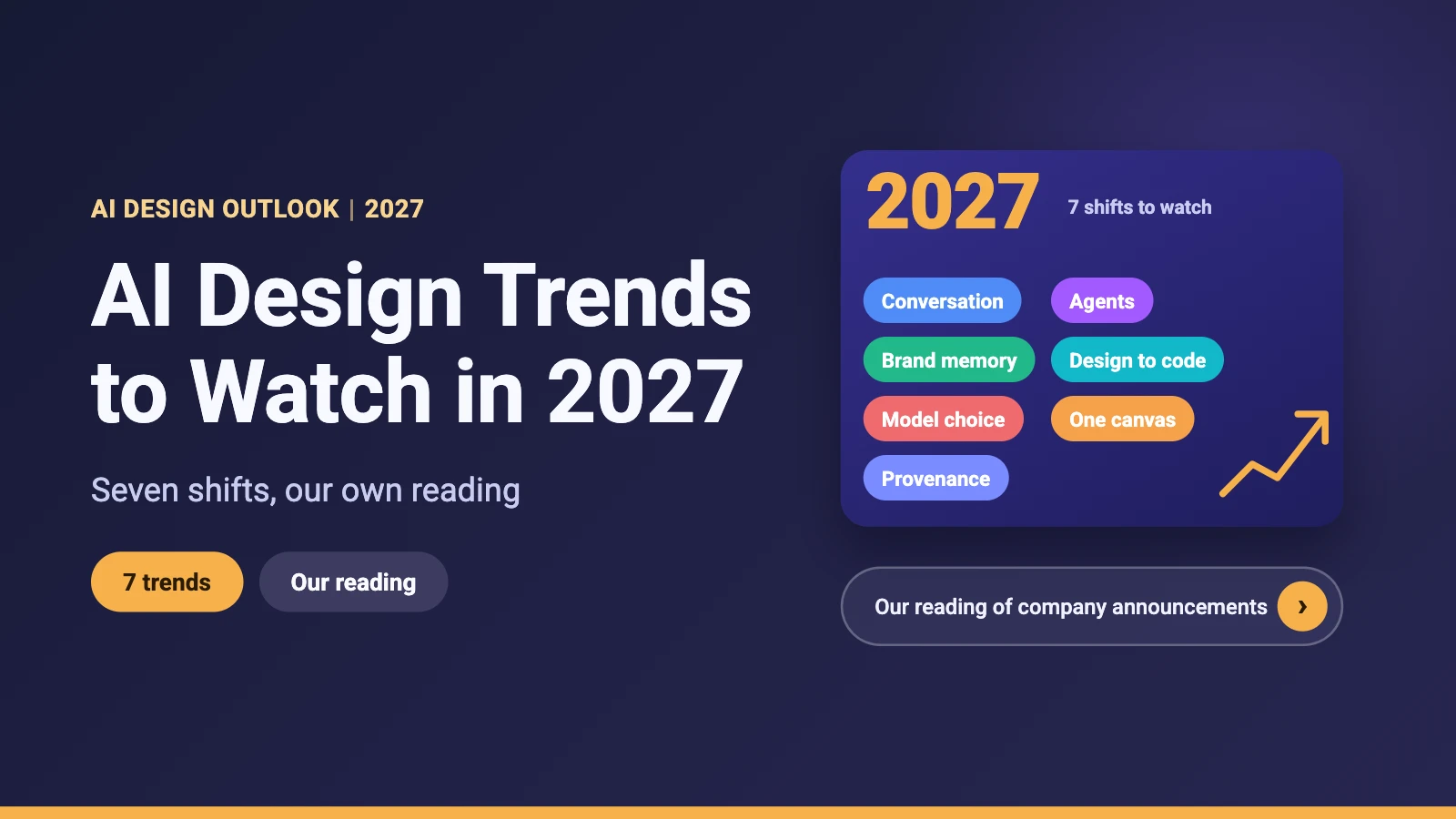
AI design trends in late 2026 point one way: tools that you talk to, that plan before they act and that remember your brand. This guide sorts the trends we see in official announcements from Adobe, Canva, Google and Figma, and says what each one means for designers.
The trends are our own reading, not an official forecast. We drew on the pages we read for our other guides. Where a company gives no figure, date or plan, we write “Not stated.”
Illustration by Designers Choice, not an official screenshot
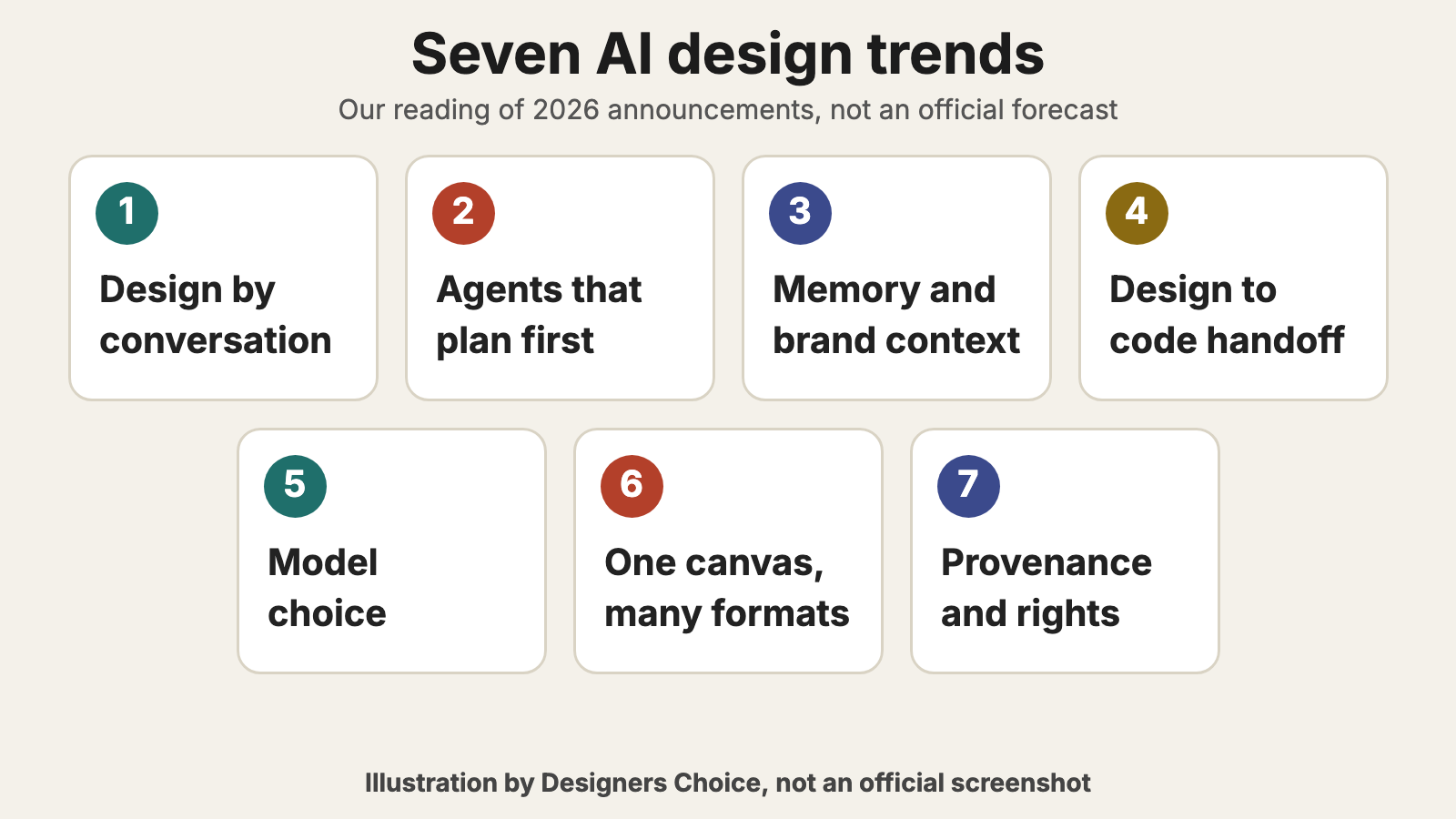
AI Design Trends at a Glance
| Trend | Where we see it | Why it matters |
|---|---|---|
| Design by conversation | Canva AI 2.0, Firefly AI Assistant, Google Stitch, Figma Make | The first draft starts with a brief, not a blank canvas |
| Agents that plan first | Firefly Plan Mode, Figma Make plan mode | You review the steps before the tool changes your file |
| Memory and brand context | Canva Memory Library, Firefly preferences, Stitch DESIGN.md | Your style carries from one project to the next |
| Design to code handoff | Stitch MCP server, Figma Make, Firefly Builder, Canva Code 2.0 | Designs turn into working prototypes sooner |
| Model choice | Firefly Model Selector, Canva Core and Brush, Figma Make models | You pick the engine for each job |
| One canvas, many formats | Firefly Design, Canva layered objects, Recraft vectors | Edits stay possible after generation |
| Provenance and rights | Content Credentials, Firefly indemnity, U.S. Copyright Office | Clients ask where images came from |
Trend 1: Design by Conversation
Canva says you can start with an idea, a goal, a brief or a rough sketch, then work through it in conversation. Google describes Stitch as a canvas where you create from natural language, and it lets you speak to the canvas. Figma Make is a chat with an agent that builds an app from a prompt. Adobe marks its Firefly AI Assistant as beta.
Our guides cover each one: Canva AI 2.0, Google Stitch, Figma Make and Adobe Firefly new features. We also explain the shared idea in what is vibe design.
What it means for designers: a clear brief becomes a core skill. The better you state the goal, the audience and the constraints, the better the first draft.
Trend 2: Agents That Plan Before They Act
Two companies now describe a planning step. Adobe’s Firefly AI Assistant has a Plan Mode, where you review and approve the agent’s plan or let it run. Figma’s plan mode makes the agent read your project and write a plan before it changes any code, and the plan appears as a plan.md file you can edit.
Figma says plan mode uses more AI credits than build mode. Adobe does not say how its assistant counts credits. For both, the point is the same: you see the steps first, then decide.
What it means for designers: reviewing a plan is a new habit. Read the plan, cut steps you do not want and only then approve it.
Trend 3: Memory and Brand Context
Tools are starting to hold on to your style. Canva’s Memory Library remembers how you work, and its Brand Intelligence applies your fonts, colors and style from the first output. Adobe says its AI Assistant can save your preferences or learn from your chats, and that you can edit or delete what it keeps. Google’s DESIGN.md is an agent-friendly markdown file for design rules, and Stitch can extract a design system from a URL.
| Tool | How it keeps brand context | Status per its pages |
|---|---|---|
| Canva AI 2.0 | Memory Library and Brand Intelligence | Research preview at launch |
| Adobe Firefly AI Assistant | Preferences and AI Assistant Memory | Beta |
| Google Stitch | DESIGN.md and design system extraction from a URL | Described in the March 18, 2026 launch post |
What it means for designers: a well-kept brand file pays off twice. It speeds up your own work, and it gives every AI tool the same starting rules.
Trend 4: Design to Code Handoff
Google lists the Stitch MCP server, an SDK and Skills for developers, plus export to AI Studio and Antigravity. Figma Make turns a design or an idea into an interactive app. Adobe describes Firefly Builder, in private beta, as prototypes of websites, presentations or apps from natural language. Canva lists Canva Code 2.0, which builds interactive experiences from one prompt.
Google is careful about the limit. It says a vibe-coded app is not automatically a launched product, and that wide use still needs coding skill and precision.
What it means for designers: you can show a working prototype instead of a static mockup. You still need a developer, or your own coding skill, to ship.
Trend 5: Model Choice
Adobe says Firefly now offers more model choice, and its newsroom release names partner models along with a Model Selector. Canva lets you choose between Canva Brush and Canva Core when you generate designs. Figma Make starts each file on a default model and lets you change it in the chat box.
None of these pages give a simple rule for which model to pick. Adobe does not say which model each plan can use, or what each model costs in credits.
What it means for designers: test two models on the same brief before a client project. Also check the terms for any partner model, because licence terms can differ. Our guide to AI generated images for commercial use lists what to ask.
Trend 6: One Canvas, Many Formats
Adobe’s Firefly Design page describes one canvas for vector, raster, motion, 3D and print. Canva says it builds each design from individual, editable objects, so every element stays layered. Recraft says vector generation and the Vector Editor are included on every plan, including Free.
Our guide to how to use Recraft AI shows the vector side.
What it means for designers: ask whether the output stays editable. A layered or vector result saves time when the client asks for a change.
Trend 7: Provenance and Rights
Content Credentials record where a file came from and what edits it had. The C2PA standard sits behind them. Adobe says it applies C2PA metadata automatically when you download or export content that includes a Firefly asset. The U.S. Copyright Office said on January 29, 2025 that prompts alone do not give copyright protection.
Read what are Content Credentials for how they work and their limits, and our commercial-use guide above for the rights side.
What it means for designers: expect clients to ask which parts of a deliverable used AI. Keep your prompts, settings and layered files.
The Limits Companies Name
The same announcements admit weak spots. They are worth reading before you promise clients anything.
- Figma says subjective inputs can lead to inconsistent results, and that complex layouts need hands-on refinement.
- Figma says you may need extra steps for accessibility and performance.
- Canva says the agent works best on simpler layouts, and that open-ended prompts such as “make it better” can change more than you meant.
- Adobe labels most of its new tools and capabilities as beta, and gives no price or credit details for several.
How to Get Ready
This is our own advice, not any company’s.
- Write a one-page brand file: colors, fonts, tone, logo rules and examples you like.
- Practice writing briefs. Our guide to AI image prompts for graphic design gives a simple formula.
- Pick one chat-first tool and use it on a real project for a week.
- Keep layered source files for every deliverable.
- Turn on Content Credentials when your tools support them.
- Test colors for contrast. Our guide to the best AI color palette generators shows how.
- Read the commercial-use terms for each plan before you deliver client work.
For a wider tool list, see our roundup of the best AI design tools for graphic designers.
What We Could Not Confirm
| Question | Answer on the pages we read |
|---|---|
| An official forecast for 2027 from any of these companies | Not stated |
| How many designers use these tools | Not stated |
| Pricing and credit limits for Firefly AI Assistant and Canva AI 2.0 | Not stated on the pages we read |
| When beta tools such as Firefly Design and Firefly Builder reach general availability | Not stated |
| Which trend will last longest | Not known. This is our reading, not a prediction from the companies |
FAQ
From the official pages we read, we see seven: design by conversation, agents that plan first, memory and brand context, design to code handoff, model choice, one canvas for many formats, and provenance and rights.
No. They are our own reading of 2026 announcements from Adobe, Canva, Google and Figma. None of those pages gives an official forecast for 2027.
Neither Google nor Figma says so. Figma calls vibe coding a creative accelerator, not necessarily a replacement. People still set goals, check quality and make designs accessible.
It is a step where the AI writes out its plan before it changes your file. Adobe’s Firefly AI Assistant and Figma Make both describe one, and you can review and edit the plan before it runs.
Google describes DESIGN.md as an agent-friendly markdown file for exporting or importing design rules between Stitch and other design or coding tools.
Adobe labels the Firefly AI Assistant, Firefly Graph and Firefly Design as beta, and Firefly Builder as private beta. Canva described Canva AI 2.0 as a research preview at launch.
Keep a clear brand file, practice writing briefs, keep layered source files and read the commercial-use terms for each plan. Try one chat-first tool on a real project.
No, but Google says taking an app to wide use still needs coding skill and precision. For design work alone, you can stay in the design tool.